


Juninho190
Members
-
Joined
-
Last visited
Everything posted by Juninho190
-
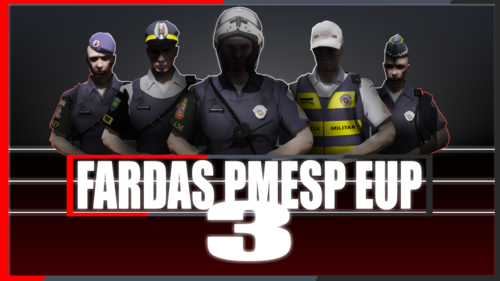 Realmente, a policial feminina foi porque eu me esqueci de alterar as suas configurações do UltimateBackup. Resolvido já... Obrigado e parabéns
- 7 comments
- 1 review
-
Ótimo trabalho, texturas de alta qualidade, muito fiel ao estado de São Paulo, completo! Pra quem é brasileiro e joga LSPDFR, vale muito a pena! Parabéns pelo esforço!
- 7 comments
- 1 review
-
Antes de tudo, parabéns pelo grande trabalho! Quem é de São Paulo esperava muito por isso... Algumas observações: - Como no gif abaixo, na hora de selecionar o personagem o coldre vem corretamente, mas depois que vc saca a arma algumas vezes ele muda para a cor do coldre da PRF. A princípio achei que fosse causado pelo Cop Holster mas alguns reforços do UltimateBackup também vem com o coldre da PRF. - Quando chamo reforço feminino do TOR, ela vem com colete da PRF kkkkkk http://prntscr.com/rcbl5e
- 7 comments
- 1 review
-
Yes I have, but on the second log says that the model is SHERIFF, it has the vehicle model changed too, but before the 0.4.1 update, the ambient events worked normally
-
First crash: Then I "ReloadAllPlugins" and I started to play again, but, second time: My .INI file is already set PreloadAllModels = False Sorry bad English 🙂
-

