


585ny14603
Members
-
Joined
-
Last visited
Everything posted by 585ny14603
-
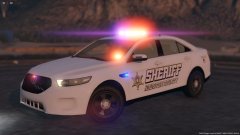 I feel that the wheels and tires need some work. The model itself is great however.
 -
The skin has a transparent background so he has just made the color of the car blue. Other than that, if the skin is not included in the file you'll have to contact him to get it.
-
 I'm sure this will be the big advertised feature of .32. Keep up the good work though, this is a great addon.
- 127 comments
- 33 reviews
-
-

- 1
-
-
It sucks. What else is there to think about this?
-
-
 Gump pls
 -
Your Windows could be automatically blocking some files, though usually Rage says they're blocked and has a prompt to unblock them. Try right clicking on some of the Rage files and see if there's something that says "unblock file" at the bottom of the box that comes up.
-
Does the rage console work? If so, try typing "ForceDuty" into the console (without the quotes).
-
Pretty simple; in your carvariations.meta you didn't close the <Item> tag. At the bottom of the sheriff3 entry, below "</colors>" you need to put "</Item>" so it should look like: </colors> </item> <item> (police2 and rest of stuff follows)
-
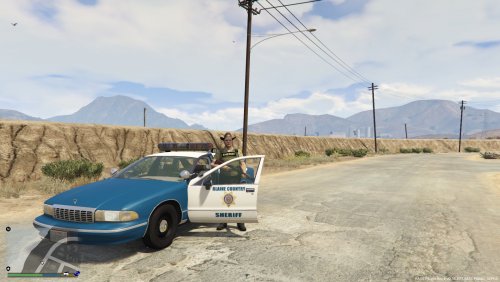 This is kinda funny, but you fixed "Blain" into "Blaine" but then you changed "County" into "Country" :D
- 7 comments
- 1 review
-
@nicomedic911 What font is that by the way? It seems familiar but I can't place the name.
- 7 comments
- 1 review
-
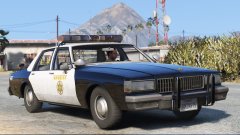 Put the 2 separate bubble lights with the siren in the middle on there and it's the sheriff car from No Country for Old Men.
 -
Spelled "Blaine" wrong. :# Other than that, looks good though it looks a bit blurry or maybe has some artifacting or something.
- 7 comments
- 1 review
-
 @Steele1925 As long as the hierarchy lines up, it's fine. Other than that, I believe it just follows XML formatting which essentially means the spacing/tabbing of lines doesn't matter. Just make sure all of your lines are /> closed.
- 112 comments
- 36 reviews
-
Vocal dispatch has all of the codes in its config (you can customize and add more). Other than that, I don't believe there is an official list of codes. Closest thing would be Los Angeles codes (for Los Santos) and then probably San Bernardino (arguably Riverside or Imperial County) County for Blaine County. But realistically, not many agencies use ten codes exclusively; lots of them are transitioning to plain-speak a.k.a. just saying what you're trying to say.
-
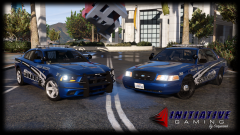 What color combination is that?
 -
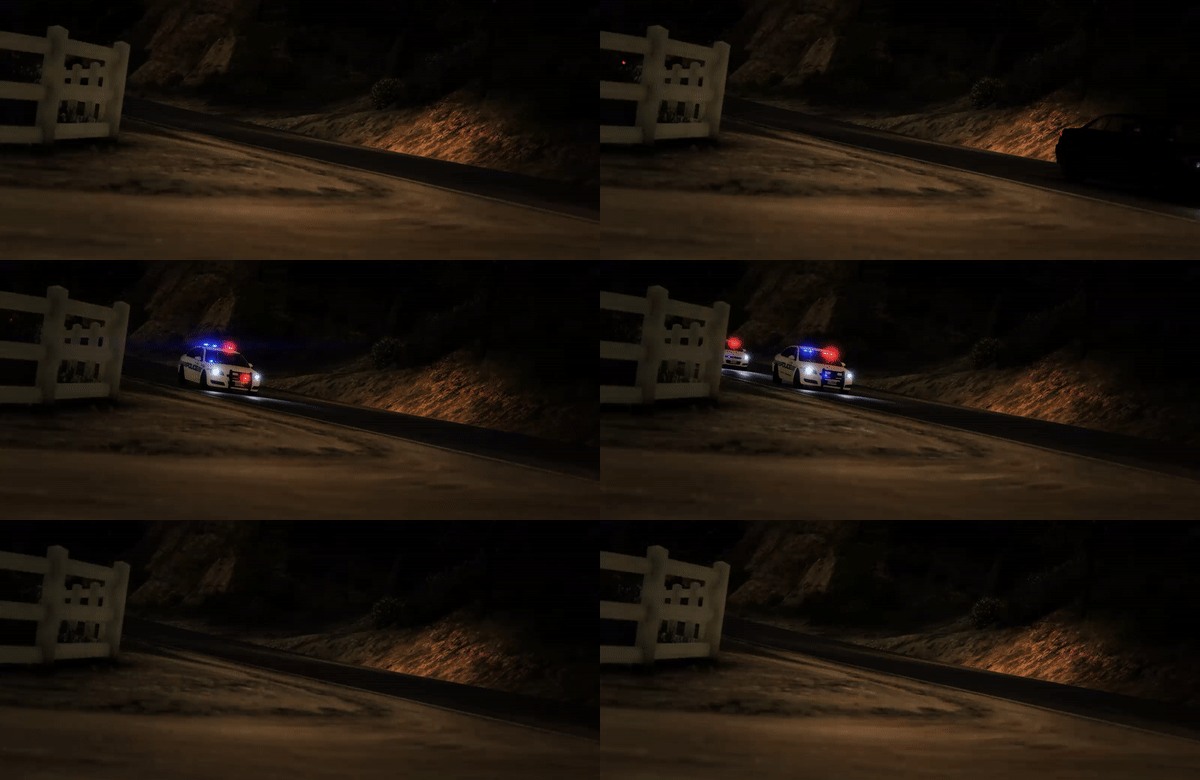 Awesome shot!
 -
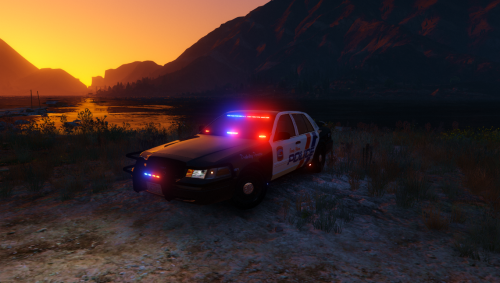 Any way that you could remove (or make into extras) those bars that run along the doors on both sides of the car? Most agencies remove them.
- 41 comments
- 29 reviews
-
Reinstall and make sure it's working, then start installing mods and testing them one at a time. It may seem frustrating and boring at first, installing one mod then loading the game and making sure it works, but it's much better than installing all the mods just to play and have no idea what's causing the issue.
-
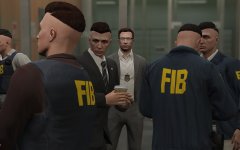 When your 20 identical brothers come over for dinner.
 -
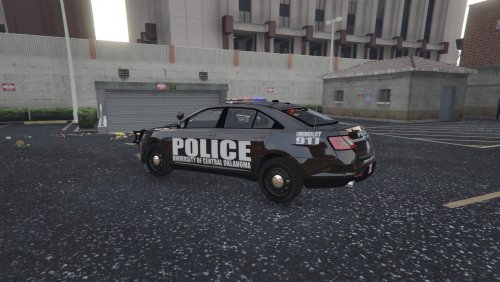 @KADSTOY Looks very good except if you look at the real life picture the decals on the side are tilted so they're parallel with the base of the vehicle rather than with the ground.
- 4 comments
- 1 review
-
-
Pretty sure it shows the downloads for whoever is uploading it. Then the contributors just show next to you at the top of the file. They're "contributors" not the uploader.
-
@Carperino
-
Just a WIP of Ohio sheriff style skins. Trying to figure out the right mix between the "lawful requirments" of the livery layout and what the Ohio sheriff's offices and departments actually use.
.thumb.jpg.61de846de400ca98f85d205992527de1.jpg)


