
Griswald
Members
-
Joined
-
Last visited
Everything posted by Griswald
-
From the album: SA police
Harsh blizzard in North Yankton with a foot of snow expected. -
 Why?
Why? -
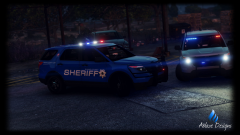 possibly
 -
From the album: SA police
Just a couple things left to do. -
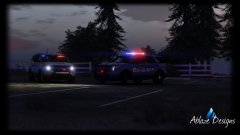
From the album: SA police
coming soon... -
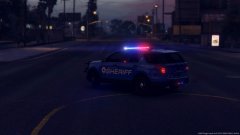
From the album: SA police
Added some different side lighting and more rear lighting. -
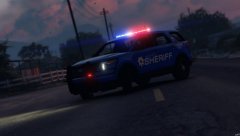
From the album: SA police
WIP BCSO Explorer with the whelen legacy lightbar on top. This model may eventually turn into a K9 unit. -
-
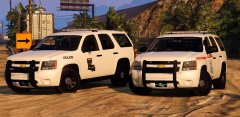 Gump is back!
 -
 Beautiful, I love the interior, a lot of GTA 5 cars are missing high quality interior.
- 157 comments
- 28 reviews
-
-

- 3
-
-
Thanks man.
-
1.I imported the car and the wheel 2.I aligned it with the wheel that came on the model 3.I moved the wheel meshes under the original wheel to the new one I imported 4. I deleted the wheel that came with the model.
-
I am trying to replace the wheels on a charger but when I spawn it in game there are no wheels on the model. Does anyone know what I may be doing wrong or some good tutorials?
-
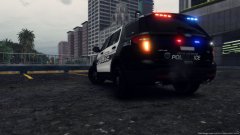
From the album: SA police
WIP ford Explorer slicktop with the Whelen Outer Edge on the back. -
This won't happen until ELS is released for 5, a model like that requires ELS to work.
-
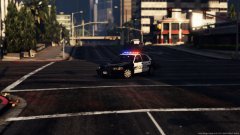
From the album: SA police
I am really starting to like this light bar. -
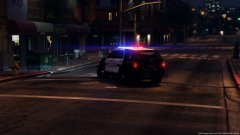
From the album: SA police
Added the Whelen Dominator bar in the rear window. -
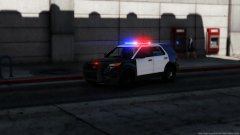
From the album: SA police
I decided to get back into vehicle modeling and this is my new WIP. -
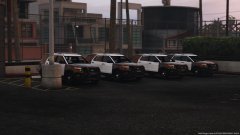
From the album: SA police
LSPD getting four new K9 units. (my WIP model I dont know if I will be able to release it but I hope I can) -
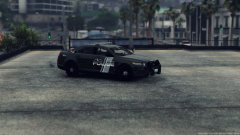
From the album: SA police
Need more taurus models in my life. -
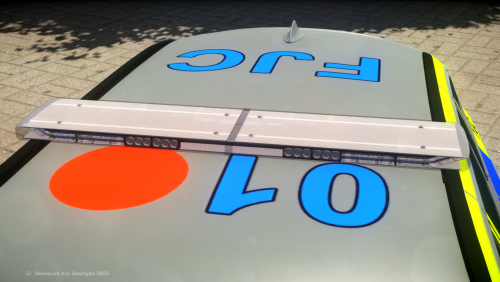 Like it.
 -
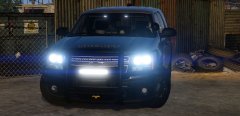 I have no idea FRGamer and JJDawkins got banned on the same day, Gump should release this on GTA 5 mods.
 -
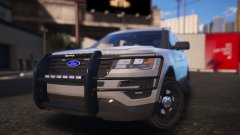 Oh christmas treeeeeee, I like it.
 -
Did Gump get banned and it just isnt showing it on his profile?
-
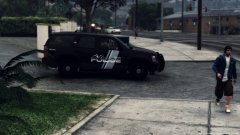
From the album: SA police
Who else had their faith restored about ELS for 5 in Prophet's last video.