Izhevsk
Members
-
Joined
-
Last visited
Everything posted by Izhevsk
-
 I'm glad that Rockstar fucked everyones game up on the PC for some faggot ass shit like this..................
 -
Someone should find a way to get rid of this always online shit. I'd like to completely skip all further DLC updates. I wonder if Rockstar realizes %90 of the people who play this game on PC only play it for LSPDFR and could give a rats ass about the horrible story mode or pointless multiplayer mode...?
-
Alright, but what about keeping all my old mods and then just putting them back. Lets say I replace the entire update.rpf file in the mod folder, but keep my mods like the police cars and handling.meta and all that stuff in a desktop folder, then put them back in, that will work right? Either way sounds like a huge pain in the ass, but it sounds like car and gun and ped mods will still work, but no plugins or scripts, right?
-
Great. I made backups of everything except the .exe things. Holy fuck I fucking hate this shit. So now im screwed and just lost 100s of mods that took me weeks to get installed. Even with the mod folder its fucked.
-
Tell me how to do this. How do you play an old version without it updating automatically? And how could a new DLC affect things in the mods folder???
-
First, let me say I fucking despise what GTA Online has done to this series. With that said, you shouldn't have to worry. I've checked through the files, and it just added two files named "mpluxe2" under dlcpacks and dlcpatch. So all of our cop car and gun and sound effect and all those types of mods should be fine. The only existing thing in the game that was modified seems to be one of the strippers and Dave Norton. But thats all I got out of a quick 15 minute check. I may have missed something. I'm still very new to the wat GTA Vs files are organized, I really do miss the simplicity of modding GTA IV...
-
So basically we are all screwed until a new version of scripthook comes out?
-
You gotta be fucking kidding? What If I just delete the new DLC files? There are two of them located in update rpf, one under dlcpacks, the other under dlcpatch and both are named mpluxe2. If I deleted that would it run? And how would I stop it from trying to automatically update?
-
My game is crashing now, something to do with scripthook not supporting the current version. What do I do??? Anyone else having this problem???
-
How would I move the low rider update files to my mod folder in Open IV?
-
-
Anybody???
-
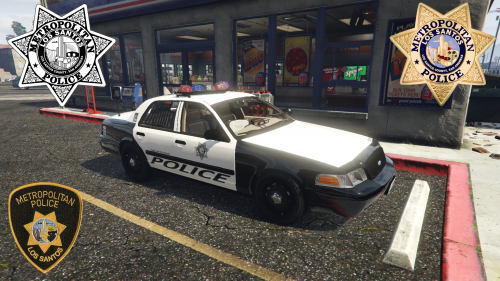 For the love of god, it would be amazing if you could do skins and cars for default game models (stanier, buffalo, ect)
- 11 comments
- 7 reviews
-
 Has the CTD issue involving the glass been fixed? It's fixed on other vehicles so I figured it was sorted on this one.
- 36 comments
- 6 reviews
-
-
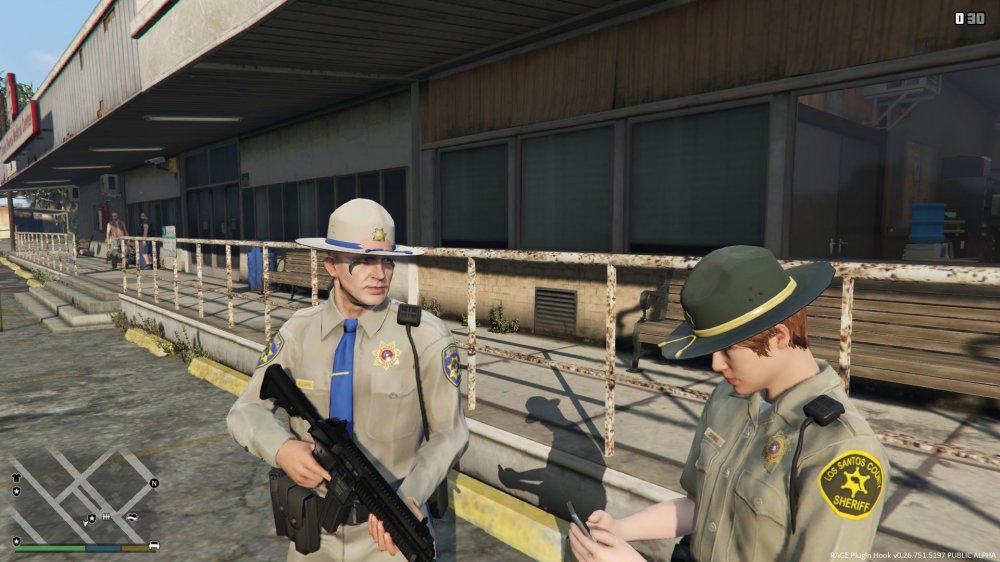
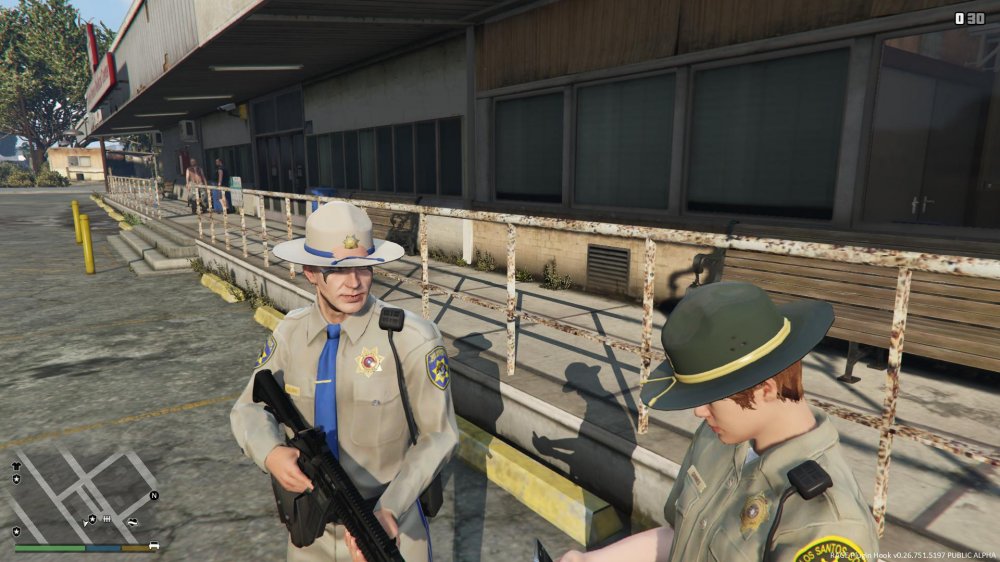
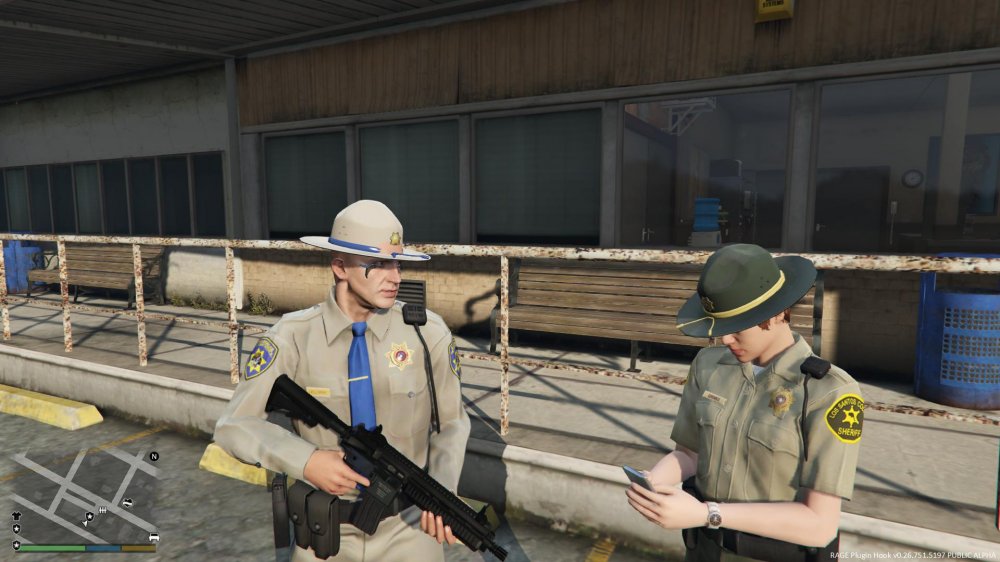
I've been working on a campaign hat for the SAHP officers, but it spawns too low and clips through the head. I need a way to move it up and slightly foward. Same thing with the glasses, they are worse though, they clip all the way into the head and you can barely see them.
-
Alright so I'm working on a hat for the dude but when I spawn it in the game, its clipping through the head, only slightly, I'd say about %10 of the forehead clips through the front of the hat. Any way to edit the X,Y,Z coords of the hat so it spawns correctly?
-
 It looks really good, except that Stanier lights appear baby-blue and orangeish, and the taxi adverts are like staring into the sun. This also has a negative effect on the SAHP Stanier with Vector lightbar, makes the light appear always on. Any way to fix that?
- 246 comments
- 40 reviews
-
Is there a classic "state trooper" hat out there for the SAHP peds? I've been looking and can't find one. I thought about replacing the helmet with the sheriff campaign hat, but I have no clue how to edit textures or what kind of badge to add.
-
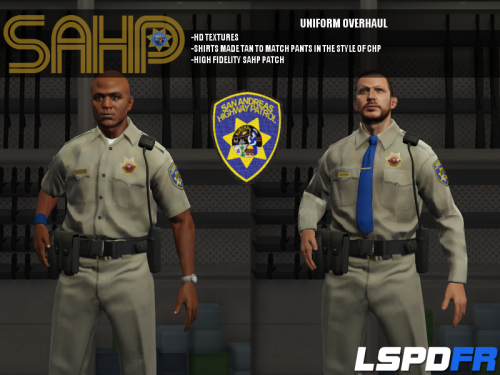 I'm gonna hold off on installing this until I can get some confirmation. Will this replace other mods? Since I'm basically overwriting the entire update.rpf file, and I already have custom cars and a customized vehicles.meta and handling.meta and other things. I have no clue how to properly edit the .meta files in notepad without fucking them up and crashing my game. Could I get some help? I really want to use these but I don't want to erase all my other mods!!!
- 95 comments
- 17 reviews
-
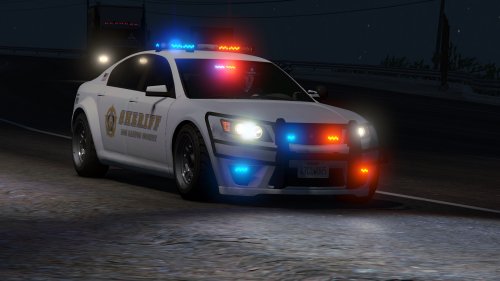 I love it. Absolutely love it. All the police equipment inside is a very nice touch. Have you considered re-doing the other police vehicles with equipment like that?
- 47 comments
- 15 reviews
-
 This mod is perfect. I suddenly find myself with a lot more leftover ammo at the end of my shift..... lol
- 1,915 comments
- 242 reviews
-
-

- 1
-
-
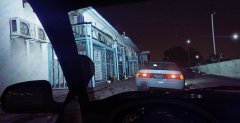 The Admiral is in GTA V????
 -
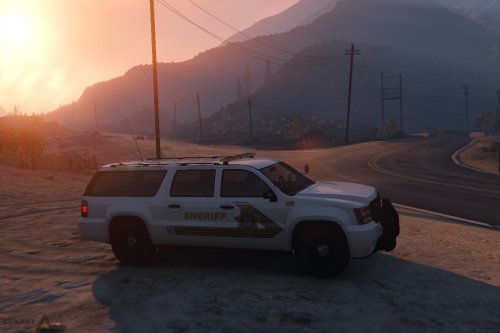
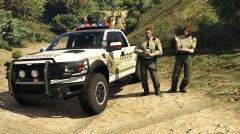 That truck and paintjob is amazing! You gotta release a sheriff pack!
 -
Also known as the "cop horn". I'm trying to build my own siren pack and I cannot for the life of me find it. I know its one of those crazy 0x047856478567yftyiureyhfgdsj files, but I checked all of em and can't find it!