


A Stranger
Members
-
Joined
-
Last visited
Everything posted by A Stranger
-
-
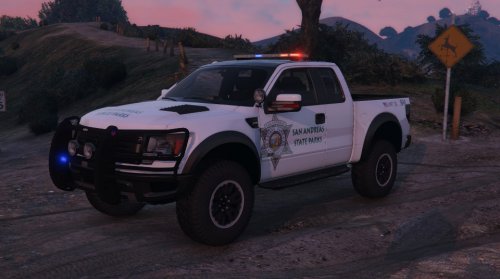 Works and looks amazing. I like how it's already kind of dirty, so it gives you a nice look even before going offroad. Steering and gas are well combined and so far I love driving it. The only "issue" I encountered were that the windows spawn black. I can look through from the inside, but not from the outside. Setting them to "none" with a trainer works though.
- 15 comments
- 7 reviews
-
 I am so sorry, I was dumb. I forgot to load it at start. Works perfectly, sorry for being stupid, late night. :D
- 476 comments
- 73 reviews
-
-
-
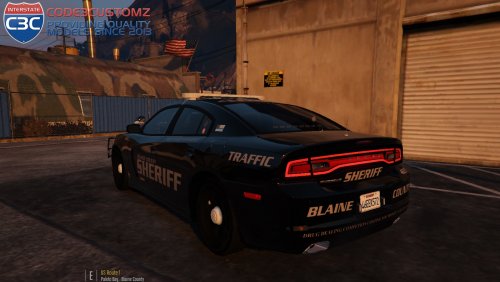 Amazing car. It looks beautiful and the lightning is just mindblowing. Even though i'd like to use different skins. The vanilla one is too dark. :P
- 34 comments
- 17 reviews

