



LoneWolfSpecter
Members
-
Joined
-
Last visited
Everything posted by LoneWolfSpecter
-
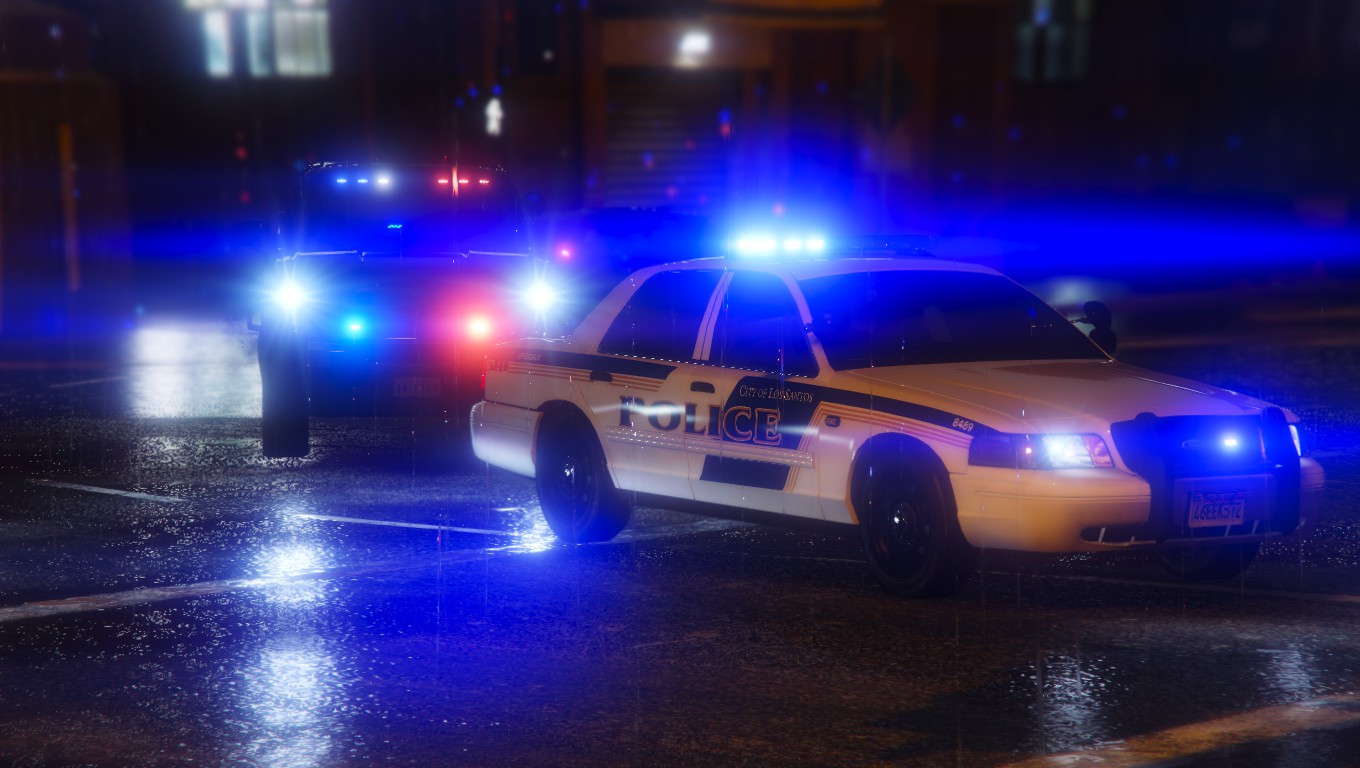
 What ENB are you using? I've seen other pictures with this enb but no one ever asks what ENB it is. Is it a very common ENB and easy to find that I'm completly missing or is it a private one?
 -
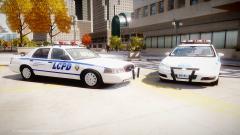 Got a new PC and loving it so far. GTA EFLC on max settings, mix ENB, LCPDFR and ELS with high quality models on the new rig and not a single crash even after an hour of gameplay. ENB: Accidental mixture of Icenhancer 3.0 and London ENB by DoubleDoppler Models: CVPI by GFXLE and Impala by BxBugs123
 -
I dislike the notification thing. I got notifications of random people commenting on posts that I really don't care about. I tried to disable it in notifications options but couldn't find an option for it. [ btw i'm not trying to be rude or anything. apologies if it appears like I am.] I do like the new website look though. I took a bit of free time to run through the site and familiarize myself with it and from the looks of it its pretty easy to navigate and find things. Downloads section confused me a bit until I found the sub-categories on the right side. My question to staff is, out of curiosity, Where would we post support or anything related to the LCPDFR website? Would it be under the "IPS 4 Update - News, Suggestions and Support" section? I did not see a category specifically for LCPFR.com like the old layout had.
-
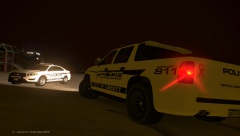
From the album: The GTA models Gallery
LCPD's newest SUV playing in the sand. -
random photos of Rockstar's GTA models will go here. Mostly GTA V models with my private or WIP textures. Most textures seen here are private or discontinued.
-
Declasse Granger 3000T
-
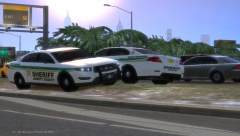 LCSO
LCSO
-
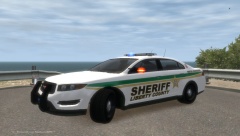 LCSO
LCSO
-
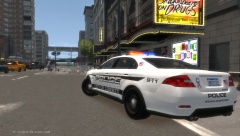 Overwatch
-
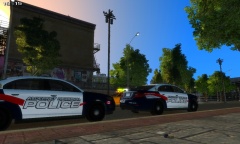 Alderney Regional Police
-
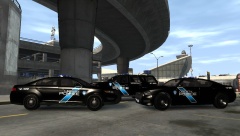 Liberty Police - Inkster Style
-
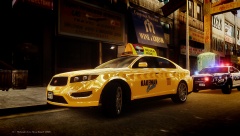 Kaufman Cabs
-
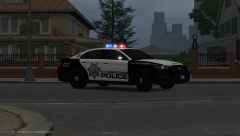 Liberty City Metropolitan Police Interceptor
-
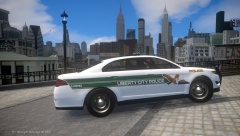 LCPD/SPPD
-
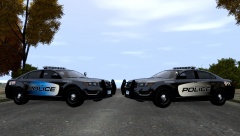 Blue or Grey
-
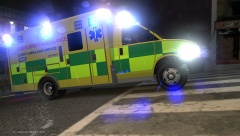 Liberty Ambulance Services
-
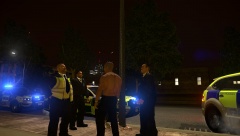 Met police Vs. Brucie
-
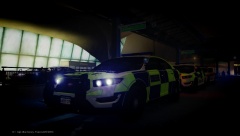 Liberty Met Police
-
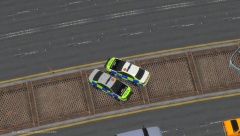 ANPR Interceptors
-
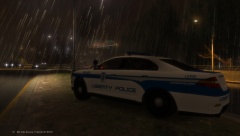 LPD/BPD Vapid Interceptor
-
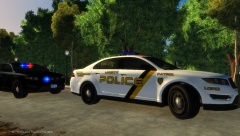 Black & Gold
-
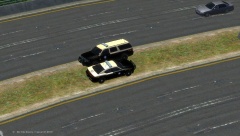 State Troopers
-
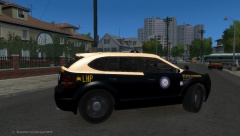 LHP Radius PIU
-
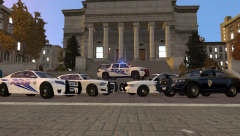 Liberty Police & LSP
-
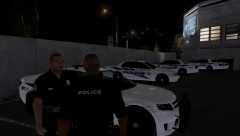 Training Day
-
-
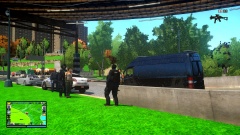 Dat grass doe!
 -
I'm not sure if I posted my local agencies on this thread or another one similar to this one but here is mine.
-
I find that some templates are greyscale for some reason with some of the models released. I've experienced this with templates for models by KevinDV, GFXLE, Sgt.Kanyo and some others. Whenever I try to make a texture, the colors are all grey. Now I use GIMP so I'm not sure if this is the exact problem you are having or how this would work with Photoshop or paint but I hope it somewhat helps. If you're using GIMP, on the very top where File<edit<select<View etc is at, Click on Image then Mode and then set the image to "RGB". This has worked for me. Second option you can do is open a new blank texture 2048x2048 or whatever the size of the template you are using is, then import the template you want to use. Everything should be normal after. Save it replacing the template if you want to use the template later on.
-
From the album: The GTA models Gallery
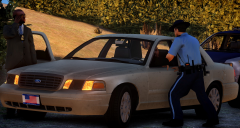
Two Watch Commanders from different Districts have a chat at the their district line on a busy afternoon near Dukes-Francis Intl. -
From the album: The GTA models Gallery
-
From the album: The GTA models Gallery
LCPD doing security and traffic enforcement at a construction site at the Triangle,Algonquin -
Liberty City Metropolitan Police Skin Pack loosely based of Las Vegas Metropolitan Police _______________________________________ Textures are loosely based of LVMPD and was not meant to be an exact copy of the actual livery with proper stickers and fonts. GTA V models will have the new design like in the screenshots except the stanier cruiser. Stanier cruiser and GTA IV models will have the old design. Models used are a mix of generic ELS vehicles released by Yard1 and Lt.Caine. As always my work is for everyone to use as they wish. Either its for Clans, template for learning, edit for personal use, WIP models. All I ask in return is fair credit. _______________________________________ Textures: Vapid Stanier Cruiser Gen 1 Vapid Stanier Cruiser Gen 2 Vapid Interceptor Vapid Radius Buckingham Swift Helicopter Brute Stockade Annis Pinnacle Declasse Merit Dundreary Landstalker Declasse Granger Lt.Caine Model Declasse Granger Yard1 Model Cheval Fugitive Bravado Buffalo Gen 1 Bravado Buffalo Gen 2 Fictional Model - Cheval Bigler _______________________________________ Textures for:: Most link provide the same models. When making this textures I did use different vehicles and was constantly changing my vehicle loadout. Lt.Caine GTA V models: http://gtapolicemods.com/downloads.php?do=file&id=2505 Lt.Caine GTA IV Models: http://gtapolicemods.com/downloads.php?do=file&id=2226 Lt.Caine Landstalker: http://gtapolicemods.com/downloads.php?do=file&id=407 Swift Helicopter: Yard1 models: Yard1 Merit: Yard1 models w/ Bigler & Stockade: Yard1 Radius: _______________________________________ Credits: Thanks to the following modders for their hard work and taking their time in making ELS versions of Rockstar models. It's always great to have a variety of cars to choose from. Templates by Lt.Caine Yard1 _______________________________________
- 2 comments
- 1 review
-
From the album: The GTA models Gallery
-
I requested this a long time ago and still waiting for one to be made. I too would love one. +1
-
For F'k Sakes this dress is here too! I think its black and blue. The photo seems to be taken with high contrast and brightness giving off different color to whoever views it. I dont see how it would be white giving off a blue hue color but just like art, opinions vary differently to whoever sees it.
-
From the album: The GTA models Gallery
LCPD loosely based of Inkster Police style liveryI saw this one a couple of days ago and had an urge to play after
From the album: The GTA models Gallery
after taking over Vice City in the 80's, Kaufman Cabs invade Liberty City with its services competing with Bellic Enterprise and L.C.C. LCPD already showing these newcomers who owns the streets of LC.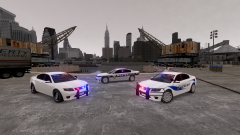 Loving the one with the wrap-around. I dont like the wheels it has but still looks badass. I would def download it if released. 1000000/10.
From the album: The GTA models Gallery
Vapid Interceptor by yard1 from his Harbor City PD car pack LCMPD Texture made by me to be released later on today or tomorrow afternoon. Texture pack will feature liveries loosely based of the LVMPD with my own spin. Not made to be exactly 100% accurate to the actual agency. Pack will feature a fictional LCPD version of LVMPD Newest livery on GTA V models except for the second gen stanier which will have the current livery style along with other GTA IV models.
Thanks!. Good Question too. I moved to Vanilla models for several reasons. One reason is because I want to stay with the vanilla theme and not have real vehicles in a fictional world. Not many people are showing love to the vanilla models other than Yard1,Lt.Caine and a few others. So much can be made using GTA IV/V resources but sadly no one touches these models. Since I can't model cars even if I follow tutorials, I stick with making textures for this models instead. I also don't have the best gaming PC, so I can't use real cars because my game will bug out. It would either crash once too many cars spawn or get a sudden drop of frames to 1fps or lag every 5 second. Vanilla cars are more stable with GTAIV, ELS and LCPDFR on my end. GTA V models are even better on my system.Try Nrage ENB by Neolux and then set your "car.defaultlight.emissive.on 100" in viualsettings or try Chinagreenelvis ENB v5.50 with the Vintage preset color enbpalette.bmp. Both N-rage and Chinagreen enb have that brownish ambient tint kinda like Mafia2 had giving it a retro look.
From the album: The GTA models Gallery
Meh.. Made it just for the hell of it.Very simple request . As you guys can tell from my latest gallery images, I prefer GTAV models over real life car ones. It doesn't stress my PC so much like the real car models do and I'm able to smoothly run my game. So with that I request this. Anyone willing to make an unmarked ELS version of Franklin's Bravado Buffalo? The model I'm looking for is this one by SkylineGTRFreak though I'm not sure if its Unlocked, and would like an ELS lighting setup similar to this. Basically keep the car as is and just slap on a bunch of lights. I don't want police wheels at all or any equipment other than the GTA IV laptop inside.I'm going for that "Undercover/ATTF/street/Gang unit" look. I also would like a template made along with it. I was thinking of making several textures for this particular model that would be included in a future texture pack. Any takers?


