


BuzzShotGaming
Members
-
Joined
-
Last visited
Everything posted by BuzzShotGaming
-
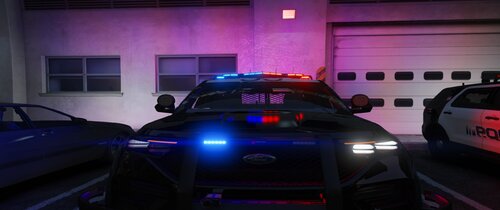 DLS configurations for Nathan's Contra Costa Mini-Pack. DLS configurations are provided for all vehicles included in the pack. Also included are custom traffic advisor patterns. Please note, these configurations are not based on the IRL agency. In the file, there are two options for steadyburns, CA steadyburns and Non-CA steadyburns. The CA steadyburn option will enable the top red and blue module on the lightbar when enabled. The non-CA steadyburn option will flash the front blue module on the push bumper. This is loosely based on the South Dakota Highway Patrol's traffic stop pattern were only minimal front amber light(s) will flash. See blue boxes in the screenshots for reference. Regardless of what option you pick, the red and blue modules of the lightbar will be a steadyburn pattern on stages 2 and 3. The steadyburn option will only change what happens when the "[" key is pressed using DLS. Preview of the lighting patterns Link to the vehicle download
 -
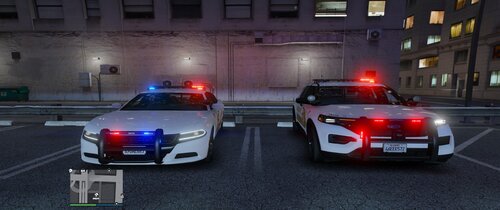 install it in the same place you would install any other DLS configuration. Grand Theft Auto V\plugins\DLS
- 6 comments
- 1 review
-
DLS Configurations for VaricaI's San Bernardino County Sheriff Pack. DLS configs for all cars asides from the CVPI. These configs are not meant to be realistic lighting patterns. Preview video: Link to the vehicle pack:
- 6 comments
- 1 review
-
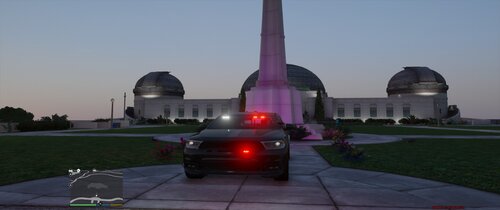 DLS Configuation for Virtualmorphous' 2019 Slicktop Durango Features 3 stage lighting Stage 1 - Rear lights Stage 2 - Rear lights (slow flashing) & taillight modules, side lighting (slow flashing), front lighting (slow flashing) Stage 3 - Rear lights (quick flashing) & taillight modules, side lighting (fast flashing), front lighting w/ white lights (fast flashing) Use default DLS traffic advisor config for traffic advisor. This is my first time making a DLS configuration. Hope yall' don't hate it. In my opinion, DLS is a superior lighting system to ELS, however, is limited due to the lack of vehicles/configurations utilizing it, and the ones that are out there are primarily for lore friendly vehicles. I plan on making more configurations in the future for non-lore vehicles. Preview Video: Link to vehicle:
 -
Here are these that you said you didn't have Also, the MNDPS badge is missing from the trunk All of these images are from @Nwaps and can be found here
-
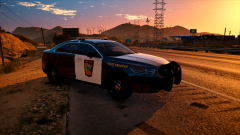 Is there any update on a release of this? I'd love to use these cars!
 -
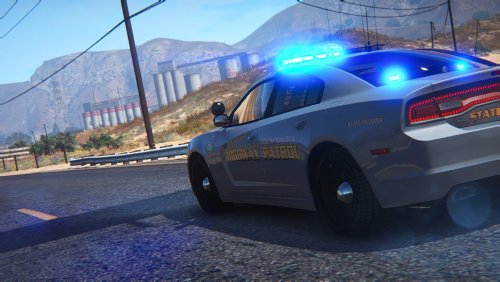 I've had this sitting on my desktop for a while and since I really don't play GTA that much anymore after getting into A3PL I decided to release these to you guys! Enjoy! Vehicles used:
- 1 comment
- 3 reviews
-
-

- 3
-
-
Hello, I am currently trying to change the light color of Captian14's LSPD pack to all amber lights. I am unsure how to do this and if someone could assist me that would be great. Vehicle Pack: Trying to make it look like this: https://youtu.be/5OjW_zfGgWw?t=1m13s
-
You know I actually was just thinking about something like this. They way I would go about it is just to pretty much gut the insides of the siren controllers and replace it with individual switches for everything. Those switches would just simply be mapped to certain keys for the PC. For example flipping the switch for the lights would simulate pressing the "J" key and for turning off the lights the computer would register it as an "ALT+J". I hope to do it as a winter project as I know of a good engineer that knows all about the wiring and computers.
-
-
(1).thumb.png.82c2465cb8c0defccabdc776ac706309.png) Nice to see some skins from Minnesota around here! The skins look mice but are partly inaccurate. The lettering for "POLICE" on the side doors is not the correct font and on the back on the CVPI it should be "MINNEAPOLIS" instead of "MINNEAPOLIS POLICE" (the FPIU is fine). The back door of the Tahoe should have the lettering at the bottom instead of the top. For the most part it looks nice but just needs some adjustment. I'm not sure but I hope you do some more MN textures. If your inserted I would love to send you pictures of the WIP State Patrol skins I'm working on.
Nice to see some skins from Minnesota around here! The skins look mice but are partly inaccurate. The lettering for "POLICE" on the side doors is not the correct font and on the back on the CVPI it should be "MINNEAPOLIS" instead of "MINNEAPOLIS POLICE" (the FPIU is fine). The back door of the Tahoe should have the lettering at the bottom instead of the top. For the most part it looks nice but just needs some adjustment. I'm not sure but I hope you do some more MN textures. If your inserted I would love to send you pictures of the WIP State Patrol skins I'm working on.- 20 comments
- 2 reviews
-
-
- 1
-
-
-
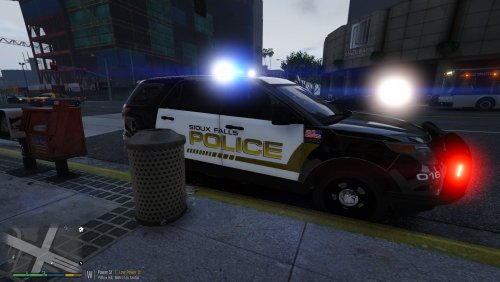 Today I present to you the Sioux Falls South Dakota Police Department Pack featuring SFPD textures for the FPIU, FPIS, and Tahoe. All of the vehicles can be found here: Enjoy!
- 3 comments
- 3 reviews
-
-
- 1
-
-
I have been working on a MSP texture pack for JJDawking's Sheriff Pack. Also I've been doing MN plates with the proper formats as in "111 AAA". Not all to relevant but also doing a Sioux Falls Police pack. As for Minnesota I have some skins thrown together like Rock County Sheriff and Pipestone County Sheriff. In the future I will probably release it as a "Keloland Law Enforcement Pack" If your interested in what im doing feel free to message me!
-
I do have a copy of the non els version for my five M server and I will release that after some fixes. And for the call signs I am aware. Down here I commonly hear it along the line of "SP 917 Mankato" and "SP 917 Marshall."
-
Looks good, can't wait!
-
 If you need, I have a slew of photos that I would be willing to send over
 -
Hey Dawkings, If you ever get bored try modeling a car pack based on the Minnesota State Patrol, I think it would turn out good. Ive only seen one car and that was for Gta IV. Also im sitting on a skin pack for the MN Patrol.
-
 NP, You from Texas cause this looks amazingly accurate.
 -
Improved a lot since you started, glad to see you back on LCPDFR.com!
-
Looking good!
-
Ya, Id like to see something like the gta iv callout for those arrest warrens as seen here:
-
Cool idea! I was throwing around the idea of a mid west themed callout pack but I figure you can give a shot at some of the calls. Vehicle in the ditch Medical escort Vehicle stuck Elderly person requesting medical assistance (call for EMS) Those are just a few of you want to give it a shot.
-
Showcase of the State Trooper FPIU Episode using the FPIS by Gump. Feel like this one looks the best.
-
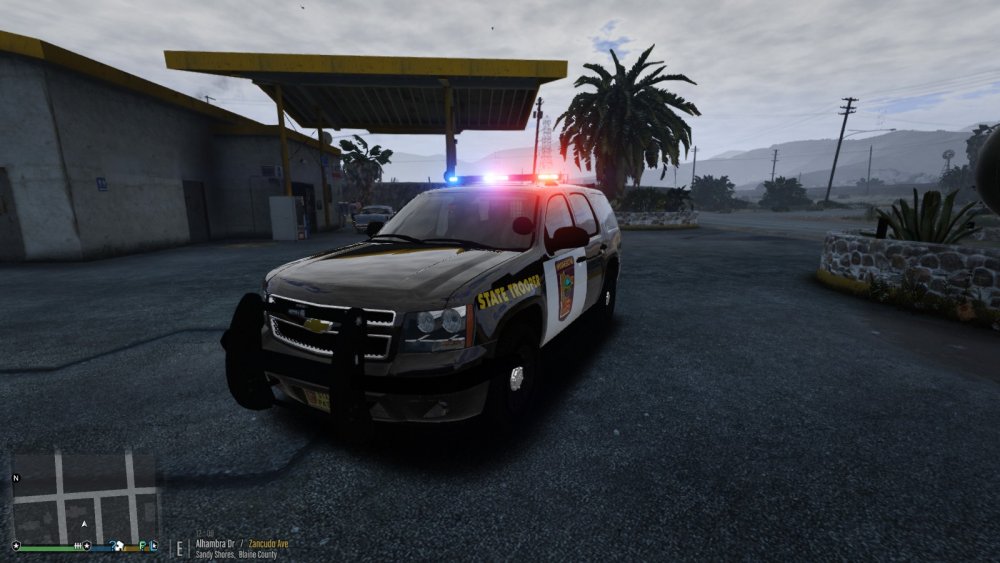
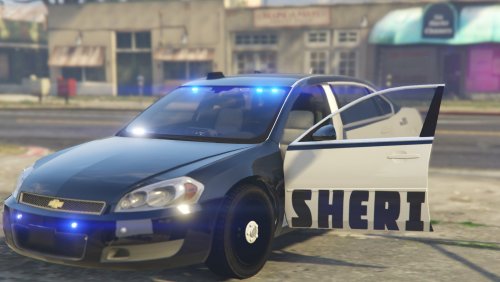
Added Tahoe by TOY


(1).thumb.png.82c2465cb8c0defccabdc776ac706309.png)
