


franko3219
Members
-
Joined
-
Last visited
Everything posted by franko3219
-
I was having issues after the update with RDE as well. It all comes down to the gamefig file from my understanding. I ended up just deleting my mods folder and reinstalling everything. Obviously that is a pain, but it's hard to tell how long it is going to take the creators to update the file.
-
I do not understand the legal standing that Take2 has here? Obviously I am no lawyer, but how can it be illegal for someone to modify a game that they bought, if they are not profiting from it? I always thought to be in violation of a copyright, one of the main conditions was profiting from someone else's material?
-
I used Captain14's cars prior to ELS being released. They were very good and are a popular download. http://www.lcpdfr.com/files/file/13331-lspd-pack-new-2013-fpis-20132016-explorer-2015-charger-2016-impala-2013-tahoe-2011-cvpi-els-style-lighting/?sort=newest&tab=reviews#review-51810 http://www.lcpdfr.com/files/file/12668-sheriff-fib-replacement-pack-els-style-lights-2013-tahoe-2013-charger-2011-cvpi/
-
Well I feel like an idiot...that worked. Thank you for your quick help!
-
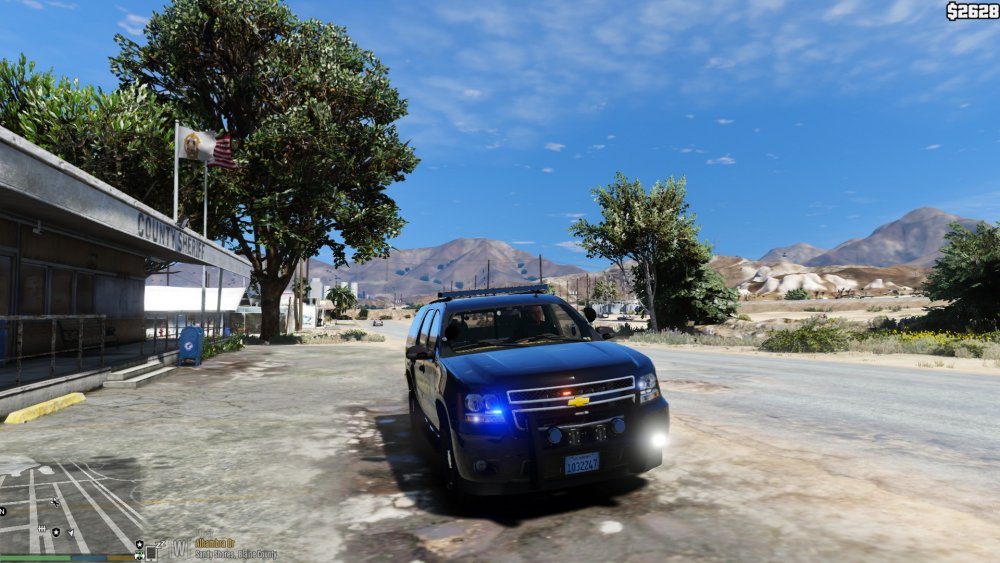
I have searched previous issues similar to mine, but the fixes do not seem to work for me. I have tried to delete and reinstall the files from OpenIV, then reboot my system, but it does not resolve the issue. The only vehicle that seems to be giving me a problem is sheriff2. No matter what car and vcf file I install, the lightbar continually comes up dark, and no light pattern shows. I have searched my mod folder for any other sheriff2 files, but the only ones that show up appear to be the original sheriff 2 files, so I am not sure where to go from here. Any suggestions?
-
Badass, I live here in AZ, below is an additional resource that you may find helpful. https://pmcapps.phoenix.gov/bailcard
-
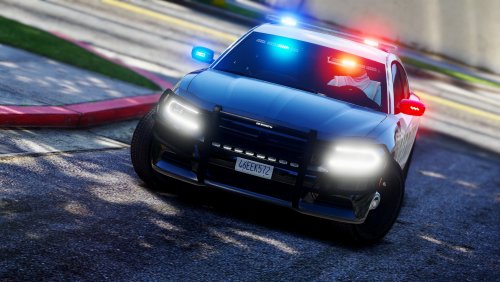 Thank you for the time and effort in putting this together. I do have a quick question. Is there a way to remove the visor light bars? I know that with ELS, the lights are considered an extra component, but does turning off one of the extras actually remove the light bar? I like them for slicktops, but not for cars with an actual light bar on top (just personal opinion).
- 61 comments
- 14 reviews
-
-
-
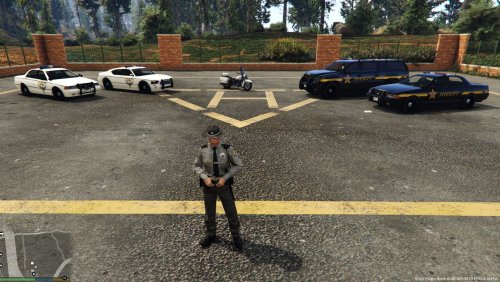 I was able to get the trooper peds installed, but could not figure out where the pedprops go?
- 11 comments
- 2 reviews
-
From the album: Franko's Photos
By the time you see us, it's too late..... -
-
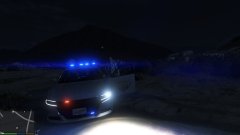
From the album: Franko's Photos
By the time you see us, it's too late..... -
-
The mod works great, thank you. The only thing that I have noticed is that I do not receive any incident report after the scene is code 4. The .ini is set for true and I do not appear to have any errors. As soon as they try to revive the subject, the fire truck/ambulance leaves and I do not receive any follow up information.
-
I have searched for this topic, as I know that I am not the only one that has asked this, but I cannot seem to find any discussions. I was curious how I would go about making it so that my AI patrolling buddies are not just strolling in around in sheriff1. I would like to see the AI using other mods as well. Any help would be appreciated.
-
I have a question/suggestion related to LSPDFR and a couple of features. The question would be if either of the two items listed below are available, the suggestion would be to see if anyone would be able to add them as part of a script or anything? I am not good at that type of thing, so by no means would I be upset if there was nothing available and no one wanted to make it. 1. Blocking off roads - I know that there is a feature to close down nearby roads already in-game, similarly there is the ability to request a road block during chases. I am wondering more along the lines of closing off roads, it just kind of statically occurs. I think it would be awesome to have a couple of AI units physically blocking a road from a visual standpoint while you are investigating an accident, waiting on medical/coroner services, or any other type of situation where an officer would need to keep a scene "clean". 2. Crime Scene Tape / Detectives - I recently added the callouts where a homicide is involved. While it can be interesting to arrive to the scene, most road officers would not be involved in anything other than an initial investigation and statement taking. It would be awesome if you could call in the detectives, similar to coroner services, that would come and investigate the scene for a few minutes, collect evidence, take pictures, etc. In the meantime, as an officer, you could secure the scene with crime tape and assist with the evidence collection, or make sure that nosey pedestrians do not get too close. There may very well be something along the lines of what I am referring to, if so, please point me in the proper direction.
-
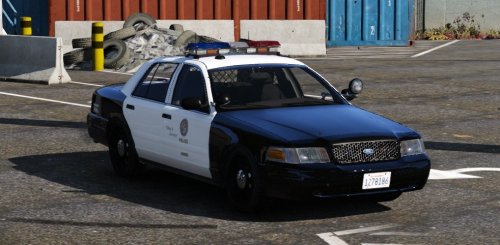 I enjoy this model. I do have question though, is there anyway to turn off the caution lights on the lightbar at night? It seems that those are on whenever the headlights are supposed to be on.
- 49 comments
- 19 reviews
-
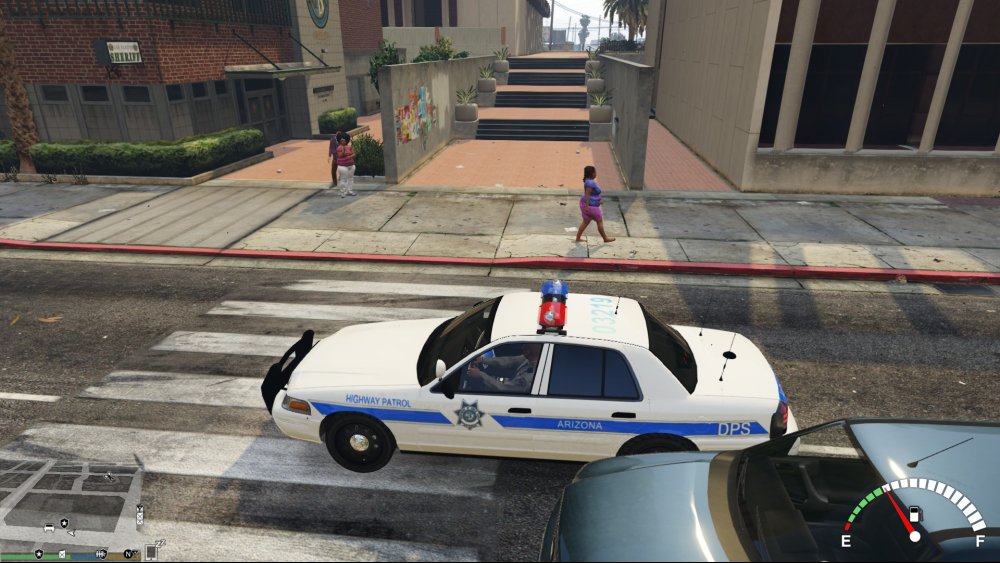
I was wondering if anyone had any suggestions of what the issue may be for the lightbar below? I am using the CVPI MX7000 version, but for some reason, there seems to be an issue with the lightbar. When I upload the Arjent into that slot, the lightbar has no issues.
-
That's perfect captain, thank you. By chance, have you had a chance to look at the explorer and/or Taurus? No big deal if you haven't, but figured that I would check. Thanks again!
-
That looks awesome man, thank you! I believe that I am using F5544's MX7000 version, but I'd use which ever models I needed to use these, I'm not necessarily locked in to any particular model currently.
-
 Probably something I did wrong, but I noticed that after I installed this, that my text boxes for callouts do not appear. Is this supposed to happen, or did I do something incorrectly?
- 1,519 comments
- 85 reviews
-
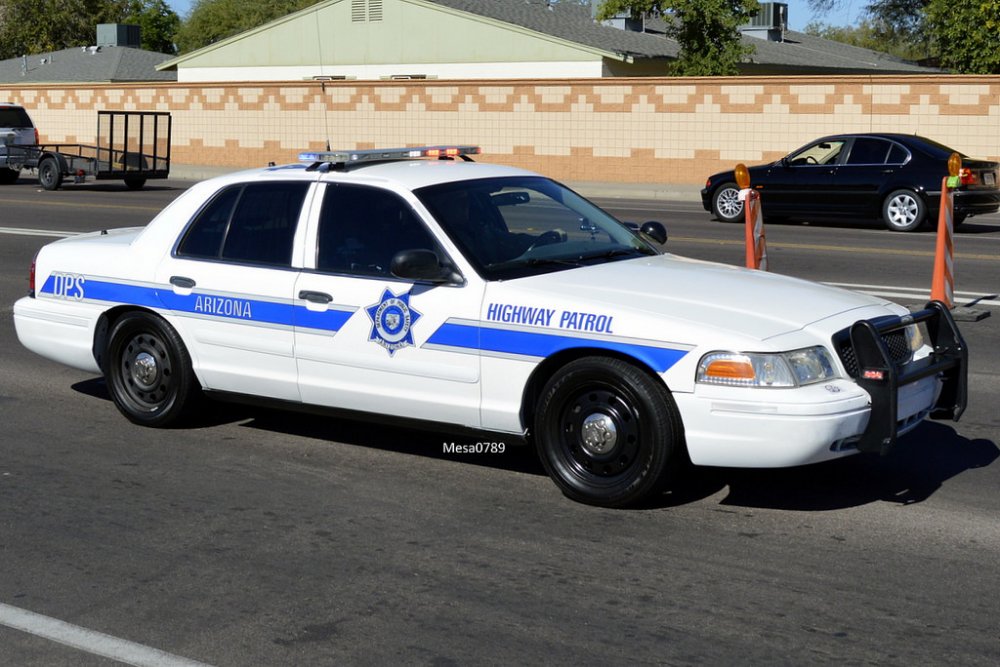
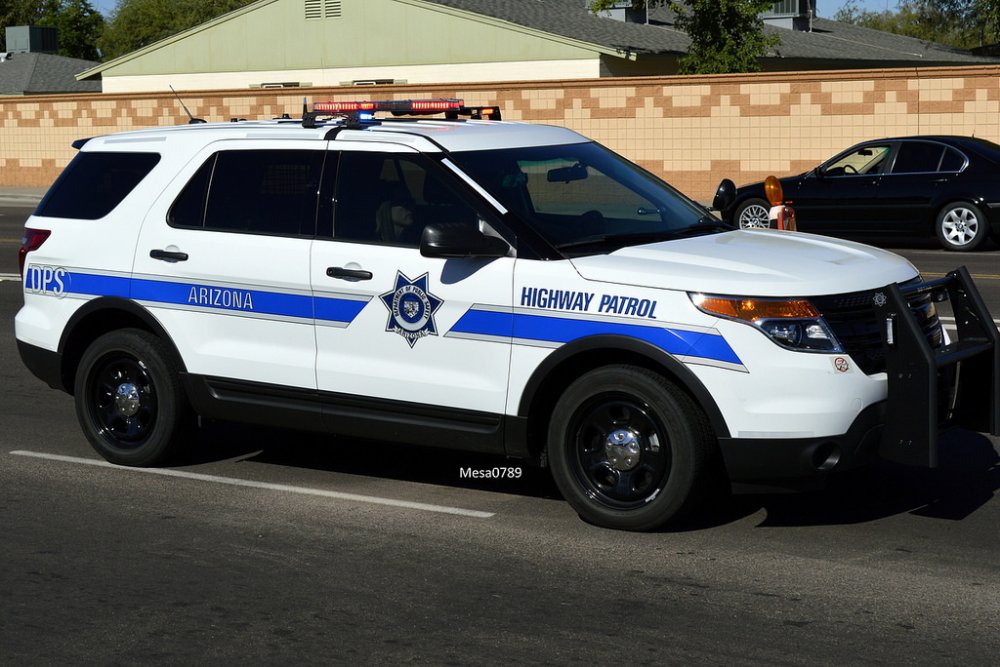
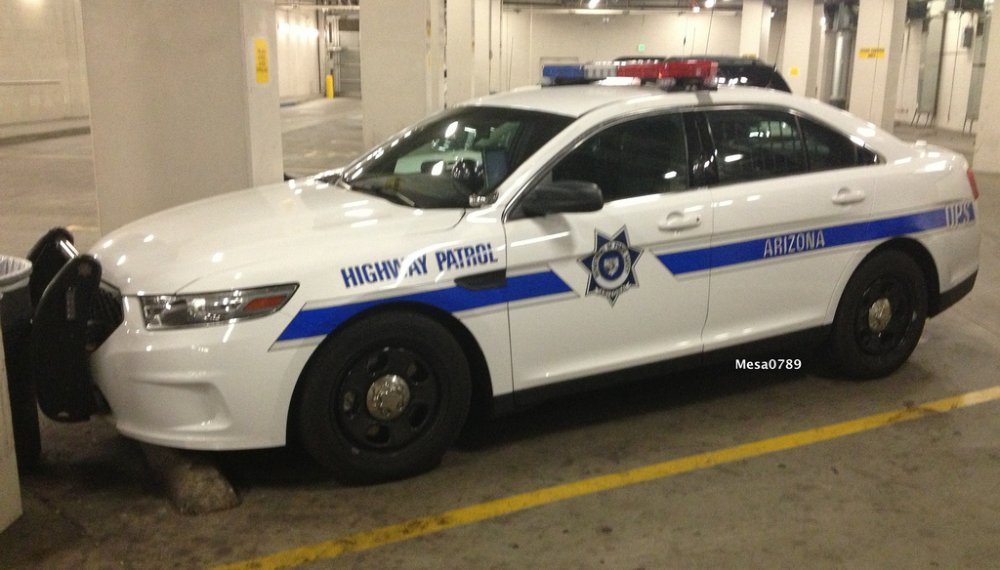
I was wondering if anyone would be willing to tackle a new texture to replace the Highway Patrol Cars. I was looking for some AZ DPS vehicles, but have not found any for GTA V yet. I'm sure that most are aware of what they look like, but I have posted a few pics below. If anyone is willing to take this one, I appreciate your time and effort. Lightbar Information: Explorer - Fedsig Valor CVPI - Code 3 Excalibur / Liberty II or Fedsig Legend / Legend LPX (I believe that is what is on the CVPI attached) Taurus - Slicktop / Fedsig Valor
-
I've looked for EVL, but it is no longer on here...anyone know where it went?
-
I'm not sure if my problem was the same as all of yours, but I was having an issue loading the script. If you press the - ` - button in game it will allow you to "reloadscripts" or see where the breakdown occurred. I was able to do a complete uninstall of LCPDFR and reinstall and it solved my problem.



