


Manifold
Members
-
Joined
-
Last visited
Everything posted by Manifold
-
 I mean you were kinda an ass about it but reading some of your other replies it seems like maybe you are just unaware of how you come across
- 18 comments
- 8 reviews
-
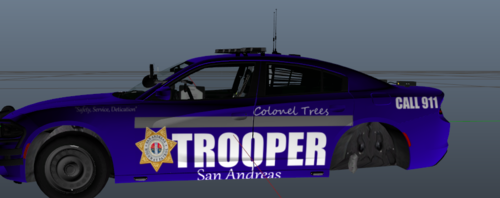 No offense but this is hard to look at, but I am here to help you improve since we all start somewhere this video is what helped me improve and now Im making skins like the ones below:
 -
 I apprciate all the minor details in this, like the little reference to the series the Rookie with NOLAN written on the LSPD Jacket with his badge number 25253, very cool
- 2,349 comments
- 238 reviews
-
 You should be able to find it from the originals model page
 -
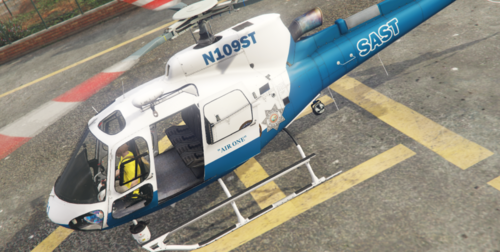
This is a simple texture for the AS-350 Helicopter made by SkylineGTRFreak. If you have any questions or concerns feel free to join the MF Designs Discord and by clicking on the above image Enjoy. FAQ Q: Can you make me a custom car? I don't model vehicles but I can make you a custom skin go to MF Designs Discord Q: Will you make me a custom EUP Pack? I currently don't do EUP Packs Q: Why do your lights look brighter than mine? You have to install a custom graphics.dat Q: Will you do custom development for my server? I will do Texture packs for your server just visit MF Designs Discord
-
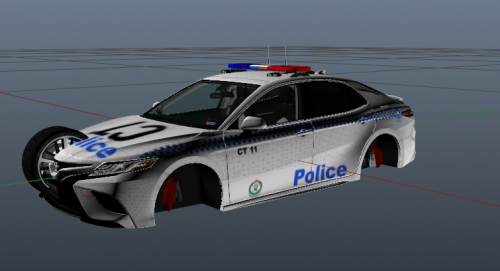 Why have you left the template grid on? if you need help texturing aka tuturials message me on discord Manifold#7525 and I can send you some good tuturials
 -
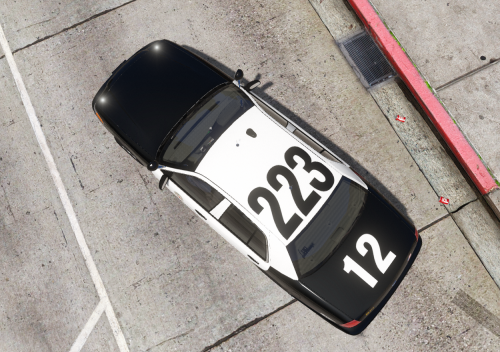 LAPD doesnt have a 45 division
 -
LAPD Allow their officers to pick and the Smith & Wesson M&P is one of them
-
-
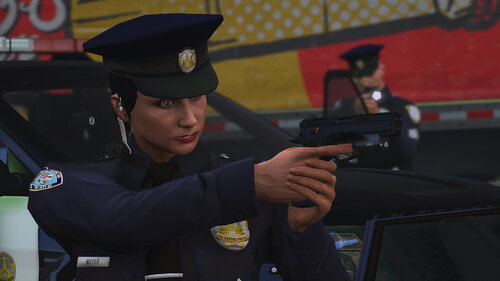 where can I find that explorer
 -
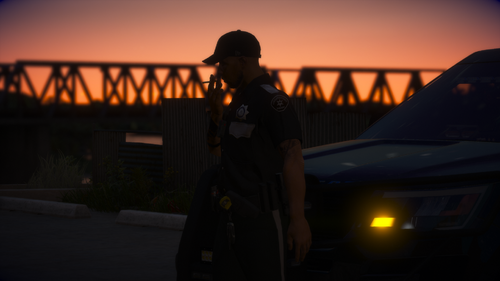 how do you make this, Ik about zmodeler but I tried and just didnt understand xD Looks great though
 -
oh ok thank you
-
Hello, I updated my entire GTA V the other day and started from scratch reinstalling everything after watching G17 Media's livestream (good stream btw) and I noticed that on one occasion steve got shot at on a traffic stop and I have seen this happen with many other people but it just never happens for me, I even tried pulling over 20 vehicles and not one had any kind of event other than one which was a pursuit, I am not sure if this is just the events not loading or the frequency of them, is there anyway of tuning up how much these random events occur?
-
Obviously IRL when in pursuits the cops callout where the suspect is going for example "North-Bound on Panorama Rd" so would it be possible to add a Plugin that does this in the game. You would be able to select what voice you would like and using that it would callout where he was going when you are primary and when ai's primary they will have random voice calling out.
-
-
 thats strange it is using the same sound as the original havent changed audio at all anyone else having this issue?
- 4 comments
- 1 review
-
This IS NOT a new sound all I have done is took the old sound and doubled it up with a small silent interval in between to make it sound more like you are putting both cuffs on.
- 4 comments
- 1 review
-
-

- 1
-
-
OMFG waiting for the manual review
-
stop teasing us sniper
-
this is whatever you want it to be at this point
-
not gonna put vehicles in first gonna just instal .4 make sure it is working and stable my side then slowly add stuff
-
true lets just wait and see
-
never gonna give you up never gonna let you down
-
1) cool gif 2) what does it mean?????
-
it seems we have been out smarted how'd we not notice this sooner - oh well still think the release is today
