Skin Works
-
Joined
-
Last visited
Everything posted by Skin Works
-
-
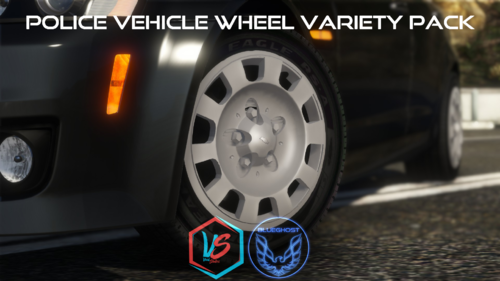 Praise the LORD! I have been hoping for a long time for something like this! Thank you. As you say you are willing to expand this, I think some different types and generations of Tahoe rims would be excellent. Cheers (My bad I didn't even notice the Tahoe rims already. Sorry)
- 88 comments
- 18 reviews
-
-

- 5
-
-
-
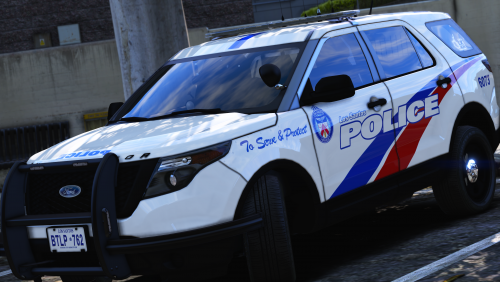 All vehicles used are linked already. If they author has removed them then thats that.
- 36 comments
- 8 reviews
-
From the album: Skin Works Designs
© Skin Works
-
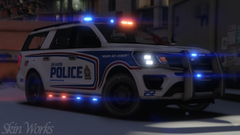
From the album: Skin Works Designs
© Skin Works
-
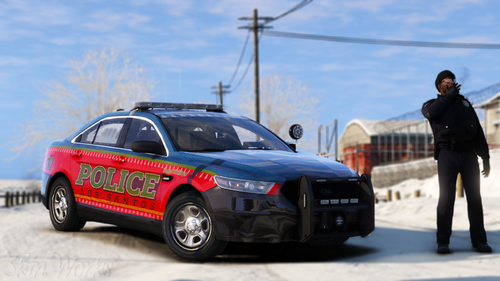 Los Santos Police Department (Christmas/Holidays) Welp, that time of year is upon us. This is just a collection of terrible Christmas/Holiday sweaters. Big thanks to everyone for another supportive season, this has been an insane last few months. I am finally on my big drug injections so hopefully I will start feeling better. Thanks again everyone! This is as always the simple install of finding the .ytd folder of the vehicle then importing all the skins then save. Notice any issues, missed credits or suggestions please share in the comments section. Please respect the amount of time taken and do not re-upload or rip off. Please, feel free to make a donation if you like, any amount is more than appreciated! Thanks Everyone Vehicles used in pictures but not limited to:
- 4 comments
- 2 reviews
-
-
- 7
-
-
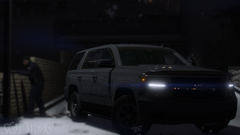
From the album: Skin Works Designs
© Skin Works
-
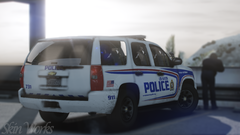
From the album: Skin Works Designs
© Skin Works
-
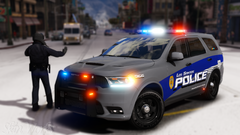
From the album: Skin Works Designs
© Skin Works
-
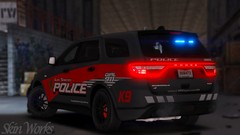
From the album: Skin Works Designs
© Skin Works
-
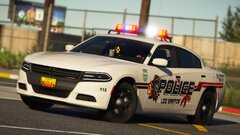 More DRO!
 -
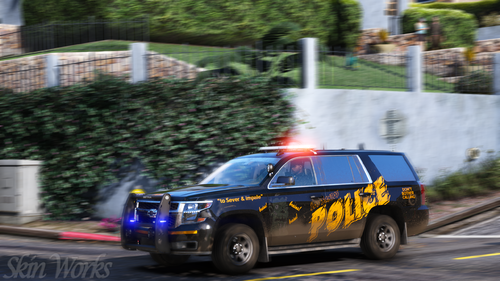 Los Santos Police Department (Halloween) Welp, that time of year is upon us. This is a monsters edition featuring some famous monsters and baddys and some of their more famous quotes, if applicable. Big thanks to everyone for another supportive season, this has been an insane last few months and I am still not through the woods. Hopefully by the next pack things are more back to normal. Thanks again everyone! This is as always the simple install of finding the .ytd folder of the vehicle then importing all the skins then save. Notice any issues, missed credits or suggestions please share in the comments section. If you need help installing textures: Please respect the amount of time taken and do not re-upload or rip off. Please, feel free to make a donation if you like, any amount is more than appreciated! Thanks Everyone Vehicles used in pictures but not limited to:
- 1 comment
- 1 review
-
-
- 3
-
-
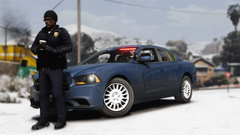
From the album: Skin Works Designs
© Skin Works
-
 Ahhhh!
 -
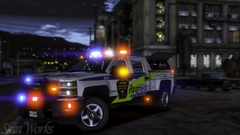
From the album: Skin Works Designs
© Skin Works
-
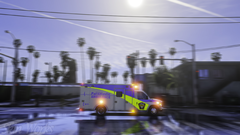
From the album: Skin Works Designs
© Skin Works
-
-
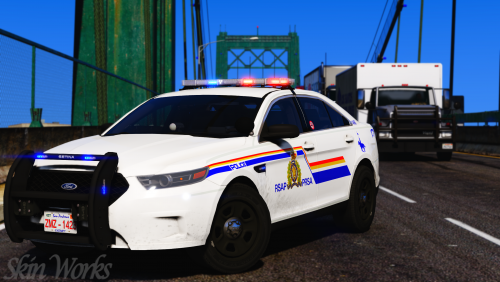 This is as always the simple install of finding the .ytd folder of the vehicle you want the skins to be on, then importing the skins from the matching car file, then save.
- 11 comments
- 9 reviews
-
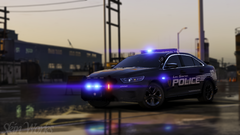
From the album: Skin Works Designs
© Skin Works
-
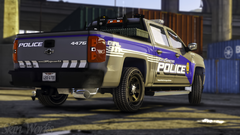
From the album: Skin Works Designs
© Skin Works
-
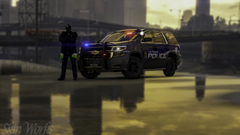
From the album: Skin Works Designs
© Skin Works
-
-
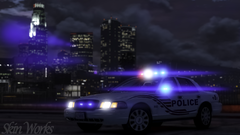
From the album: Skin Works Designs
© Skin Works
-
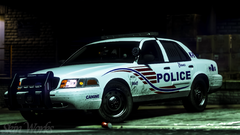
From the album: Skin Works Designs
© Skin Works