


Shadesman89
Members
-
Joined
-
Last visited
Everything posted by Shadesman89
-
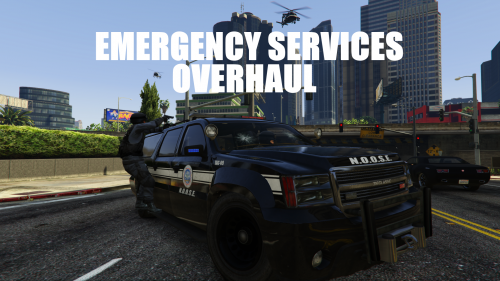 for some reason my police suv has a black interior everything is super dark any one else experiencing same problem? here is the picture for it
- 42 comments
- 10 reviews
-
I may have a solution to the problem for blank interiors just add the interior lines intto the vehicle.meta files <Item> <parent>vehicles_car_interior</parent> <child>car name</child> </Item> for some reason my police suv has a black interior everything is super dark any one else experiencing same problem?
- 42 comments
- 10 reviews
-
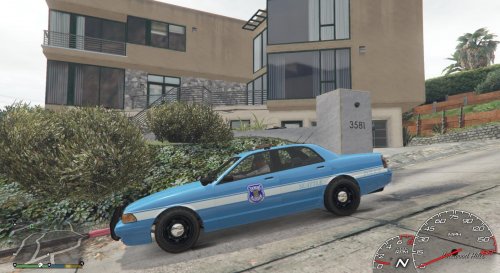 Simple repaint i did on my free time. replace original file file this one requires Lt. Matt Jeters Stanier
 -
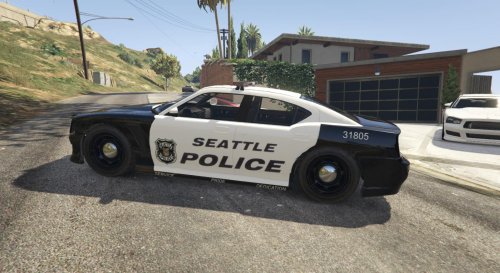 Using Buffalo S template by Matt Jeter and original by Century replace the original texture file in the location where your buffalo S is installed I could not find HD textures for the SPD logo i will add improvements
 -
What free fonts would match police lettering like in this pic or this
-
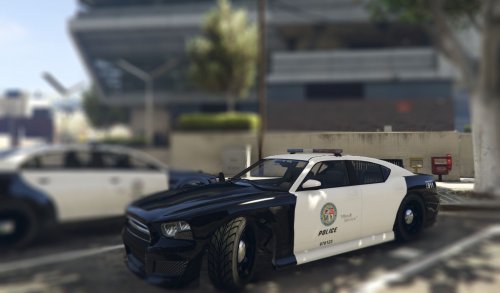 looks like i got it first bud if you want i can remove mine though, yours is more HD and better
- 3 comments
- 1 review
-
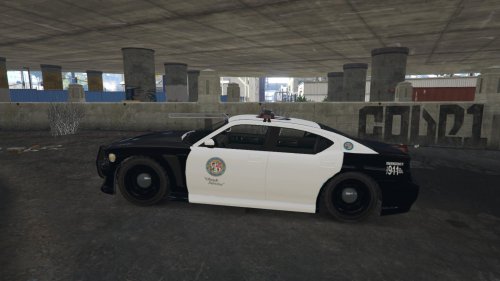 noted will fix soon along with some other modificationds oh yeah and a police logo was added on the rear bumper thanks!
 -
First Addition, LSPD Livery for buffalo S template made by Lt.MattJeter download http://www.lcpdfr.com/files/file/8248-dev-templated-buffalo-s/ install just replace the original policenew_sign_1.png https://gyazo.com/9da6091be41998bce17d54a4eba47bea
-
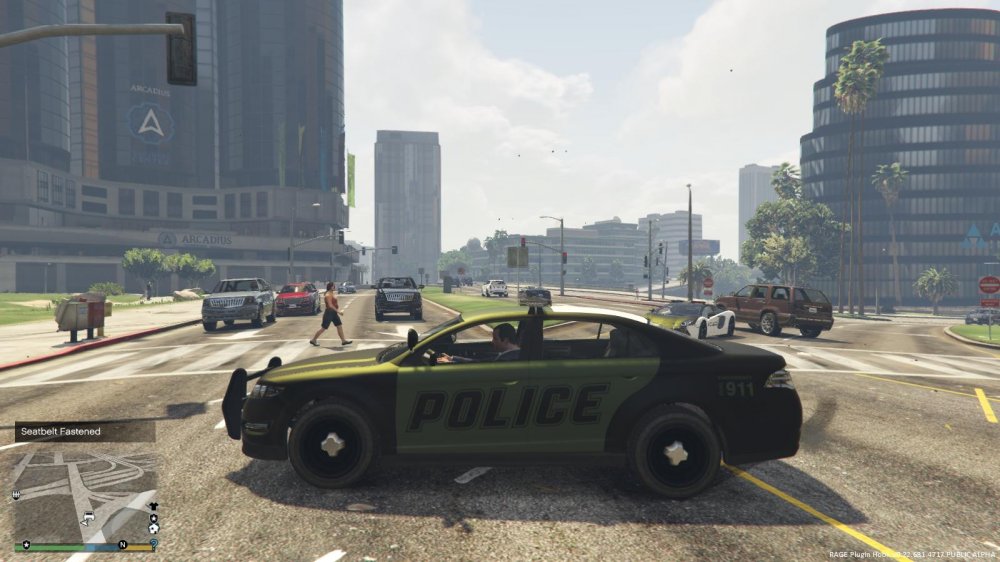
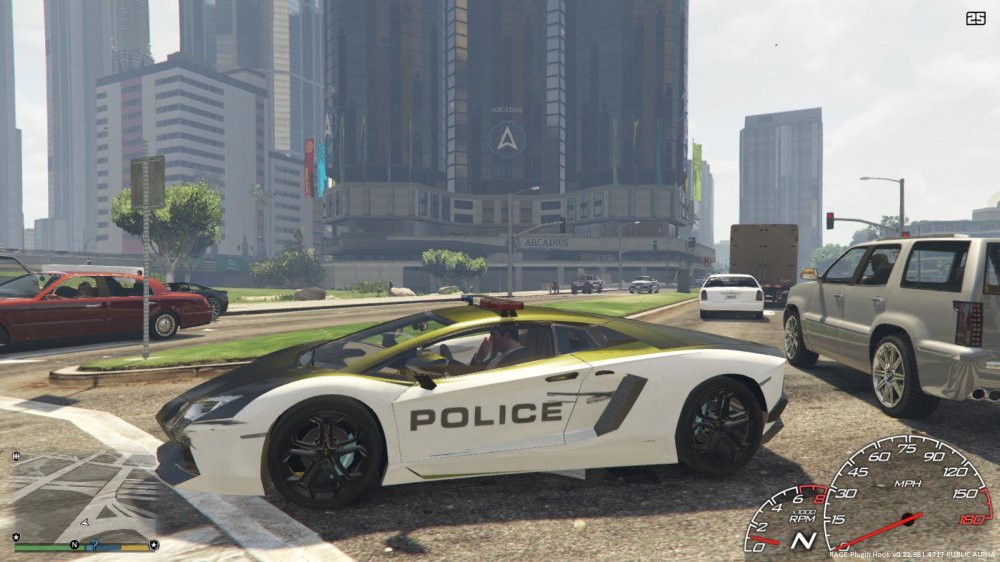
what the sheriff car looks like with the original carvariations.meta and i verify that the yft file looks like what it is supposed to be like this, https://www.gta5-mods.com/vehicles/vapid-sheriff-interceptor and here is the modded lambo with original carvariation, and to mention the game works with modded vehicle.meta and does not crash but displays this green color and no sound i copied the lambo vehicle.meta section into my vehicle.meta attached are pics and my modded meta files carvariations.meta vehicles.meta
-
What happens is that i added a sheriff interceptor data slot into my car(copy sheriff 3 slot and paste renaming to sheriff4) and then my game crashed here is log also tried to add the lambo police car but also that spawned in with no siren and no sound and was also green here is lambo file https://www.gta5-mods.com/vehicles/police-lamborghini-aventador-add-on
-
Can I change the skin for example I have seen a different male lspd officer model in a call out that officer had glasses and had a haircut
-
 It was so buggy when i hit f7 all that came up was in the corner a menu with one option request bait car and the menu could not be removed
- 211 comments
- 28 reviews
-
Is there anyway we can change the generic model so we modify the faces of officers for example most male officers are bald any way we can add hair to them?
-
apparently my fire suv is pimped out any fixes? i did not do anythin https://gyazo.com/1beefdb408a9426bc01df2963d1c6bba also i can not spawn in the police suv because my trainer does not list it and when i type the codee in nothing appears i use n*ggermenu and endeavor
- 42 comments
- 10 reviews
-
love the mod but i cannot spawn any of the added vehivcles in such as police suv and fire suv even though i use n*ggermenu does anyone know how?
- 42 comments
- 10 reviews




