


Bekobi
Members
-
Joined
-
Last visited
Everything posted by Bekobi
-
-
You are missing the Koma.Extensions.dll. check which plugin depends on it
-
Do you have .Net Framework (4.8) installed ?
-
Hello, To pull someone over you have to be behind a vehicle and just press the shift key.
-
Cracked mean that you haven't bought the game
-
Could you upload your .ini from policesmartradio?
-
Do you have the mods folder ?
-
Oh I'm sorry. Does GTA V load without rage?
-
Nevertheless it's working fine.
-
Do you use the mods folder ? If so please rename it to _mods and try starting rage again.
-
Thanks for the tip 🙂
-
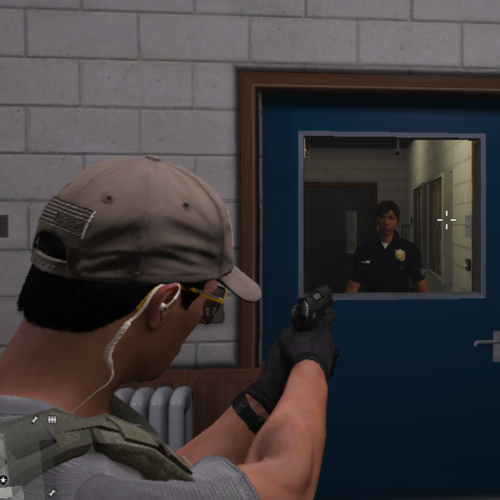 Excellent! I went on duty, accepted a callout with backup and expected that i will automatically aim on my backup units. But that wasn't the case! I'm glad to see a plugin like this! 😌
 -
Reupload your log file please.
-
Ok and? What is the result?
-
A good solution for controller players. 🙂 Will try it later!
-
If you are encountering an infinite loading screen, then try to increase the PluginTimeoutTreshold to 60000(Inside of your Ragepluginhook settings) 🙂
-
Yes.
-
Then try to reinstall lspdfr.
-
Update your .Net Framework to the latest version. If that works, please tell us.
-
Just Drag 'N' Drop the file.
-
Hello, Please upload your RagePluginHook.log 🙂
-
Ok. Try to install the latest .Net Framework(4.8). Check if the problem persists after that
-
First. You shouldn't use other threads for your problems. But do you see an error?
-
Please post a picture of your GTA V Main Directory, your plugins/lspdfr directory. And upload the latest ragepluginhook.log 🙂
-
Try to increase your PluginTimeoutTreshold. Maybe 20000 isn't high enough



