Officer19
-
Joined
Everything posted by Officer19
-
Its called Vehicle Livery Menu (Car Option Menu 1) so i think you can order the other peds to use your edited spawned vehicle
-
If you have TrainerV you can open Car option and you can find change car's livery
-
I don't have anything to say except play your game in the safe ZONE :D Just enjoy your awesome frame your awesome graphics :D
-
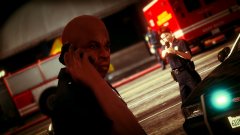
From the album: LSPDFR [WIP]
Calling their leader trying to find a solution .. -
 You are welcome :D
 -
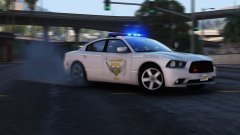 Love it !
 -
You know its not related to which graphics card you are using,but its related to who has taken this awesome photo i think he is a good gaming photographer cuz the postFX makes the game looks like real photo and i think that we have a lot of awesome photographers : @Lundy @Carrythxd @thegreathah and a lot of other members but i liked their photos so so so MUCH :D Thanks guys :D
-
You know i can't find any reasons to make your game starts with low graphics and you have High Performance i don't think that you have something prevent you to make your game make the best screenshots for your mods and looks better low graphics :D
-
https://www.youtube.com/watch?v=wwY5Vf9LGsU You can follow Finkone's steps then try again I think that you had made something wrong :D
-
Simply to get everything okay i suggest to use Finkone's tutorials : https://www.youtube.com/watch?v=wwY5Vf9LGsU
-
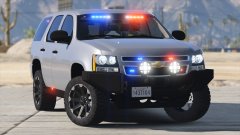 Maybe ;) But i think he must respect his work he was able to add a comment under his photo :D
 -
Thanks for adding this to our informations simply we want to say DirectX 11 always makes your game awesome with great frame :D
-
You have to create a mods folder as i think to install modded vehicles :D take a copy from your edited file and paste it in the mods folder :D and install it from there :D Edit : I think for every modded car you can find an instruction notepad where you can find instructions to how install it :D
-
If the game works well so use DX 11 its good to make your game better :D
-
Really i think he must take his permission !
-
DirectX 11 But in case that your performance is high -If not is i recommend to use lower than DX 11 like 10.1 or 10 -if yes i think you can feel free to use it if you want but you can post your specs here if you want :D
-
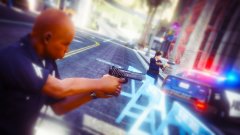
From the album: LSPDFR [WIP]
-

From the album: LSPDFR [WIP]
-
Yep, you will get more performances :D
-
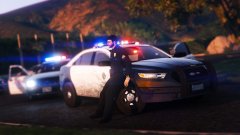 You are awesome and ..................... I don't have anything to say
 -

From the album: LSPDFR [WIP]
-
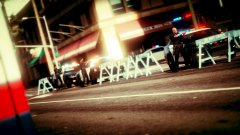
From the album: LSPDFR [WIP]
-
-

From the album: O19
This happens when you hate your self because you didn't get thee suspect xD -