


Officer19
-
Joined
Everything posted by Officer19
-
You have to wait ELS V, but you are able to change E button (Siren Button) to .. button.
-
-

From the album: Officer19 WIP
-
 New toronto skin, its my first one. Thanks!
 -
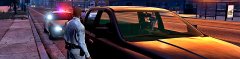 Why so you are cropping your photos and you have Rockstar Editor which makes your photo better than third person camera.
 -
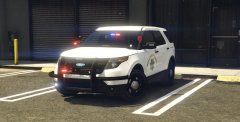 I am working on a skin for this vehicle i hope to be acceptable and nice for this Ford. :D Nice Shot :D
 -
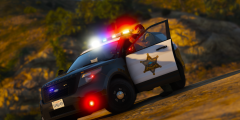 Maybe it won't be the best but simply you won't find one like this ::DDDDDDDDD AMAZING Shader settings make "The graphics(means the cartoon) REALITY" :DDD
 -
-
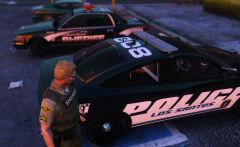 I want this :D
 -
Its too interested.
-
-
Issue is not related to LSPDFR.
-
-
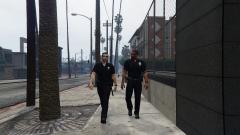 Don't do this, who will make the EUP for us xD when you finish your work on it, so you can do it. XDDD
 -
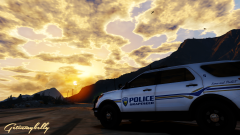 AMAZING! That's all,Sir!
 -
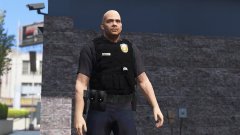 Go away -_- xD
 -
-_- That's a nice work Lundy.
-
Post car's link here please.
-
Yeah! hahaha i agree with it.
-
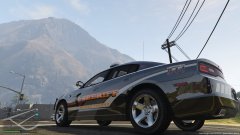 Looks amazing, i liked it so much.
 -
-
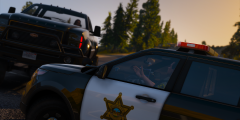 LS drivers are FUCK**S. Nice shot :D
 -
-
Simply use the current version and don't update RAGEHook and plugins.
-



