


OfficerArk
Insiders
-
Joined
-
Last visited
Everything posted by OfficerArk
-
-
 Les livrées sont transparentes, vous pouvez changer la couleur en jeu à l'aide d'un dresseur! Si vous avez besoin d'aide, vous pouvez m'envoyer un message privé.
- 239 comments
- 15 reviews
-
 Just change the paint color in a trainer!
 -
 It sounds like he needs to unzip the contents before trying to drag and drop.
- 476 comments
- 18 reviews
-
There isn’t one for this pack, I removed it when I added more cars. I’ll see what I can do! In the meantime you can change the vehicle files to the name of whatever car you want to replace.
- 476 comments
- 18 reviews
-
I made an unmarked GMC Sierra awhile back actually, I don’t think any departments use them though. I appreciate the kind words, I never knew how popular these would be when I first uploaded them. I’m happy to see people enjoy them as much as I do 🙂 Happy Thanksgiving!
- 476 comments
- 18 reviews
-
-

- 3
-
-
Make sure you added the pack to your dlclist.txt and that you spelled it correctly. You can tint it in the trainer. However, if that isn’t dark enough, the window texture is “genericwindows2”. You can make this darker with a paint software, I like paint.net.
-
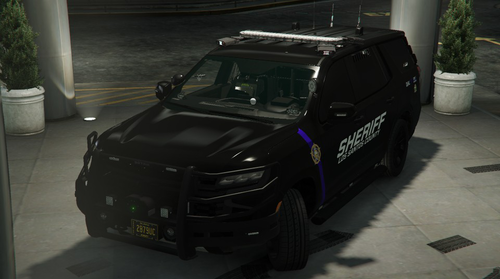 I appreciate the kind words and I’m happy you’re enjoying the cars! I’ll see if I can get an update out sometime for you 🙂
- 61 comments
- 12 reviews
-
The 16FPIU/FPIS aren’t modeled yet but the files have been created. These will not spawn anything in game! The 18 Charger should work just fine, I will check it out when I get some free time. If there is an issue, I will get an update released. Thank you for your patience 🙂
- 476 comments
- 18 reviews
-
-
- 1
-
-
PM me if you have Discord. I have made an LML file but I want to see if it works.
-
I’ll see what I can do!
-
The flashing reverse lights are hooked up to extra_5 & extra_6. Most of the models use the “emerglights” texture that could be changed to dim the white lights. I’ll check when I’m back home to make sure that’s the right texture, but I’m 90% sure.
- 476 comments
- 18 reviews
-
-
- 1
-
-
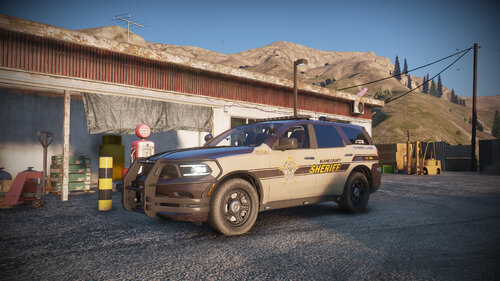 Now these are some sexy liveries. Keep up the amazing work!
 -
-
I noticed this earlier. I won’t be near my computer until tomorrow, I’ll get an update released!
-
-
Weird, I just drove it earlier and it didn’t dip into the turns.
-
You’re good lmao, I was questioning reality. Did you install the replace or addon verion?
-
Have you driven a car? None of them dip into a turn
-
This is how physics works!
-
Most of my liveries are transparent so you can change it to any color!
-
I’m at work and I can’t exactly pull up the files. They should work out of the box. Make sure you’ve installed the vehicle files correctly. DM me a screenshot of the vehicle in game. I can’t wait to check this out, thank you for posting this!
-
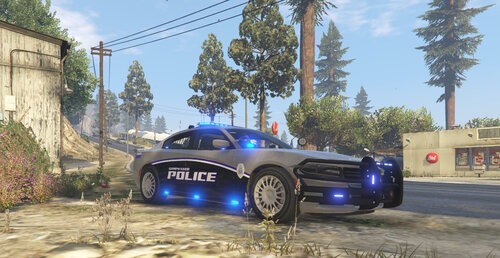 As always, some beautiful liveries! Might have to have your help sometime with a release.
 -
Make sure you have the main ELS files installed correctly, then you just drop the XML file into the pack_default
-
It’s because the replace cars are using the stock carvariations. You can change the paint color in the trainer settings until I release an update.


