


OfficerArk
Insiders
-
Joined
-
Last visited
Everything posted by OfficerArk
-
 What exactly is the issue you're having? I can assist you faster on our Discord server - https://discord.gg/bfr8chNNp
 -
 It's in the works!
 -
 Honestly I think I’ve ran into that issue myself. I won’t lie and say I know how every file affects the car models. That was just what I found people were doing and it worked most of the time! Paint will definitely be your best option!
 -
You can change the default colors in the dlc folder (think it’s the carvariations.meta). You will change the 5 lines of numbers to whatever color you want(will need to lookup the code for the color). OR You can go into like paint.net and import the livery. From there you’ll add a bottom layer with whatever color you’d like, merge them then save. Hope this helps! I will see about getting one added!
-
I'll see what I can do!
-
Maybe in the future, I would like to get some HQ K9 interiors first.
-
If you run into any issues, feel free to DM me or reach out on our discord server! https://discord.gg/2pdcjXa8s
-
It's intentional. Vehicles flipped with their respective handling lines. Might update the proper values to stop that in the future but they work! It's intentional. Vehicles flipped with their respective handling lines. Might update the proper values to stop that in the future but they work!
-
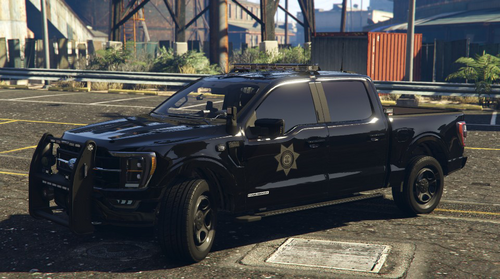
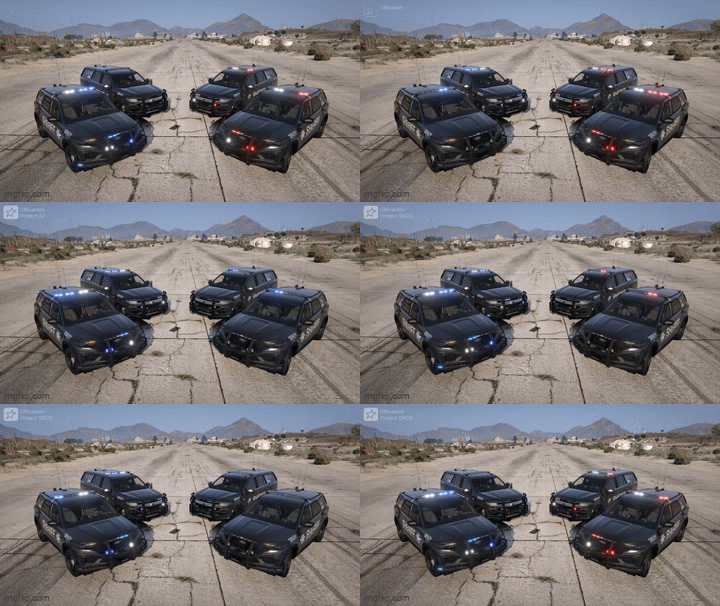
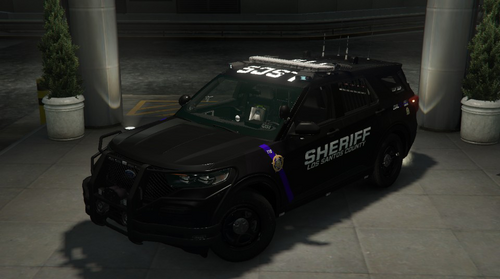
Los Santos County Sheriff's Department Vehicle Pack New screenshots/liveries coming soon! Join our Discord server for uninterrupted releases - https://discord.gg/sxbVqjbesA Includes: -------------------- 2020 Ford Explorer -Options- -Marked -Togglable ALPR's -Unmarked -Togglable ALPR's -------------------- 2022 Ford F150 -Options- -Marked -Unmarked -------------------- 2014 Dodge Charger -Options- -Unmarked -Togglable ALPR's -------------------- 2018 Dodge Charger -Options- -Marked -Togglable ALPR's -Unmarked -Togglable ALPR's -------------------- 2021 Dodge Durango -Options- -Marked -Togglable ALPR's -Optional Side Antenna -------------------- 2021 Chevrolet Tahoe -Options- -Marked -Togglable ALPR's -Unmarked -Optional Side Antenna -------------------- 2022 F250 -Options- -Unmarked -------------------- 2023 Ram 1500 -Options- -Marked -------------------- Every Model Comes with Red-Blue & Blue-Blue Lighting As Always Please Enjoy!
-
I’ll see about getting this fixed!
-
Thought I had fixed that, I will get an update out today! Do you have a video? Check that the ELS name is correct, I’ll also take a look later today!
-
Yes. These numbers you’ve copied over here are the ones that control the paint on the car. Take those and put them in the carvariations.meta of the car slot you’re replacing.
-
Go into the carvariations.meta, there will be a few lines of numbers, so are what color the car will spawn as. If you want black make sure you copy the numbers from the file I provided in the addon to whatever slot you’re replacing it with. You can also do what @DILMITH suggested which also works! Make sure your ELS is correct
-
On the pushbar!
-
I’ll see what I can do!
-
Those pictures look amazing!
-
In the vehicles handling.meta you will see a line fDriveBiasFront value=“0.000000” fDriveBiasFront value=“0.000000” = RWD fDriveBiasFront value=“0.350000” = AWD 30/70 split fDriveBiasFront value=“0.500000” = AWD 50/50 split fDriveBiasFront value=“0.750000” = AWD 70/30 split fDriveBiasFront value=“1.000000” = FWD I believe it’s 0.60 right now. Hope this helps!
-
While that worked independently, there wasn’t light coming from the spotlight from what I remember. I’ll take a look though!
-
There is, It’s on the pushbar!
-
You’ll want to head to the vehicles.meta for the vehicle and edit the lodDistances all to 500!
-
They are on the front pushbar, they are not toggleable so they should be there when you spawn the vehicle! I can see about making it non-els. Can’t make any promises right now though.
-
I’m working on these. My intention is to have the spotlight and takedowns work separately but it’s hard to do this. Currently there is no extra_11 for ELS on this vehicle. It’s in the works! You’ll need a compatible game config, packfile limit adjuster, and heap adjuster! https://www.gta5-mods.com/tools/packfile-limit-adjuster https://www.gta5-mods.com/tools/heapadjuster
-
Introducing the 2025 San Andreas Sheriff's Department! (04/09/2026) Update coming soon to fix some issues Includes: 2025 Ford Explorer -Options- - Red-Blue and Blue-Blue - ALPR's - Working Lights on Overhead Siren Controller 2024 Chevrolet Tahoe -Options- - Red-Blue and Blue-Blue - ALPR's - Working Lights on Overhead Siren Controller More vehicles will be added soon! As Always Please Enjoy!
-
 I can see about including this with my new vehicle/s. It's something you'd have to edit in Zmodeler.
 -
Make sure you have the following! https://www.gta5-mods.com/tools/packfile-limit-adjuster https://www.gta5-mods.com/tools/heapadjuster



