


TickleMyElmo
-
Joined
-
Last visited
File Comments posted by TickleMyElmo
-
-
-
-

-
 16 minutes ago, Reddington said:
I'm sure you saw, but he added it -
Thank you!
yup finally got off my butt and added it
-
-
-
1 hour ago, J T said:
this is a nice pack but wish the rambars and wrap arounds were optional, you should update your del perro pack with this silverado it would look so much better
a lot of people dont seem to notice things on here, we are still stuck with an over scaled 15-19 tahoe that no one seems to notice even though its pretty obvious
tire one is easy , not that im perfect and dont expect perfection from everyone , but yes its a collision issue the front left in zmod is the only tire you see so to scale it correctly you gotta scale the collision models to all match
-
-
-
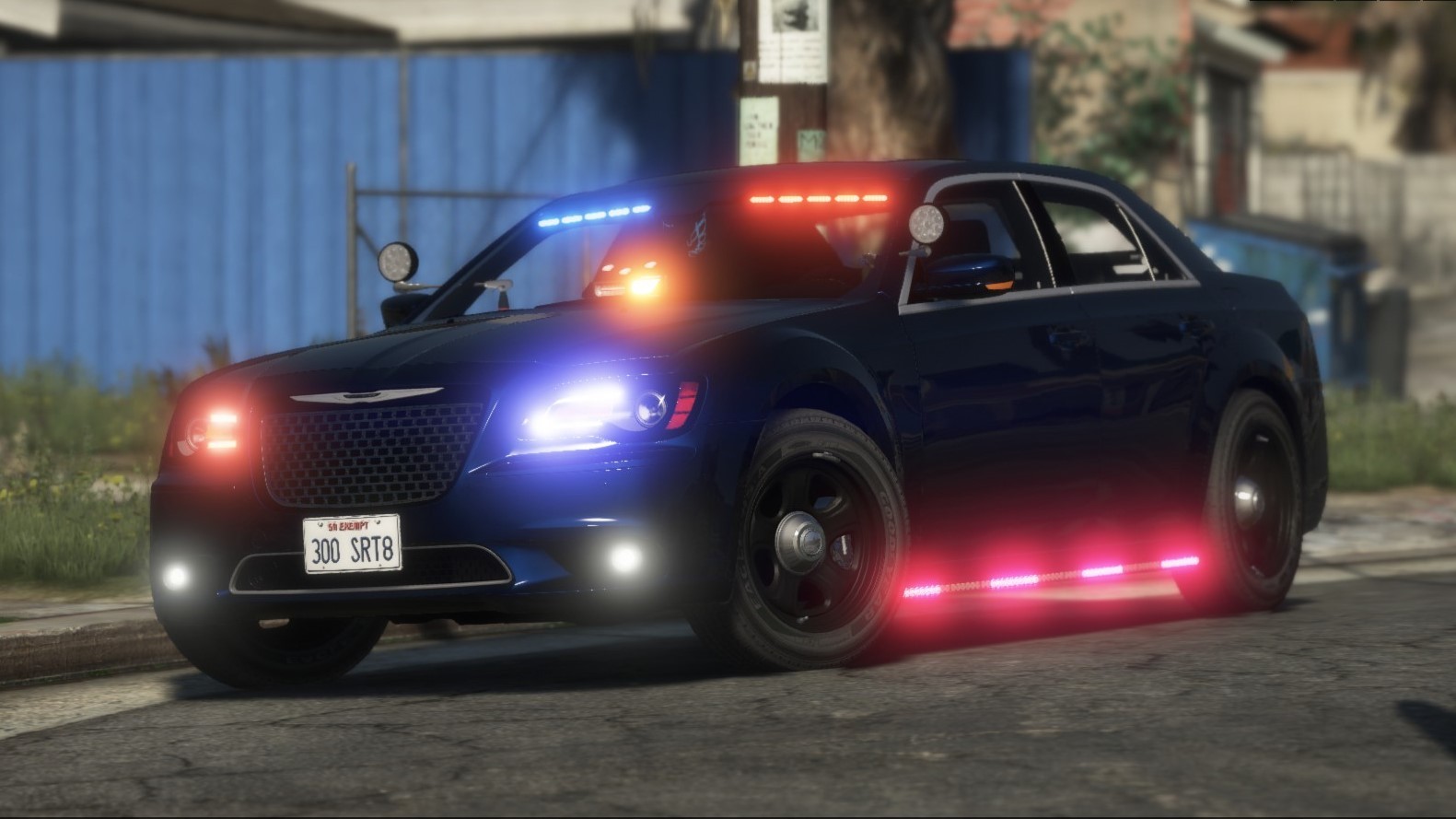
- BlueGhost and AuriVictori
-
 2
2
-
-
-
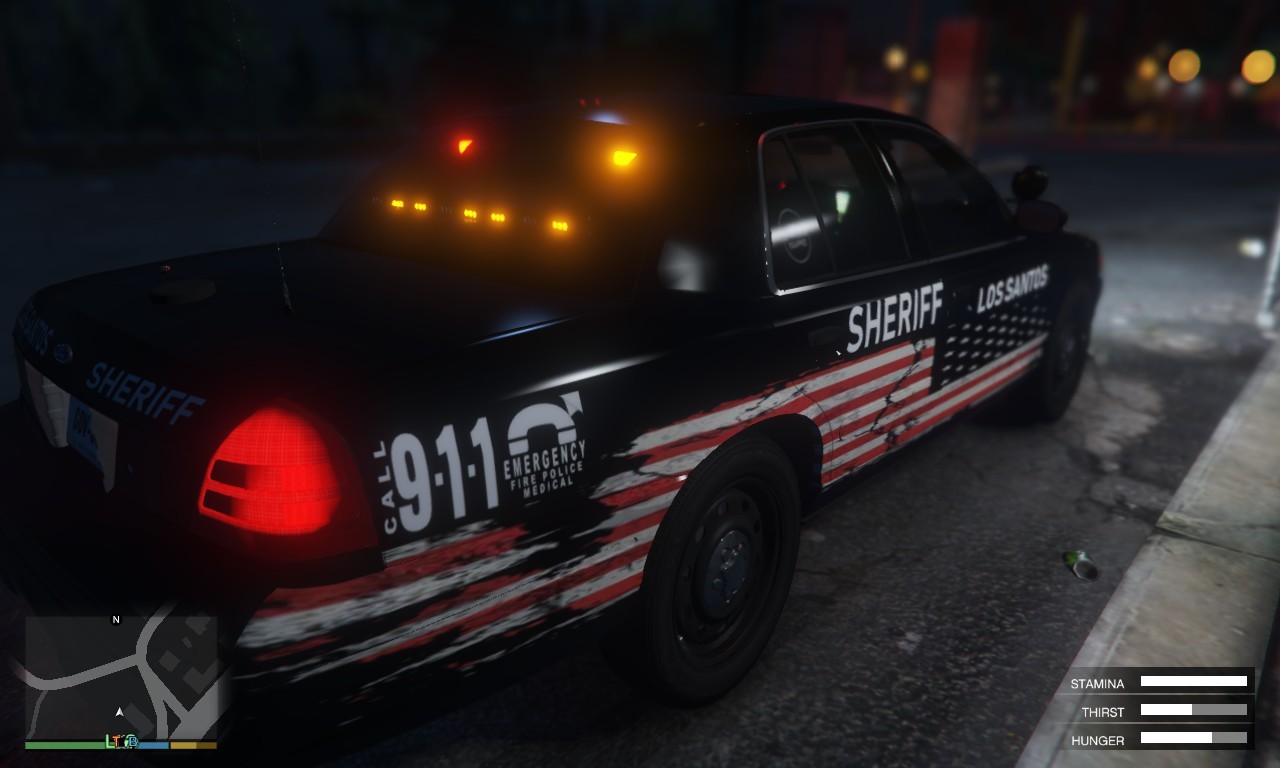
very well done textures man , im a weirdo and i like black paint but thats just me non the less looks nice 👍
-
-
-
-
-
-
-
Edited by TickleMyElmo
link is f'd
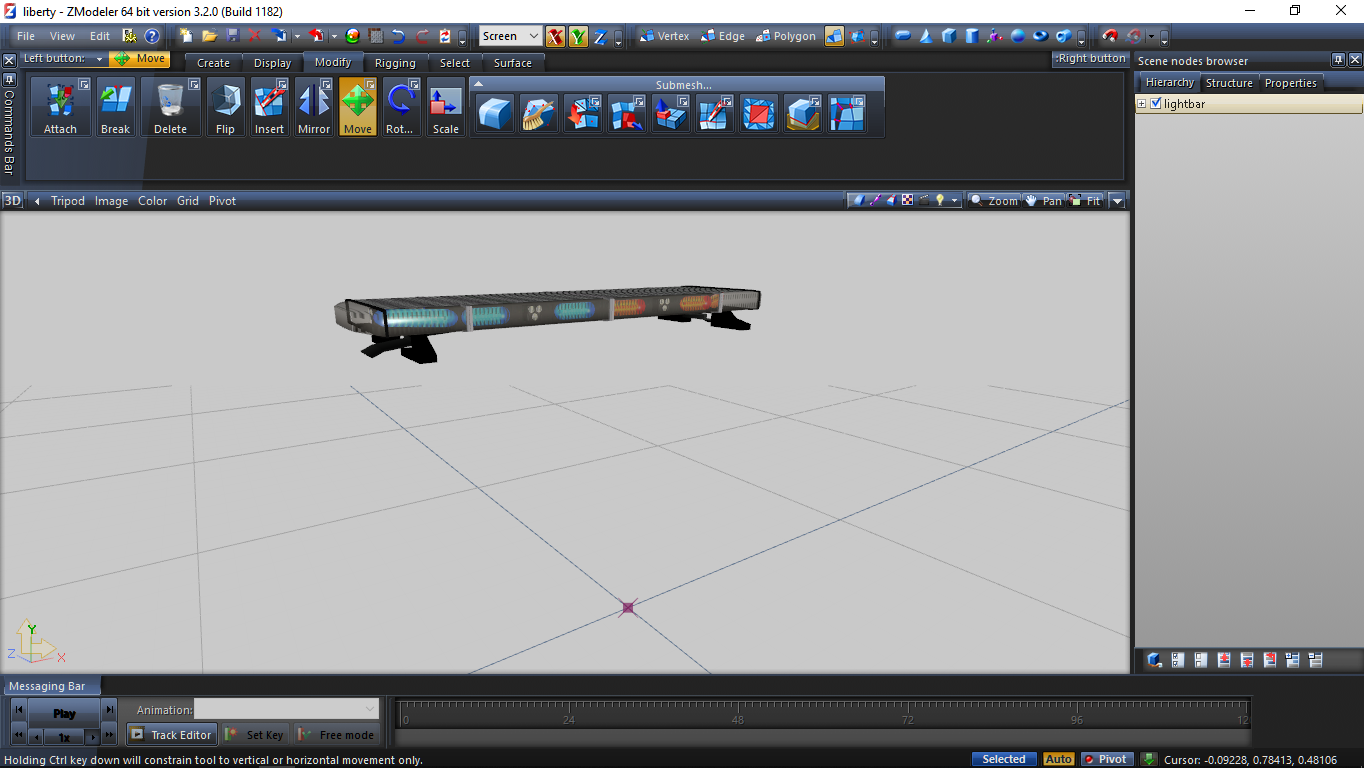
EDIT: http://forum.zmodeler3.com/viewtopic.php?f=31&t=7343 go there bottom of olegs post which is first post , at the literal bottom of his first post are 2 downloads one is called gta_parts.xml click it to download thats this file and place it into your install folder inside of the zmodeler 3 main folder , start zmodeler 3 an gain erection
-
-
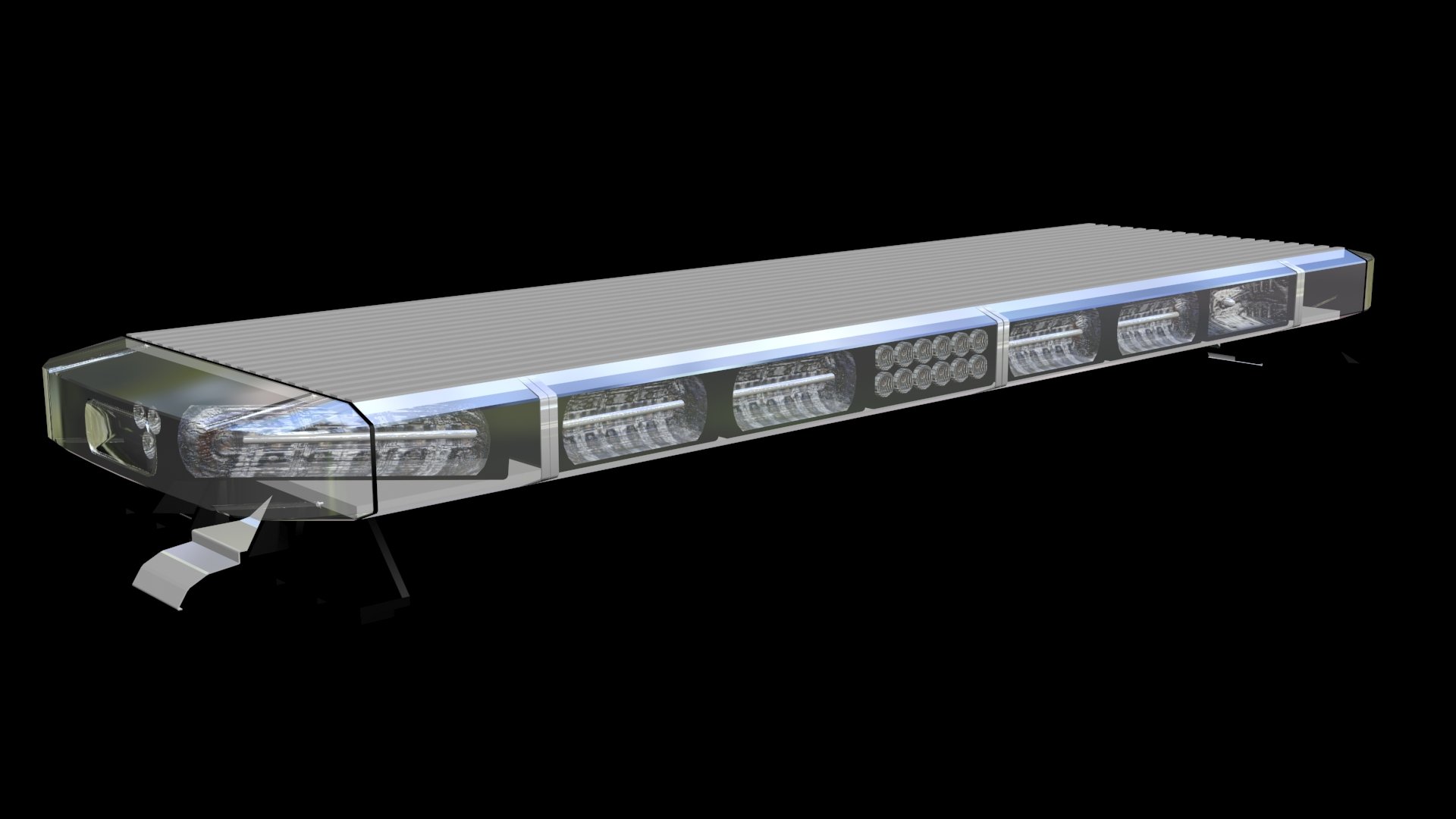
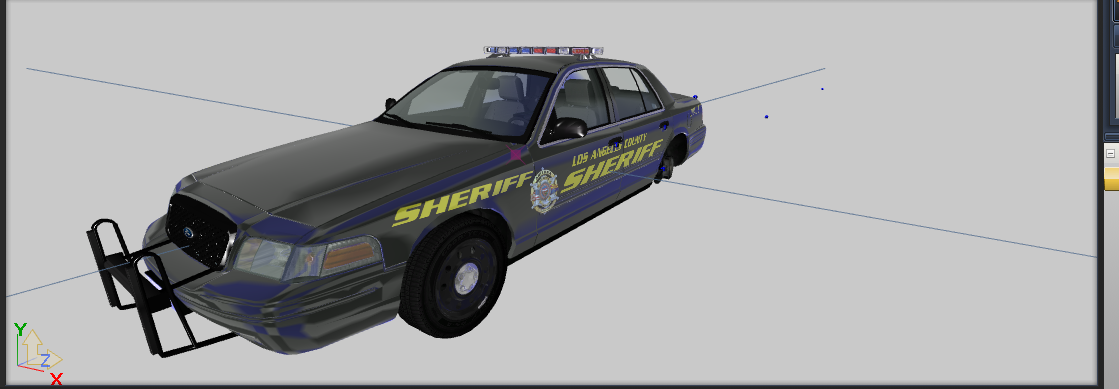
its nice but very unfinished , which normally might be fine but hard get things done when we all tend to be busy these days but still need to fix this before we can even use it in our games.. but again its nice just update it with the finished version would be cool .. like emis, and so on, also maybe two takedowns .. not a huge fan of it on a single side
still good job
-
-


Spotlight
in Script Modifications & Plugins
anytime i write the required lines for handling it just crashes , if someone wants to help get the handling line to work thtd be grreeeeaaat thanks