


GooseJS
Members
-
Joined
-
Last visited
Everything posted by GooseJS
-
Nothing happens, at all. The function I have set to run when the event is called is never triggered.
-
Could anyone help me with getting the OnOnDutyStateChanged event working? Thanks!
-
I found a way to get around putting the plugin into the LSPDFR folder. Well, I didn't find it, but I found that this person found a way to get around it. If you download the police radio plugin by FinKone, there is a GTA V.exe.config. If you take this and place it into your root GTA V installation folder, you will no longer get the FileNotFound exception!
-
Thank you! I am such an idiot, I can't believe I missed the entire API section on the forums! Specifically that thread. Once again, thank you!
-
I am currently working on a mod that (obviously) uses the LSPDFR API. I was wondering if anyone had figured out how to use the OnDutyStateChanged Event in the API. I have used events on my own in the past, and they have worked so I can't figure out if the issue is the LSPDFR API (I know it is still very early alpha) or myself. Thanks!
-
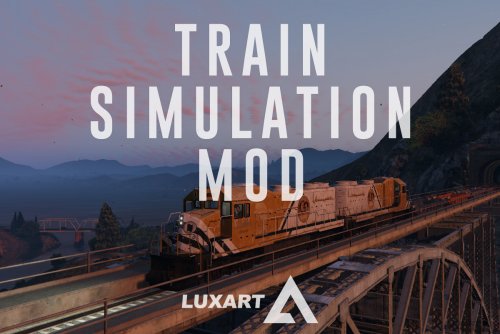 Any help? I have no way of knowing whether or not the mod was installed, but none of the keybinds work. (ALT+F12 when near train doesn't enter me into the train, and ALT+F11 when near tracks doesn't spawn a train.) I followed the instructions exactly so I don't see how I could've screwed this up. I can't edit my old comment, but at this point I am sure the mod is being loaded, because in my asiloader.log file, I see that is is successfully loaded. Any help with why it's still not working?
