Skip to content
View in the app

A better way to browse. Learn more.

LCPDFR.com

A full-screen app on your home screen with push notifications, badges and more.

To install this app on iOS and iPadOS
  1. Tap the Share icon in Safari
  2. Scroll the menu and tap Add to Home Screen.
  3. Tap Add in the top-right corner.
To install this app on Android
  1. Tap the 3-dot menu (⋮) in the top-right corner of the browser.
  2. Tap Add to Home screen or Install app.
  3. Confirm by tapping Install.

Andrew111

Members
  • Joined

  • Last visited

Everything posted by Andrew111

  1. We should stop this nonsense.. Hillary is an excellent candidate - she or Bernie Sanders should be our next president. Let's divert our attention to the bs surrounding Mr. Donald J Trump.
  2. Bernie is the right choice, Hillary right behind him. All others, no words..
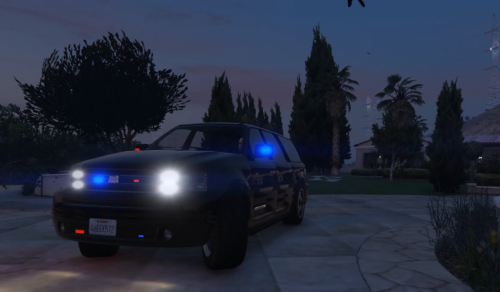
  3. Awesome!! Add more lights please though :D
  4. That would be spectacular! Could you please do that?
  5. I don't really understand how to use the uniform. how do I load it?
  6. Use your command prompt hit start and type in cmd. Then type in ipconfig /release - this'll turn off your internet connection temporarily. When you're done playing type in ipconfig /renew and it will restore the connection. This works for me, I have retail version, non steam.
  7. I have a suggestion for a future callout - a bomb threat perhaps. There is a juggernaut outfit in game, I wonder if that could somehow be applied and used in such a a callout scenario.

Account

Navigation

Search

Search

Configure browser push notifications

Chrome (Android)
  1. Tap the lock icon next to the address bar.
  2. Tap Permissions → Notifications.
  3. Adjust your preference.
Chrome (Desktop)
  1. Click the padlock icon in the address bar.
  2. Select Site settings.
  3. Find Notifications and adjust your preference.
