andypapii
Members
-
Joined
-
Last visited
Everything posted by andypapii
-
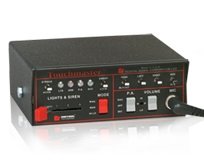
 u must have some other sounds added aswell i can just put the whole folder up there of mine but it will replace any other sirens u have
- 45 comments
- 11 reviews
-
Add the new files under "If the sirens dont work" folder with the siren files aswell and let me know if that works
- 45 comments
- 11 reviews
-
add the file i just added aswell tell me if that works one will take out a silly clown horn sound if u guys dont mind that
- 45 comments
- 11 reviews
-
@ BACK UP UR AWC FILE INCASE SOMETHING GOES WRONG @ My first siren includes a manual to replace the horn back up before u install Use OpenIV and go to x64>audio>sfx>Resident.rpf Right click on vehicles.awc and click export to open formats Find the folder u exported it too and drag and drop my files in the vehicles folder Preview > Crown vic skins used in video >
- 45 comments
- 11 reviews
-
-

- 4
-
-
.thumb.jpg.4066677156985e22489bfecddc2f6c45.jpg) how do i uninstall this because i used the open iv installer now i want to replace new cars but everytime put a car in a sherriff slot then go to use it in game ur cars still appear -.-
how do i uninstall this because i used the open iv installer now i want to replace new cars but everytime put a car in a sherriff slot then go to use it in game ur cars still appear -.-- 376 comments
- 81 reviews
-
-
looks great are we not allowed to put our own skins cause when i try to open the texture in open iv it says openiv ran into a problem
- 376 comments
- 81 reviews
-
-
-
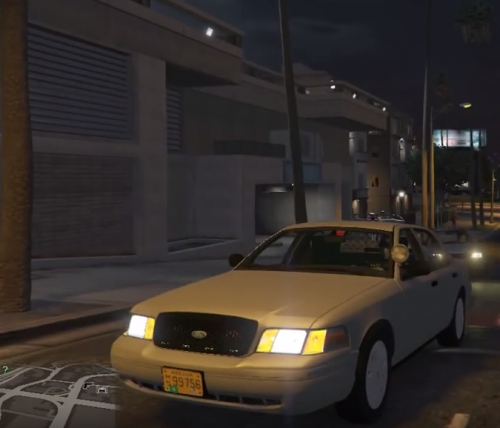 i havnt uploaded it yet it doesnt really sound that good too me but if u guys want it ...
- 13 comments
- 1 review
-
-
yes the download link is in the description he just hasnt uploaded any new screenshots but u have a choice between hub caps now
- 13 comments
- 1 review
-
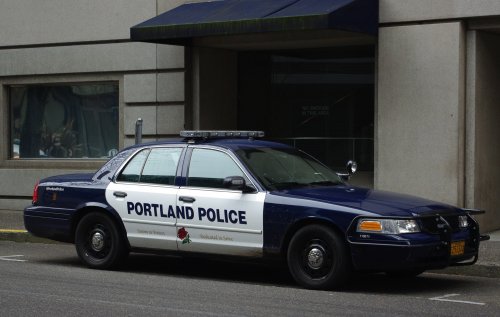
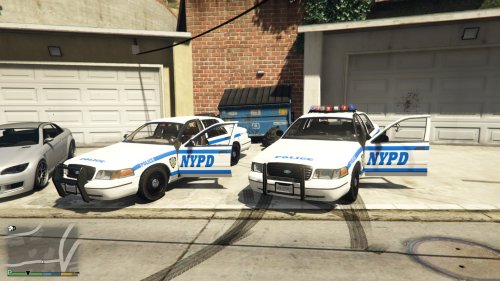
i know this is easy to make but i made this for lazy people has oregon plates on it as well and in the video i show u how to take the light bar off with a trainer (again easy but some people dont know) to install it locate the texture file for the cv u want to use and replace the cvpi templates the model with hub caps that i used is comes in 4 colors black blue grey and white here is a preview of the skin and im using a 80k uni siren i made for gta v
- 13 comments
- 1 review
-
-
- 1
-
-
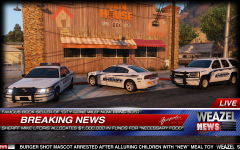 are they gonna be release if so whats the eta and will we be able to change the color of the rambar? :) they look amazingbtw
 -
 lol. ur mod file replaced my sheriff granger into a dutch siren do u know what the audio file is called that replaces that so i can change it?
- 19 comments
- 2 reviews
-
-
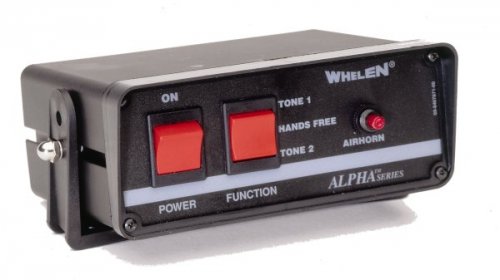 UNITRON 480k !!!!!!!!!!!!!!!!! PLSSSSSSSSSSSSS
 -
 loving that rambar are u gonna be able to change its colors when it comes out?
 -
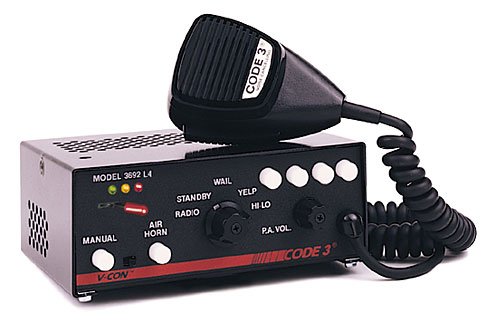 i beg to u! :( lol
 -
please make unitron 480k siren xD
-
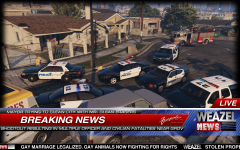 oooo when is release ? :D
 -
-
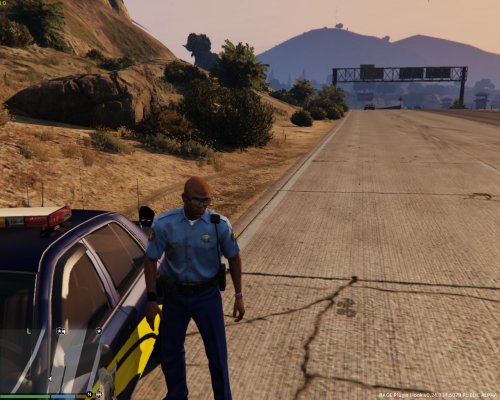 All credit to codemonkeybc !!!!!!!!!!!!!!!!!!!!!!!!!!!!!!!! path is in file
 -
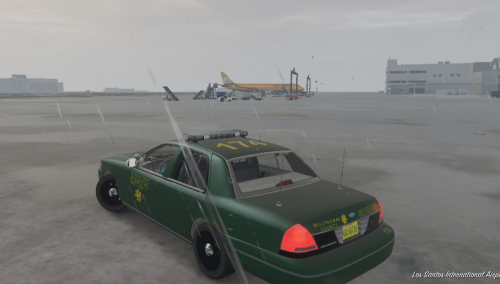 Download the latest model here http://www.lcpdfr.com/files/file/8720-cvpi-w-whelen-edge-more/ follow the instructions there start open iv then place the image in my file u downloaded in \gta 5\update\x64\dlcpacks\patchday3ng\dlc.rpf\x64\levels\gta5\vehicles.rpf and then find where u put the 1999 crown vic click on the YTD texture file replace all cv police signs and ur all done codemonkeybc and myself will be working on oregon skins this week this is one of many skins we plan to release
 -
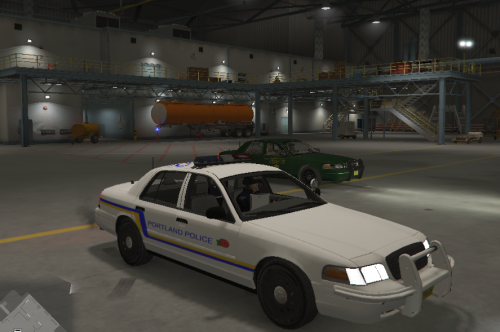 This is for the 2008 or 2011 crown vic model u can find the 2008 mode here http://www.lcpdfr.com/files/file/8287-added-emergency-vehicles-by-dbock-ft-the-cvpi/ and follow the install instructions there start open iv go to gta 5\update\x64\dlcpacks\patchday3ng\dlc.rpf\x64\levels\gta5\vehicles.rpf click on where ever ur 2008/2011 crown vic ytd texture file is under and replace all the cvpi signs codemonkeybc and myself will be working on oregon skins this week this is one of many skins we plan to release
.thumb.jpg.4066677156985e22489bfecddc2f6c45.jpg)
.thumb.png.5fbbb989547defaeeb5c22864df62b54.png)