Skip to content
View in the app

A better way to browse. Learn more.

LCPDFR.com

A full-screen app on your home screen with push notifications, badges and more.

To install this app on iOS and iPadOS
  1. Tap the Share icon in Safari
  2. Scroll the menu and tap Add to Home Screen.
  3. Tap Add in the top-right corner.
To install this app on Android
  1. Tap the 3-dot menu (⋮) in the top-right corner of the browser.
  2. Tap Add to Home screen or Install app.
  3. Confirm by tapping Install.

bardo2014

Members
  • Joined

  • Last visited

  1. brandonwest35 started following bardo2014
  2. BBarth531 started following bardo2014
  3. stlcpd started following bardo2014
  4. derbyks8 started following bardo2014
  5. AHPD7256 started following bardo2014
  6. Joe Clean started following bardo2014
  7.    TrooperTaff reacted to a gallery image: Light Show OFF
  8. sealtam691 started following bardo2014
  9. TheCrowbarXC started following bardo2014
  10. SPD504 started following bardo2014
  11. oOAPOLLYONOo started following bardo2014
  12.    GTA Cop reacted to a review on a file: [WIP/REL] Pierce Arrow PUC
  13.    Tinywolves reacted to a review on a file: [WIP/REL] Pierce Arrow PUC
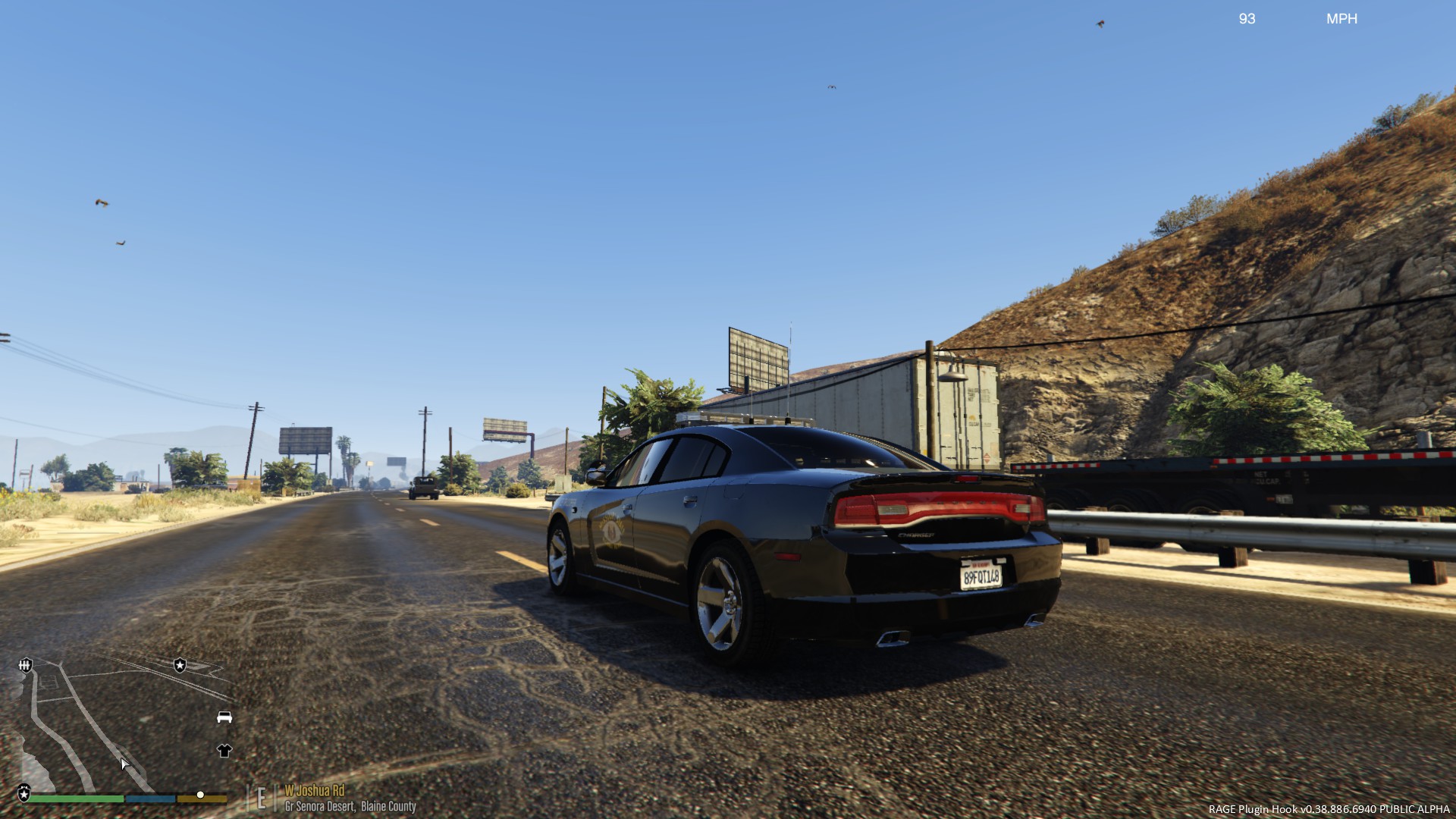
  14. Hello all! I've been working on some SWMO local law enforcement vehicles and peds! I grew up in Joplin, MO and have such a passion for local law enforcement. I am also currently in the selection process for the Missouri State highway patrol, so I added them as well! Below is a list of what I am currently working on and plan on doing for the future. If you have a local city or county you would like me to do, please drop it in the comments or PM me! - Joplin Police Department (patrol cars, peds) currently working on - Joplin Fire Department (fire trucks only) currently working on - Local EMS: Newton County Ambulance Service, METS, and Mercy (EMS units only) currently working on - Jasper County Sheriff's Office (patrol cars, peds) currently working on - Newton County Sheriff's Office (patrol cars, peds) currently working on - Missouri State Highway Patrol (patrol cars, peds) currently working on <--- Working on getting this released as Mega pack ============================================================================================================================================================== - Carthage Police Department (patrol cars only) planned - Lamar Police Department (patrol cars only) planned - Webb City Police Department (patrol cars only) planned - Seneca Police Department (patrol cars only) planned - Taney County Sheriffs Department (patrol cars only) planned - Branson Police Department (patrol cars only) planned -bardo2014 Joplin Police Department Newton County: Jasper County: Missouri State Highway Patrol
  15. Could you please send it to me?? These look good
  16. Is there a red and blue option for this firetruck?
    So glad to finally have a good fire truck! Looks great in game! Cannot wait for the final release! Thanks for letting us play early! (:
  17.    bardo2014 reacted to a post in a topic: [REL] Coastal Callouts Discussion Thread
  18. Okay. Thanks. I didn't see the liberty in the Dev lightbar downloads though....
  19. I see a lot of developers using the Wheelen Liberty by EVI and was wondering if someone might be able to send me the DEV file? Thanks in advanced!
  20. What files did you change to achieve this?
  21.    bardo2014 reacted to a post in a topic: [REL] Coastal Callouts Discussion Thread
  22.    bardo2014 reacted to a gallery image: 2015 Dodge Charger AWD
  23. I was hoping someone might be interested in making hubcaps like these as a wheel addon.
  24. I'm having the same problem in police 3 slot with an explorer. Have a fix yet?
  25. bardo2014 changed their profile photo
    • 70 downloads
    • Version 1.0.0
    This is a skin I made based off my home town of Joplin, MO.
    • 80 downloads
    • Version 1.0.0
    This is a skin I made based off of the Metro Emergency Transport service in the Joplin, Missouri area.
  26. Are you going to update the other tahoe models with these true PPV wheels?

Account

Navigation

Search

Search

Configure browser push notifications

Chrome (Android)
  1. Tap the lock icon next to the address bar.
  2. Tap Permissions → Notifications.
  3. Adjust your preference.
Chrome (Desktop)
  1. Click the padlock icon in the address bar.
  2. Select Site settings.
  3. Find Notifications and adjust your preference.