




ScrimpyData
Members
-
Joined
-
Last visited
Everything posted by ScrimpyData
-
Look awesome :D
-
Happy Easter! :P
-
Two good old friends: google and youtube (NB on YouTube xp )
-
I saw a new star for one of my next video! :D
-
 That looks awesome!
 -
Well, I had a server and I'm able to remake it! :D just PM me if you want to get on the server.
-
Well, a few posts above yours, there is a GTA BeNeLux idea :P And I would love it!
-
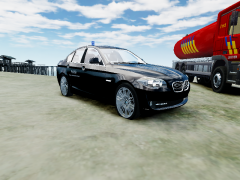 I released a whole pack, take a look on the downloads page at carbon7studios.weebly.com (isn't approved here yet)
 -
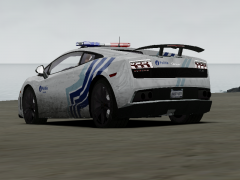
From the album: Scrimps Mods
-
From the album: Scrimps Mods
-

From the album: Scrimps Mods
-

From the album: Scrimps Mods
-
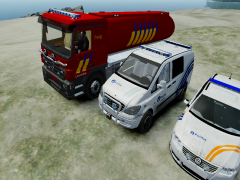
From the album: Scrimps Mods
-
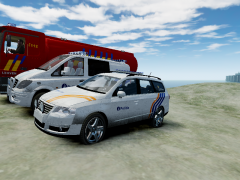
From the album: Scrimps Mods
-
 Looks really awesome!!
 -
Don't make multiple threads about the same thing...
-
Thanks!
-
I want to have (maybe make) the siren, but there aren't any good sounds on it if I search for the police dept. instead of the siren type, so if anyone could tell wich siren or sirens this is/are, I would really appreciate it. -Scrimpy
-
Well, it looks cool, but if ti takes a couple of years, most gamers will have moved on as Scott said
-
A crown vic marked police interceptor or the unmarked version :P
-
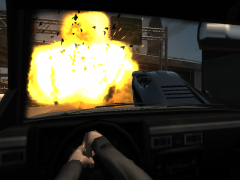 Calls in radio: "This is Infernus 1, we have a lift-off"
 -
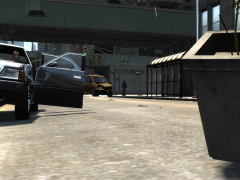 All those cars? There are only 2 :P And that guy is just standing there like "Not a single f*ck was given"
 -
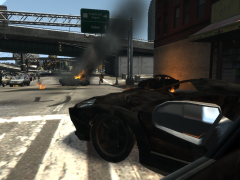 Lol
Lol -
From the album: Scrimps Pics
-
From the album: Scrimps Pics


