




ScrimpyData
Members
-
Joined
-
Last visited
Everything posted by ScrimpyData
-
Nice videos, you earned yourself a new subscriber :)
-
 Nice work!
 -
 I don't want to call it copying, I was just very inspired by your story and tried to make something like it... :D But imo yours is still better
 -
 Thanks, I still need someone for the lightbars tough... *EDIT* I will release this as soon as the lightbars are on it!
 -
From the album: Scrimps Mods
-
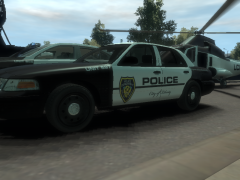
From the album: Scrimps Mods
-
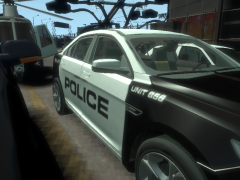
From the album: Scrimps Mods
-
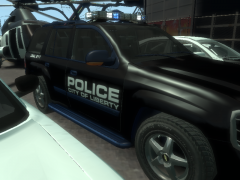
From the album: Scrimps Mods
-
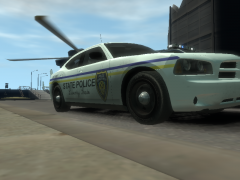
From the album: Scrimps Mods
-
From the album: Scrimps Mods
This is the whole pack again -
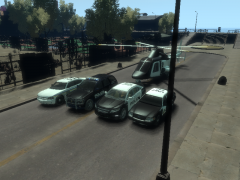
From the album: Scrimps Mods
This is the whole pack -
-
Yep, I did... It works fine now, only some medium-heavy frame drops
-
I highly recommend using a controller...
-
Oh... I'll try reinstalling it
-
I installed the mod, and when I go to Algonquin, the game just crashes... Any help?
-
I don't experience any issues in Belgium...
-
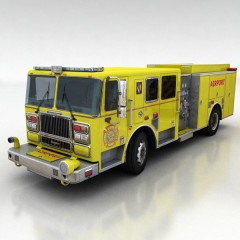 Looks cool!
 -
From the album: Scrimps Pics
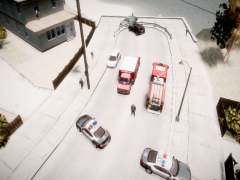
A small traffic accident between two cars happened this morning in Broker. A Cadddilac CTS (not sure) slipped on a patch of ice and crashed into the barrier at the end of the street. A minute later, a big Caddilac Escalade crashed into the other car. "We couldn't do anything for the driver and passenger of the CTS when we arrived on the scene" said FDLA truck driver Luis Johnson, "they died on impact". The LAPD arrived five minutes after the FDLA and immediatly started blocking the road for any traffic. "The weather was clear and the visibility was good" stated LAPD officer James Peterson. The driver of the Escalade was freed from his situation and taken to the Shottler Medical Center with minor injuries. -
I don't really know... Already tried reinstalling it?
-
I just got a standard Asus CM6730 (see pic), but I have a new GPU ready, I just need to let it kinda "rebuild" in a new case with new power supply
-
I'm very sorry for this triple post, but I have something pretty important to say! Carbon7Studios is back open! I hope you guys think I made a good decision now. So all postions are back open now! Hope some guys would like to work with me, and also have fun while testing it (maybe in MP)
-
Imo an XBox 360 controller is the best controller to use with GTA IV (I use it myself and it works perfect)
-
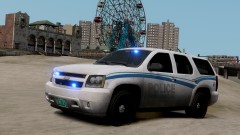 Nice car!
 -
To fix the ELS problem, disable your trainer xp And for the trainer option, idk why it won't work


