


thegreathah
Friends of LSPDFR
-
Joined
Everything posted by thegreathah
-
 I agree, most modders won't. Again the pissing contest starts.
 -
So my question still stands: will you consider uploading this even if a lock feature never comes out as Oleg has said?
-
I just go a response from Oleg and he said the files will never be locked as it can be bypassed he doesn't see it as necessary so unless people are willing to contribute without absolute protection the community won't get many models.
-
Cool. Any progress on the UV mapping of Vanilla cars?
-
Oh that's too bad. Too bad we all just can't work together and be honest about our work. Oh well... Do the lights work?
-
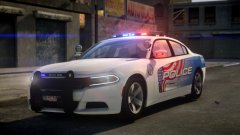 Sweet!
 -
Woah beautiful work. Release soon? That's my favorite car in real life!
-
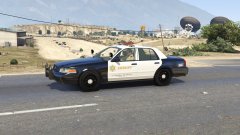 Ok that's fine knowing that I totally agree with you that he shouldn't port it. I would never want to come off as rude I just wanted to be sure their was no case of mistaken identity for this mod :). And to Sentinel: Use something else if you cannot agree to Kevin's terms.
 -
Wait, how do you absolutely know it is yours though? Couldn't it just be a forward port of his Cvpi with frank's lightbar. If it is yours I apologize if you found my earlier comment rude.
-
Please tell me your joking. Btw there are more than just your model, F5544 for Sentinel's GTA 4 CVPI pack.
-
release release please. I am shaking. I LOVE YOU! Please hurry. *Starts crying* On a more serious note: does the lightbar work and are the textures distance drawn unlike the current modded police cars?
-
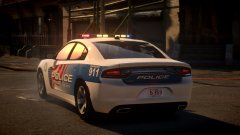 That is beautiful. *starts crying*
 -
-
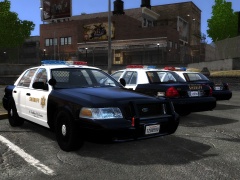 Awesome I love it. Will you do a conversion to GTA V?
 -
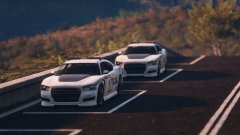 I'm suprised the textures still show up from that distance. For me I can't even get across a 4 lane road without the buffalo going all white
 -
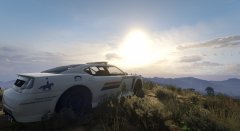 very nice. are you going to upload this?
 -
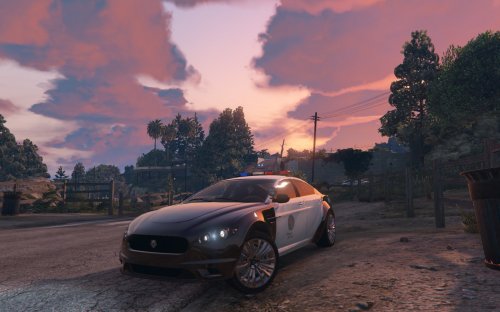 Very, very well done. By far the best model on here so far. I have a few problems with it. No textures at long distance Grainy textures, in general not a high quality logo. Other than that it is awesome and a great replacement vehicle! I look forward to more from you.
- 56 comments
- 7 reviews
-
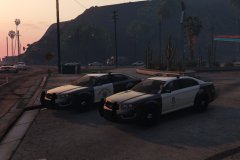 Please release this. I will actually use that vehicle.
 -
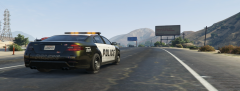 Those look awesome!
 -
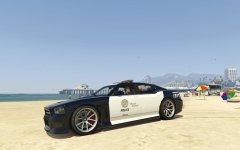 I agree, rockstars design was a strange decision especially police 3 and the fact that their own texture gets clipped off oh and btw you should upload this
 -
When will I get to try this?
-
Much better!
-
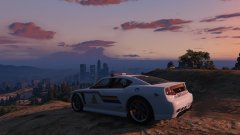 NICE!
NICE! -
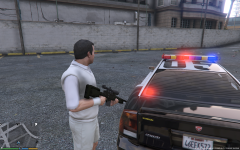 mother of god
 -
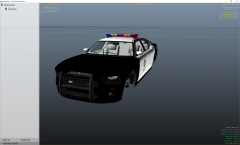 looks really good? Does it flash orange as well?


