rukrim
Members
-
Joined
-
Last visited
Everything posted by rukrim
-
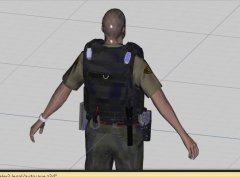
From the album: W.I.P PED MODELS
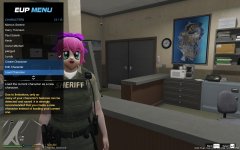
Just a photo of previous testing on vest -
 yes but in this photo: you said that you were using this model: i tried to import it on zmodeler3 as ydr...but its not working...i just see the bones and skeleton.....so i would like to know if you have any idea on how could i take it being an ydr and see the taser itself...not just bones and skeleton... thanks alex :D
 -
@Alex_Ashfold haha so there is a character called @Lundy ?!!....i should test it . hey alex do you still have your taser model? ...been working on this: i would like to know if it is possible to use your taser model....i already have somone that will send me a model....but i just want to compare and see which one looks accurate enough to place it on the custom belt.....
-
From the album: W.I.P PED MODELS
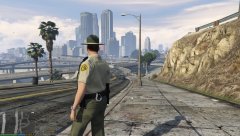
New belt with cuffs and flashlight added. Taser x26, new radio and radio's wire will be added soon. Still in progress -
From the album: W.I.P PED MODELS
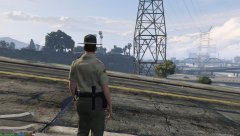
New belt with cuffs and flashlight added. Taser x26, new radio and radio's wire will be added soon. Still in progress -
From the album: W.I.P PED MODELS
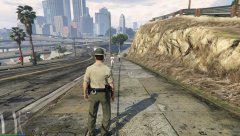
New belt with cuffs and flashlight added. Taser x26, new radio and radio's wire will be added soon. Still in progress -
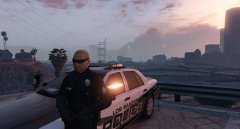
From the album: LSPD New Uniforms and Gear
Ready for duty (messing around , testing gloves textures + new faces and short sleeve) -
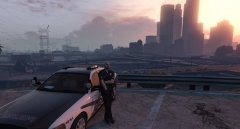
From the album: LSPD New Uniforms and Gear
''I need a fucking new life'' (messing around , testing gloves textures + new faces and short sleeve) -
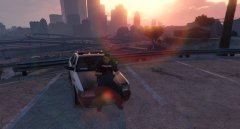
From the album: LSPD New Uniforms and Gear
There is always time for a donut (messing around , testing gloves textures + new faces and short sleeve) -
-
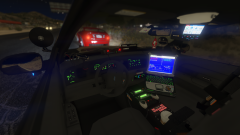 @Prophet @Bxbugs123 wow....just amazing.....all is in the correct place with correct configuration of lights/materials......this is the best model i've ever seen by far. Also i find very usefull the part of adding vehicle mods tuning parts to work with multiple options of accesories and lightning.....i will learn how to do this vehiclemods thing for sure and add it to my models....its just the perfect model and i cant wait to see all the capabilities with ELS too. Great work bugs and all the team that help to make this true. Keep it up and i hope some day i will be able to start working with you guys on models, thats what i love to do in my free time
 -
its explained at the video prophet did showcasing bxbugs cvpi.....the dog its just an object and can be removed or not. A K9 script would be awesome...there is one i think but not fully worked.
-
 do you have an animation for tkaing out the pistol from the leg holster???......wow....thats pretty nice.
 -
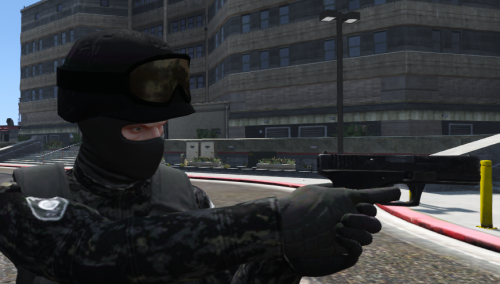 nice man....i tried to add the blackops ped's vest to mp loadout and i couldnt get it to work.....it wasw just messed up....i thing that maybe it was a skeleton problem or somehting with the mesh....
 -
i putted the dummy at the base of the antenna, converted it to compound as ''default'' of the antenna, attached all the proper lods of the antenna and it didnt work.......but do i need to attach it as the same component or keep the booble_head dummy separated?
-
where can i find the bobble head yft file in openiv.?...i tried hours and i cant find it lol :P @Desmond98 EDIT: FOUND IT......srry :D
-
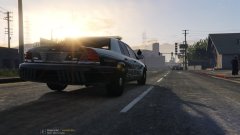
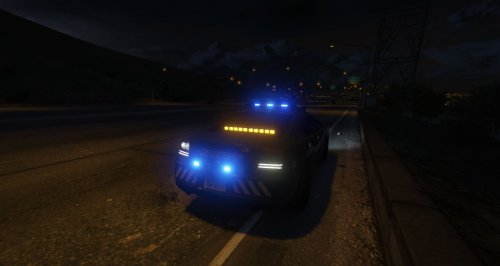
Here i will post my work on my new cvpi that will be released soon
-
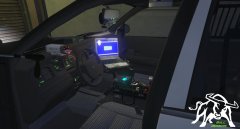
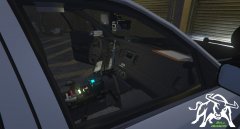
From the album: CVPI LSPD W.I.P (NOT EVL COMPATIBLE)
Detailed interior -
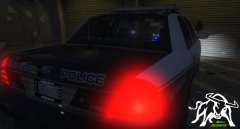
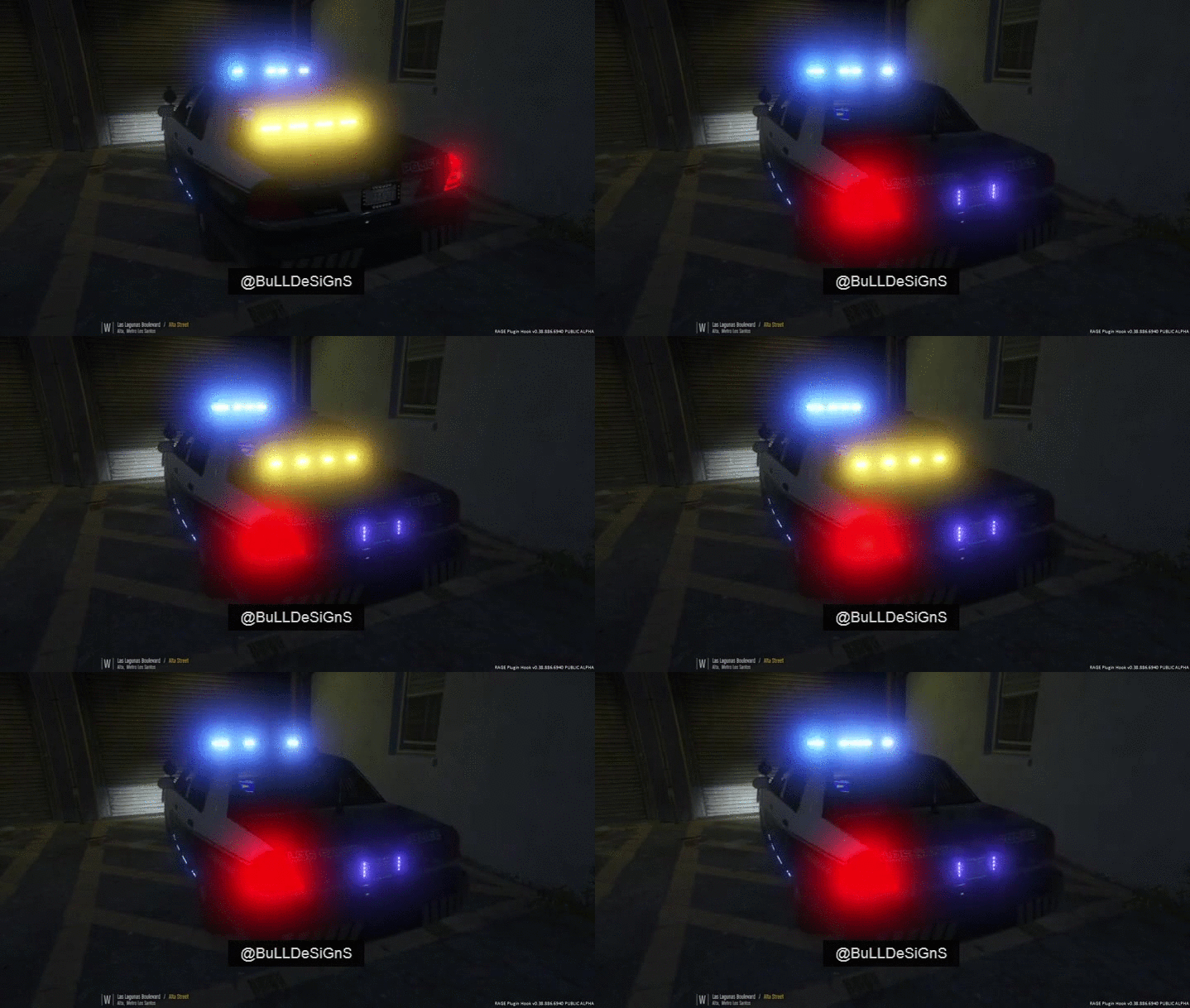
From the album: CVPI LSPD W.I.P (NOT EVL COMPATIBLE)
-
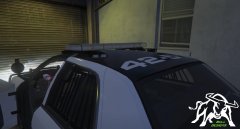
From the album: CVPI LSPD W.I.P (NOT EVL COMPATIBLE)
NEW ALPR processors setted at the top -
From the album: CVPI LSPD W.I.P (NOT EVL COMPATIBLE)
-
From the album: CVPI LSPD W.I.P (NOT EVL COMPATIBLE)
-
 Yeah...leos stuff looks awesome and he has a lot of variety. Some parts were converted from gtaiv. I already talked with him. He is a nice guy and i learned some things from his videos
 -
yeah i will take that into consideration :D, tahnks for the tip :P
-