


ricearoni
Members
-
Joined
-
Last visited
Everything posted by ricearoni
-
.thumb.png.f554a3e22a0cc94aa174267689e6dbad.png) @getinmybelly0627 Still the best pack around! Was wondering, if it's not too much to ask, for you to put out a texture for the Hurk's new explorer model! Tried to modify it n my own with photo shop but im not even in the ball park, thanks again keep up the great work, just downloaded and started integrating some of your other textures as well!
@getinmybelly0627 Still the best pack around! Was wondering, if it's not too much to ask, for you to put out a texture for the Hurk's new explorer model! Tried to modify it n my own with photo shop but im not even in the ball park, thanks again keep up the great work, just downloaded and started integrating some of your other textures as well!- 47 comments
- 9 reviews
-
Thanks Albo! I was using the rage menu as an example, but did not know I could edit folders while in game, BTW keep up your great work, love your mods man!
-
Hey all, My suggestion of the week : There hould be an in-game menu similar to rage, that allows you to turn on/off various plugin packs. I am one of those players who on a normal patrol enjouys a large variety so I have every single pack installed. But If I decide to do a SWAT patrol i dont want to be getting called to a petty crime or traffic related crime, I could just open the menu and choose to run higher priority calls without having to edit my plugins folder!
-
.jpg.3690eae27ff4b0d60fad78af83086579.jpg) http://www.lcpdfr.com/files/file8890-2008-tahoe-ppv-14/?page=8&tab=comments
http://www.lcpdfr.com/files/file8890-2008-tahoe-ppv-14/?page=8&tab=comments -
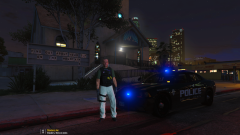 link for ped?
 -
Does anyone use map editor with LSPDFR? I have been using map enhancement mods but they pretty much cause a guranteed crash of lspdfr everytime. Does anyone have any methods to make this work better? thanks, (I know these maps are not supported by LSPDFR)
-
Standard
-
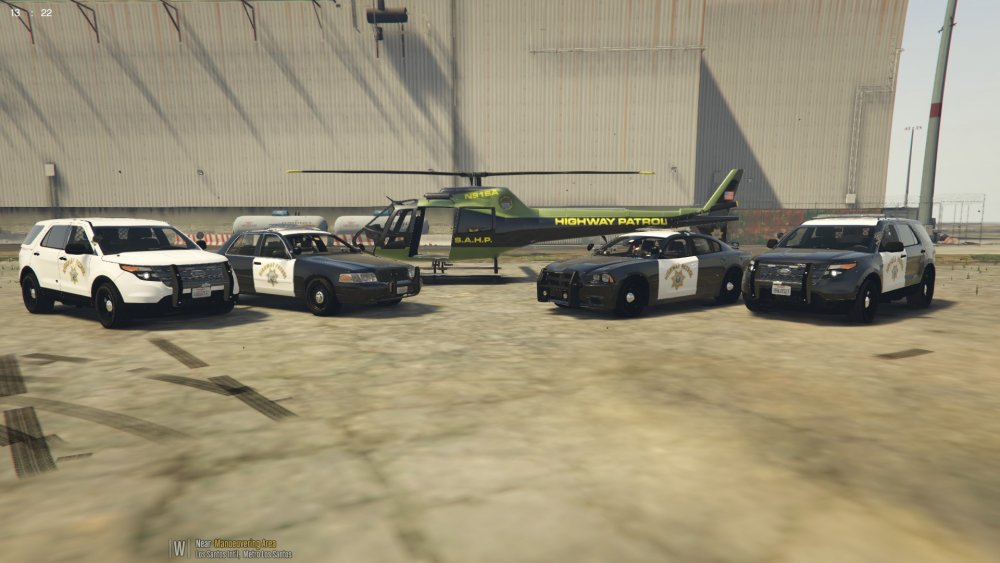
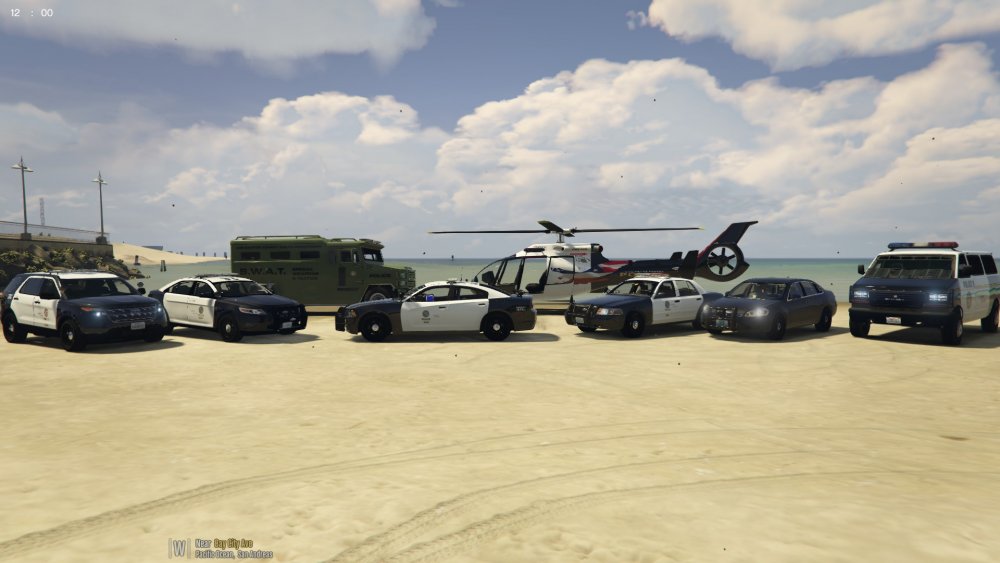
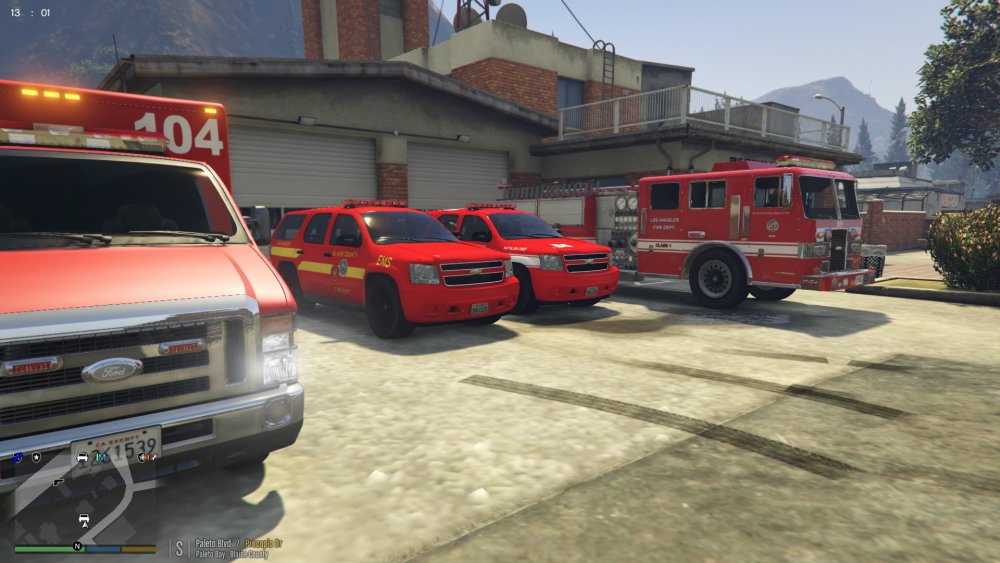
Various Agencies from the Greater San Andreas Area check out my custom backup xml here :
-
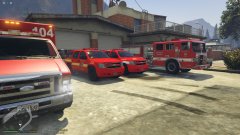
From the album: San Andreas Emergency Services
-
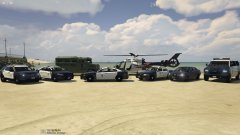
From the album: San Andreas Emergency Services
-
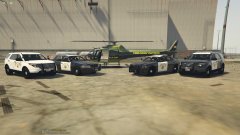
From the album: San Andreas Emergency Services
-
From the album: San Andreas Emergency Services
-
From the album: San Andreas Emergency Services
-
Hi all here is my semi realistic xml setup for anyone to use! You should use liveries that align with the corresponding agencies as I have listed below. I hope some of you use it and enjoy! Sheriff Texture Oack I use in photos : Police : Los Santos PD Liveries - 1/2/3/4 Los sAntos Co. Sheriff Liveries - 5/6/7 SAHP Liveries - 8 Model - Police 2: LS Sheriff slicktop livery- 1 Model - Police 3 : Los Santos PD Liveries - 1/2/3/4 LS Sheriff Liveries - 6 Model - Sheriff: Los Santos Police (Supervisor Unit) Liveries 6/7 LS Sheriff Livereis 1 SAHP Liveries : 3/4 Park Service Livery (Blaine/LS COunties) : 8 Model - Sheriff2 : Los Santos PD Liveries- 6 LS Sheriff Liveries 1/2/3/4/ 5(K9) SAHP Liveries 7/8 Model - FBI: LSPD and LSSD will respond in this unit as well as LSSD/LSPD Detectives Livery : Custom Unmarked livery (use any umarked vehicle for this slot Model - FBI 2 : Detective Unit Livery 1 Model - PRANGER - Install Corresponding PRANGER files that come in package model - FireSUV: FD/EMS fly cars - choose from liveries provided in package Model- backup.xml
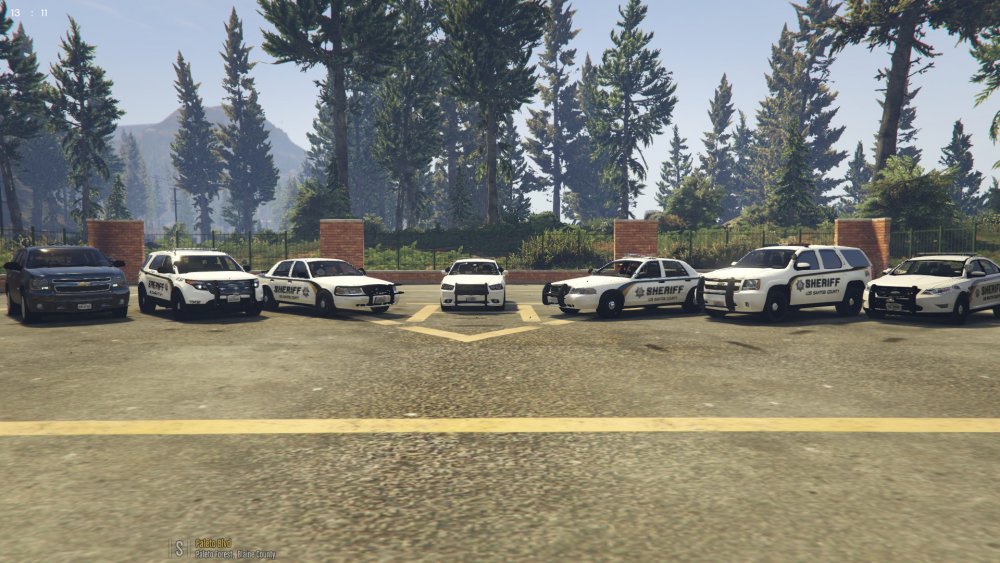
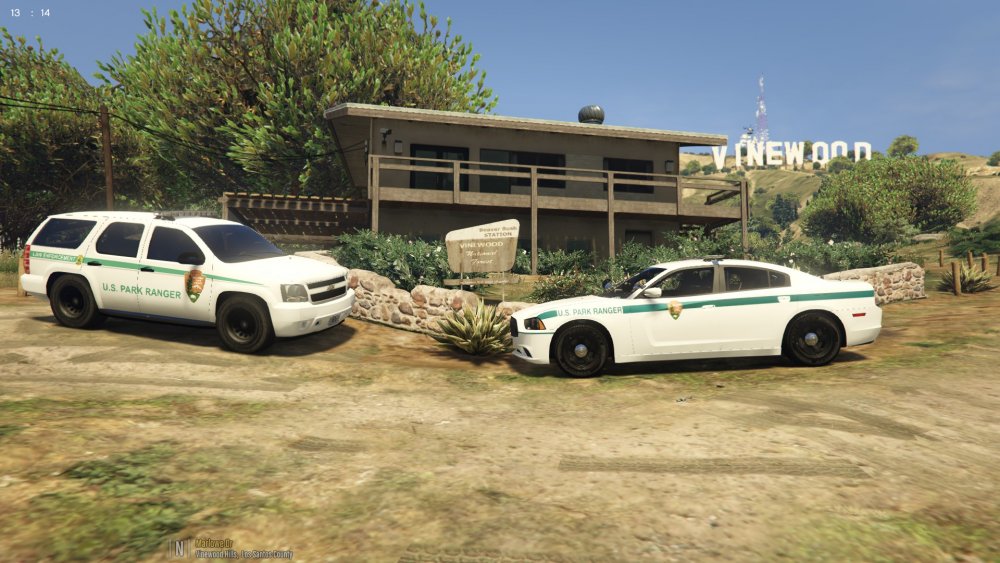
-
 beautiful! any lpan on a simple unmarked re-texture? tried to do it myself but ended up blacking out the interior of the windows
- 58 comments
- 20 reviews
-
http://www.lcpdfr.com/files/file8890-2008-tahoe-ppv-14/?page=8&tab=comments
-
 @Stealth22 This mod has become essential for my gameplay, and thank you for that! I do howver have a suggestion : Seeing as how you have managed to make a setting for emergency vehicles to ignore traffic blips, is there a way you could create a special traffic blip that ONLY emergency vehicles are effectd by. For example, sometimes the road is clear and safe for slow moving traffic but I want to keep a couple of additional units on scene while I finish up, If I could put out a blip (make it blue for all intensive purposes) that stops all emrgency vehicles but allows other traffic to flow it would make it much easier! thanks!
- 338 comments
- 46 reviews
-
-

- 2
-
-
The Los Santos Co Sheriff has had a busy month and got to put there new vehicles to the test, thanks to @getinmybelly0627 for the great textures and all of the vehicle modelers as well as scripters, and other devs! keep up the great work guys!
-
20160325145209_1 (2).jpg
-
 20160403231335_1.jpg
-
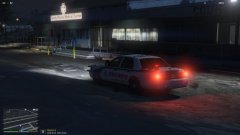 Sandy Shores Night Patrol
-
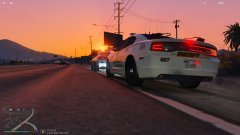 20160331232406_1.jpg
-
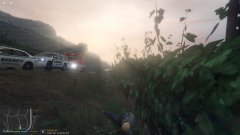 20160329195306_1.jpg
-
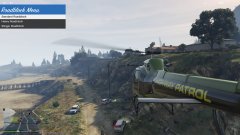 20160328154403_1.jpg
-
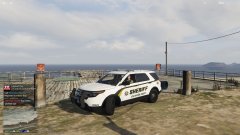 20160328153826_1.jpg
-
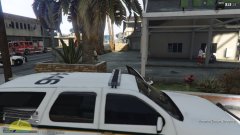 20160328153018_1.jpg
-
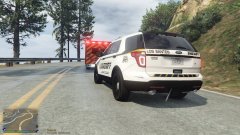 20160327010947_1.jpg
-
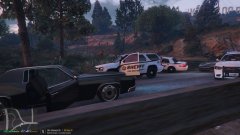 20160325145209_1.jpg
-
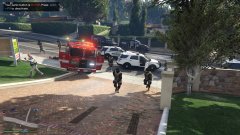 20160313214328_1.jpg
-
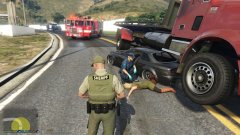 20160313213753_1.jpg
-
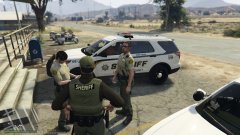 20160310135910_1.jpg
-
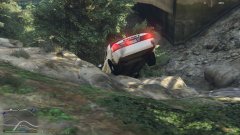 20160310001544_1.jpg
-
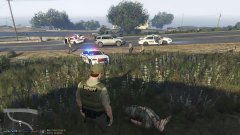 20160309234904_1.jpg
-
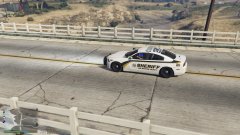 2016-03-08_00002.jpg
-
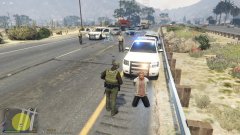 2016-03-07-00005.jpg
-
-
From the album: Los Santos County Sheriff 2016
-
From the album: Los Santos County Sheriff 2016
-
From the album: Los Santos County Sheriff 2016
-
From the album: Los Santos County Sheriff 2016
-
From the album: Los Santos County Sheriff 2016
-
From the album: Los Santos County Sheriff 2016
-
From the album: Los Santos County Sheriff 2016

.thumb.png.f554a3e22a0cc94aa174267689e6dbad.png)
.jpg.3690eae27ff4b0d60fad78af83086579.jpg)


