
FinnishWolfie
Members
-
Joined
-
Last visited
Everything posted by FinnishWolfie
-
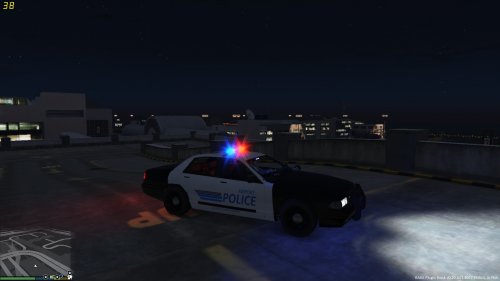 Another texture made by me. Thanks to everyone who we're apart on making the Police Cruiser template LCPDFR.com Exclusive! DO NOT RE-UPLOAD!!
 -
There once was a ability to shout stuff from the megaphone when pulling someone over by pressing the horn. Does not work anymore for me.
-
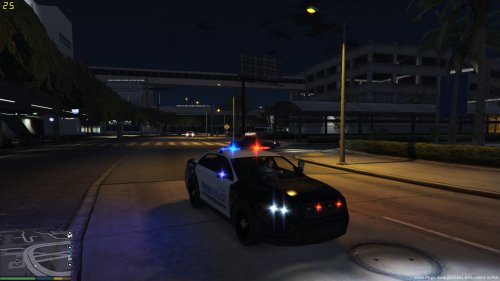 No problem, mate. :)
 -
Another texture made by me. Thanks to Lt.Caine for giving us modders this possibility to make the Interceptors texture better! LCPDFR.com Exclusive! DO NOT RE-UPLOAD!! I will improve this later.
-
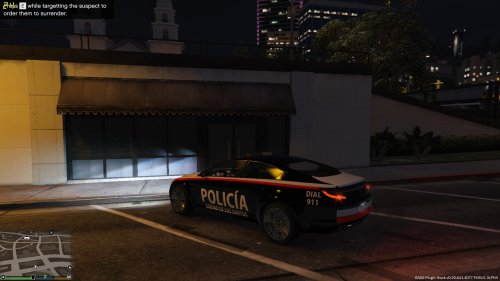 And here is my last texture mod for the day. The other side of the vehicle says City Of Los Santos Police in English and the other side is in Spanish. Installion and credits included in the .txt file. LCPDFR.com Exclusive! DO NOT RE-UPLOAD!
 -
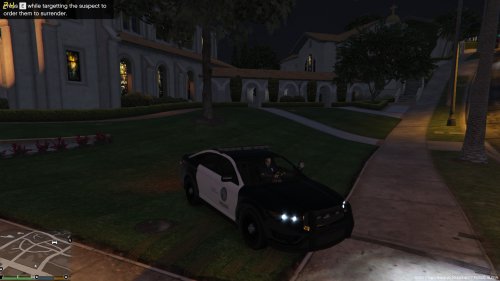 Another texture made by me. Thanks to Lt.Caine for giving us modders this possibility to make the Interceptors texture better! LCPDFR.com Exclusive! DO NOT RE-UPLOAD!! I will improve these later.
 -
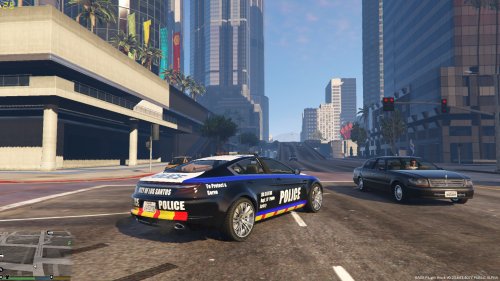 Download the model from the link in the description or from the link in the read me file. Then follow the read me in the model folder and the read me in my skin folder. To spawn it, spawn Police2 with the trainer or with ragehook console.
 -
-
A small texture I made. DO NOT RE UPLOAD, LCPDFR EXCLUSIVE! I will still update this >NO MODEL INCLUDED, ONLY TEXTURE< >Download Here< https://www.youtube.com/watch?v=n6FuWb2pfes All credits go to Kirigaya and everyone who helped him to get the model done, >I only did the texture.
-
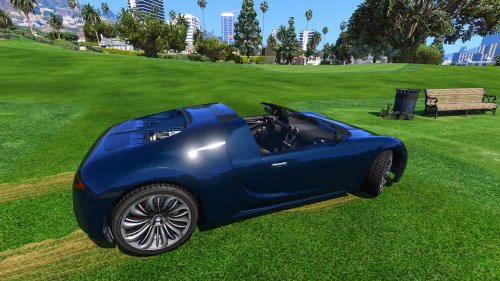 Can't really call this a mod, roof is not even removed properly. I agree with the others 1/5 for the try
- 9 comments
- 11 reviews
-
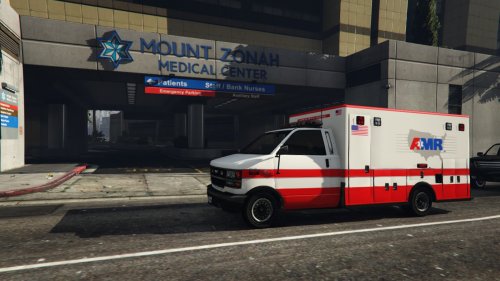 Looks better than the one I made. Good job!
 -
Just saying In general. And no problem. :)
-
Btw, if the plugin crashes your game when you get the callout and you raccept it, restart your computer and next time you get the callout and accept it, it will work and will no longer crash.
-
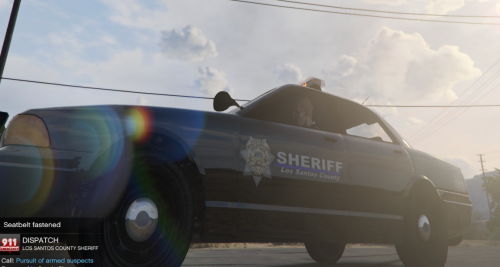 I know the struggle.
 -
There is a blue line under the text
-
Then you still are missing something, but I don't know what. I am unable to assist you further since I must start packing my stuff and publish a couple of mods.
-
-
Okay. And you are sure that you ain't missing any step when installing? So you are doing it like this: OpenIV - GTA V - x64e.rpf - levels - gta5 - vehicles.rpf And OpenIV - GTA V - update - x64 - dlcpacks - patchday3ng - dlc.rpf - x64 - levels - gta5 -vehicles rpf And/Or OpenIV - GTA V - update - x64 - dlcpacks - patchday3ng - dlc.rpf - x64 - levels - gta5 -vehicles rpf
-
Do you have steam or disc version of the game? And what is OpenV? Or do you mean OpenIV? I am unable to help if answers come so slowly, since I will be leaving to Italy soon.
-
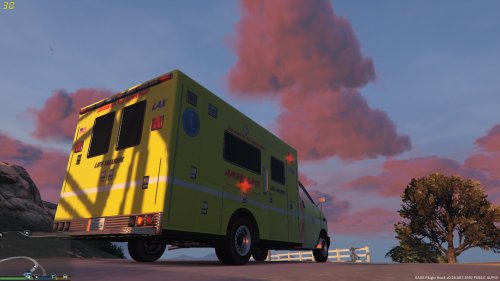 Fixed the clipping text and changed the LAX text to LSX
 -
I will start working on an update right now. Thanks for your help. :)
-
Another small pack made by me. LCPDFR.com EXCLUSIVE! DO NOT RE-UPLOAD! See a video HERE
-
Try this. Seems like the instructions are wrong. Update/X64/Dlcpacks/Patchday3ng/Dlc.rpf/x64/Levels/Gta5/Vehicles.rpf It ain't supposed to be Patchday4ng, it is Patchday3ng.
-
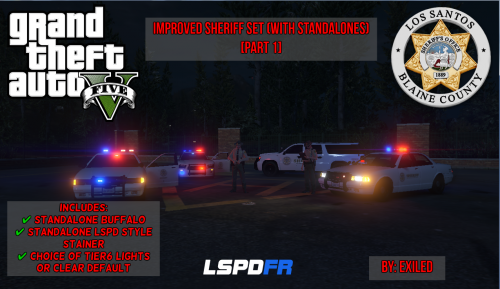 As a skin modder myself, unfortunately, we can't make the Sheriff cruiser black and white yet. Only the city Police vehicles and the Sheriff SUV
- 8 comments
- 2 reviews
-
-

- 1
-
-
Hold on, hold on, hold on... Can you tell me every step of your progress when you are trying to change the skin? And do you have the disc version of GTA V or Steam version?