SerekgPL
Members
-
Joined
-
Last visited
Everything posted by SerekgPL
-
 Nice! How do you get Christmas hat?
 -
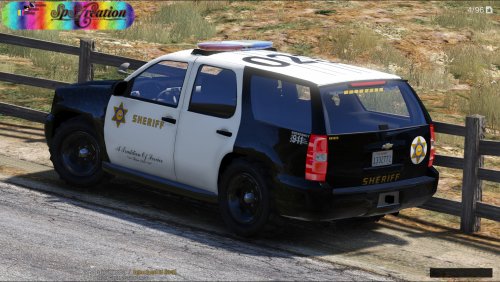 Do you have time to do skins like Santa Monica PD, Beverly Hills PD, LAX PD... ?
- 63 comments
- 10 reviews
-
![[WIP] 2011 CVPI w Whelen Liberty](//s3-gallery.int-cdn.lcpdfrusercontent.com/monthly_2015_12/small.567e06e6a2910_GTA52015-12-2603-20-28-43.jpg.ece62547dfa36185d7dbdaf36612760d.jpg) Nice! Hope release soon :)
Nice! Hope release soon :) -
-
-
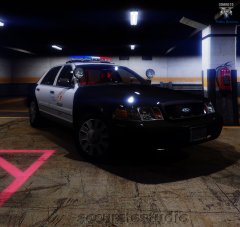 You will release all cars in 1 pack or 1 car when it's done?
 -
Wow very interesting :)
-
.thumb.jpg.4066677156985e22489bfecddc2f6c45.jpg) Sadly it have diffrent place for skin and i have to wait for LASD skins because you done only LS ;/ But car is beautiful!
Sadly it have diffrent place for skin and i have to wait for LASD skins because you done only LS ;/ But car is beautiful!- 376 comments
- 81 reviews
-
-
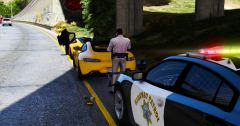 Thanks man!
 -
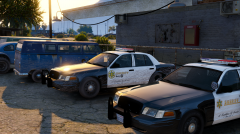 Lol indeed :P
 -
From the album: Police work all over the world! [SerekgPL GTA V imagines]
-
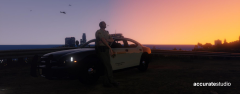 Nice! Will release?
 -
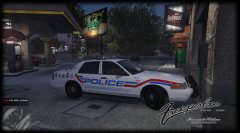 It's your lightbar right? (I mean by you) When release?
 -
-
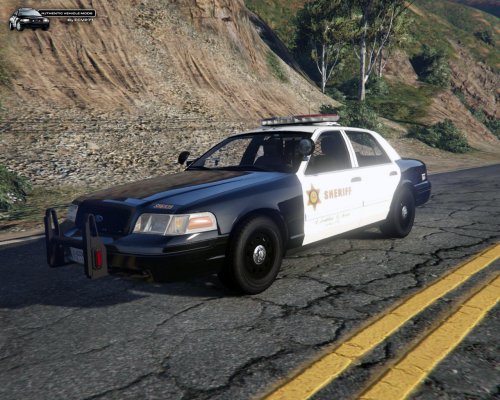 Finally! Just update the textures of the lightbar because on it blue lights looks like white ;)
- 75 comments
- 13 reviews
-
-

- 2
-
-
 Omfg why are you doing this to me?! :D
 -
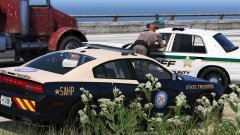 Wow really nice pic ;) but in SA we have route 68 i think
 -
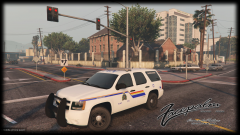 This car will be release?
 -
-
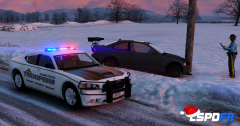
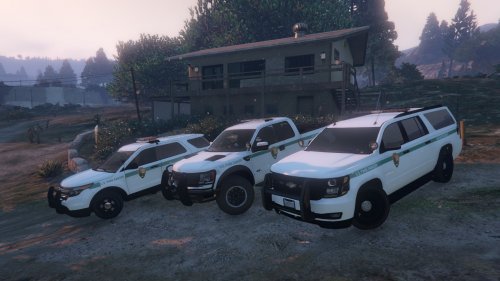
From the album: Police work all over the world! [SerekgPL GTA V imagines]
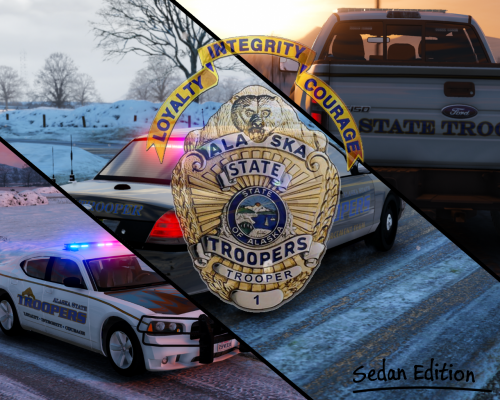
This texture (and more) can be found here - http://www.lcpdfr.com/files/file/9610-alaska-state-troopers-skin-pack-4k-resolution/ -
-
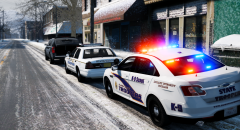
From the album: Police work all over the world! [SerekgPL GTA V imagines]
Skins - http://www.lcpdfr.com/files/file/9610-alaska-state-troopers-skin-pack-4k-resolution/ S0berDrunk - http://www.lcpdfr.com/profile/229179-s0berdrunk/ -
-
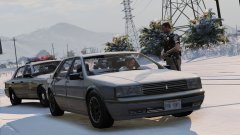 Btw. nice plate, sir!

![[WIP] 2011 CVPI w Whelen Liberty](http://s3-gallery.int-cdn.lcpdfrusercontent.com/monthly_2015_12/small.567e06e6a2910_GTA52015-12-2603-20-28-43.jpg.ece62547dfa36185d7dbdaf36612760d.jpg)

.thumb.jpg.4066677156985e22489bfecddc2f6c45.jpg)