Betarays
Members
-
Joined
-
Last visited
Everything posted by Betarays
-
 Inside whichever update folder you're putting the vehicle in. Such as: Grand Theft Auto V\mods\update\x64\dlcpacks\mpchristmas2\dlc.rpf\common\data\levels\gta5\vehicles.meta
- 27 comments
- 15 reviews
-
 I noticed that when I spawn a vehicle with the trainer I get the default license plates (not the 'HERO' one), so that might work for you, too.
- 542 comments
- 98 reviews
-
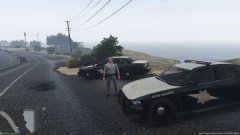 That's an issue you'll have to take up with the model developer. Texture shouldn't cause that.
 -
@TriggerHD @Rosscco Its available here: http://www.lcpdfr.com/files/file/8401-sahp-vehicle-and-uniform-pack/
-
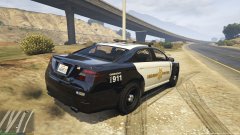
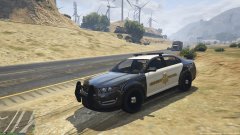
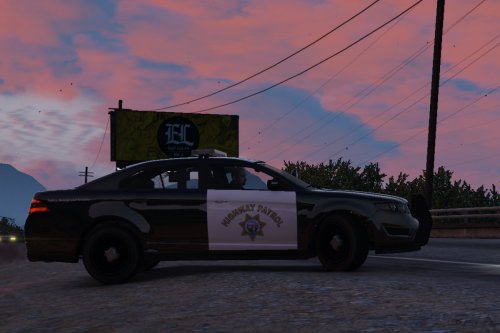
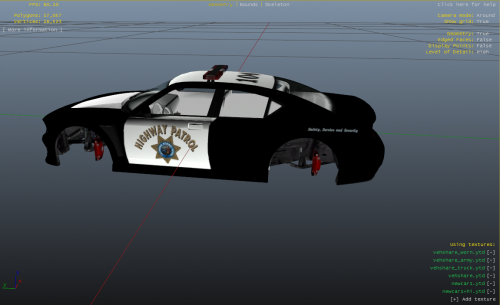
Preview of WIP for SAHP Stanier and Buffalo (Also showing grey uniform texture for ped model that I'm playing around with). Hope to release soon (with a much more user-friendly installation file!).
-
-
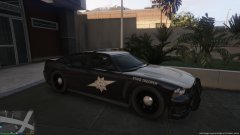 Moving away from the vanilla theme of the game on the SAHP Buffalo.
 -
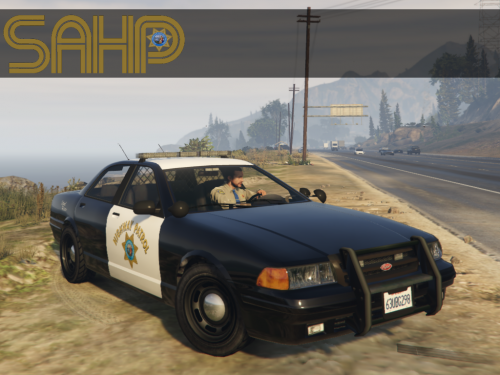 These are the kinds of textures that I hope set the standard for whats to follow. Clean, with a great attention to detail and fit seamlessly into the vanilla game.
- 9 comments
- 5 reviews
-
-
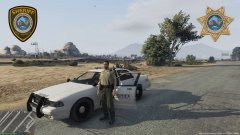 Intentionally simple re-design of sheriff's cruiser and deputy ped model to Blaine County graphics. Features custom patch on uniform and custom badge decal on vehicle.
 -
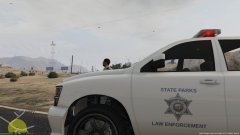
From the album: Betarays Album
Badge texture from Park Ranger Enhancement by @Yard1 -
Random screens of GTA V, mod WIPs, and my vehicle textures.
-
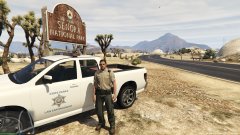
From the album: Betarays Album
Badge texture from Park Ranger Enhancement by @Yard1 -
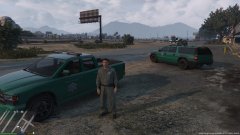 Early morning prep for patrol.
 -
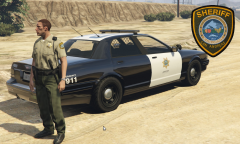 Thanks. It's just something I'm messing around with.
 -
From the album: Betarays Album
WIP -
Are you asking how to stop a car that is an event created by Traffic Policer? Same as always: Shift key to 'blip' it, activate your lights, pull it over and go through the traffic stop dialogue to issue the citation.
-
I don't know if you need to make a specific event- I was just commenting. I feel like your cellphone/mobile phone (we typically refer to them as cellphones) use while driving covers it. At least where I'm located, the term 'distracted driver' covers phone use, general in-attention, people putting on make-up while driving, or whatever. It does, and that's fine. I'm kind of with @Adzie though. There's nothing wrong with multiple mods having the same features. Gives people a choice, gives the option for one developer or the other to streamline their mod by removing or altering the function, or maybe even collaborate with each other. Final thought: your mods so far are really, really good. You're off to a strong start with both in my opinion. I appreciate the effort you put into the updates (although I also think it would be fine if you took your time with them). I've used the transport mod since day one, and so far looks like the traffic one is going to be a standard for me.
-
They sorta can. In the state I live in, our state law enforcement agency has a campaign to report distracted and/or drivers using hand-held phones. So I think of the blips as an "in the area of" report. Would be cool if the blips appeared with a corresponding audio alert (that maybe could be disabled in the .ini). Also, have you considered adding any parking enforcement interaction- if even a just an animation and notification when you issue a citation? So many violators... (I love Police Radio but calling the tow truck for parking violators seems overkill after a while).
-
Edit- Never mind. Saw you already found my mod.
-
 Putting the file paths in the README (or somewhere) would be helpful, too. Maybe in the update?
 -
Thanks for a concise and clear tutorial. I'd give you an extra star for the interlude music if I could.
-
-
-
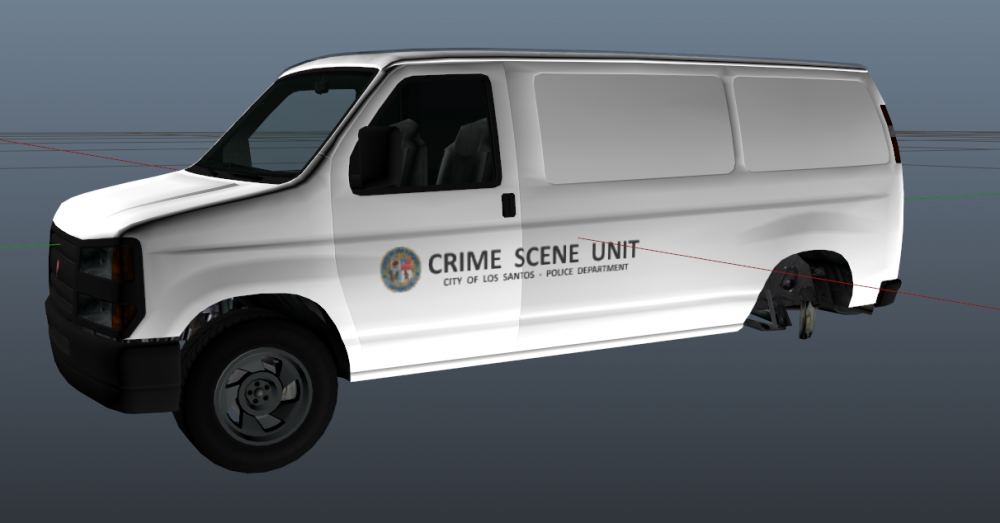
Looks like it's not entirely impossible, but without true texture maps, you lose some ability to really get what you want. Also the texture fidelity leaves a little to be desired. Also, not sure how this is going to play out in-game. i suspect you'll have a number of Crime Scene Units with a different base color.