


gamer516
Members
-
Joined
-
Last visited
Everything posted by gamer516
-
Hmm ... I tried both those things you said and still nothing. Looks like im going to have to do a fresh install
-
Did you update your rpf? I did the same thing i always do when a new update comes out including updating my rpf and still nothing.
-
I had this same problem awhile back and i uninstalled and reinstalled ASI loader and it worked fine
-
I was going to post because i'm having the same problem. I hope i don't have to reinstall everything either. Everything worked fine before the update
-
I uninstalled and then reinstalled ASI loader and openIV ASI under tools and then ASI manager and restarted the computer right away and it worked like a charm, hope this helps
-
Update ... Uninstalling and reinstalling the ASI loader in open v did the trick! and restarting the computer right away after. This topic can be closed thank you.
-
I'm having this same exact issue and have tried everything I can think of and nothing's working
-
So everything was working fine, then today my taillights strobe on my ELS vehicles but not the light bars or strobes. I tried my NON-ELS vehicles and all lights work fine. Any suggestions as to why i lost my ELS light bars? Sirens on ELS still work just no lights up top. Thanks
-
I got mineverything working again with very lil crashing .. I have some plugins I need to pull out I know .. and all I had to do was replace my new rpf file with then old one in myour mods folder .. but your issue is something more ... what is seems like is its pulling from your vanilla folder .. we're gonna start fresh and go through it one by one lol
-
Hmmm ... try and redownload your frameworks and c++ .. we can try team viewer ?Yeah .. enjoy all the other games steam has to offer lolYes! After days of our hard work trying to get you going , now rockstar does an update smh ... sooo now we have to wait until rage does their thing and releases an update compatible with gta and lspdfr :(OK Kool :) .. fingers crossed.03 should already have .34 of rage installed .. but just double check to make sure and you do the auto install for .03 and it will put everything where it goes for you .. but in case u do manual .. u don't need the sdk, licensing foldersLooks great so far! A lot of potential ... I can't wait to give it a go, also love the voice effectsOK let me know if that works .. for starters .. just get rage plugin .34 and lspdfr .03 with ads auto installer .. and let me know what's upThat's my boy from third watch .. man I loved that show!I'll get right on it .. I need that crown!!! :)Yeah I know , was just teasing because he said he goes on with mods all the time .. and I wasn't the one who mentioned about moving the files , but yes do that and you should be okSo are you saying we can take a chance and do a patrol with a buddy online and be OK? Lol ... I wishNo, make a shortcut of the rage exe .. that's why it's loading your vanilla .. then once it's on your desktop .. rename it and you should be fine
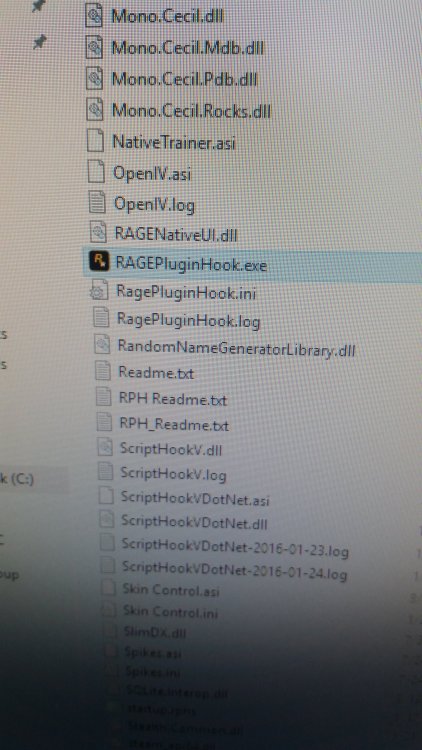
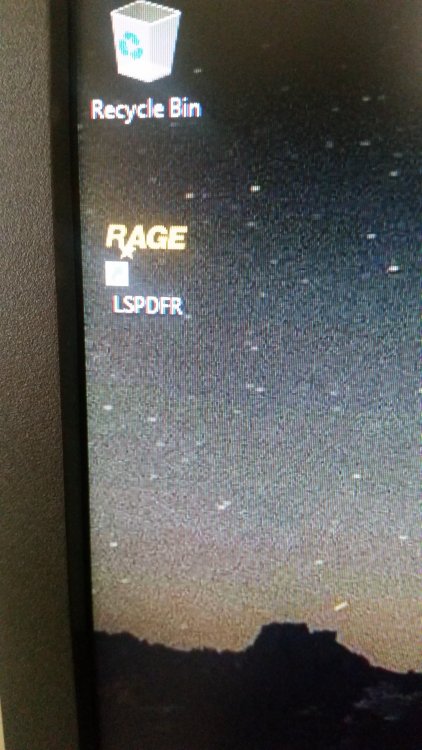 You went into your modded folder and right clicked on the rage plugin? And selected create shortcut?No it will launch from the folder you created the shortcut from .. so go into your modded gta .. right click on the rage icon that you use to start it .. and click create shortcut it will create it in the folder but drag it to your desktop and I renamed mine lspdfr :)


