
Shadow G h o s t
Members
-
Joined
-
Last visited
Everything posted by Shadow G h o s t
-
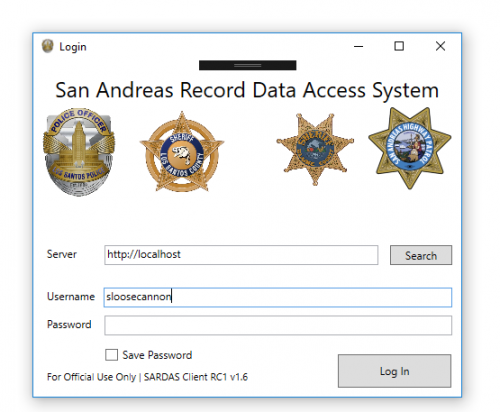 I have a problem with the sardas-plugin.dll. RAGE-Console output: Could not load plugin from "....". At least one type in the assembly can not be loaded.
- 95 comments
- 17 reviews
-
Thank you, but i fixed the error on my own. I deleted all files in the Plugins\EUP\ directory without presetoutfits.ini, started the game and everything worked fine.
-
When I press F11 to open the menu the EUPMenu.dll crashes. Does anyone know how to fix this? RPH Log: RagePluginHook.log