OfficerBaboso
Members
-
Joined
-
Last visited
Everything posted by OfficerBaboso
-
I can't find my truck and jeep as well... At least I've got the attack chopper and the tank
-
There is no army uniform for the 3 characters, all you get is a CHP/SAHP uniform and a Gruppe Sechs security uniform
-
I bet you'd enjoy the two Civil Border Patrol missions from Strangers and Freaks, you also get to chase down "suspects". I also think Trevor would have been a great police officer (kind of...) the way he talks sometimes
-
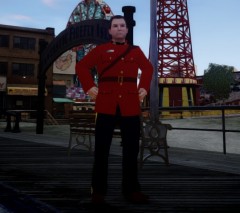 To bad he doesn't have a gun on his belt but nice work
 -
Switch to another character and then back to the other character and your clothes as well as your car will be fine.
-
The Park Ranger SUV can be driven (and maybe even stolen) during this mission: '>
-
Also works to clean your uniform of blood. Maybe they will do it Saints Row Style and give us an expensive DLC with Cheats haha let's hope they don't, R* doesn't do this kind of shit
-
Steal a car at the prison which will get 4 stars so the Tactical Team responds. Subdue the officers, take the car and bring it to Trevor's trailer which is close to the prsion
-
It took me like 5 minutes
-
made another video:
-
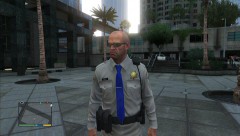
From the album: GTA V Police
-
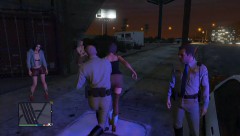
From the album: GTA V Police
-
-
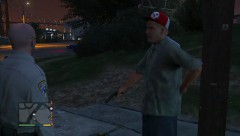 no
no -
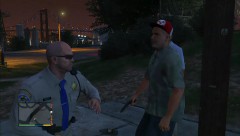
From the album: GTA V Police
-
From the album: GTA V Police
-
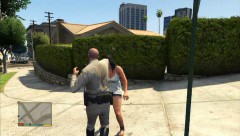
From the album: GTA V Police
-
-
-
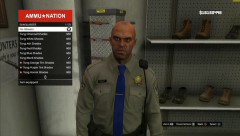
From the album: GTA V Police
-
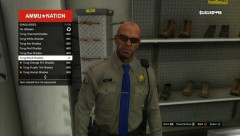
From the album: GTA V Police
-
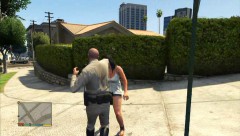
From the album: GTA V Police
-
-
From the album: GTA V Police
-
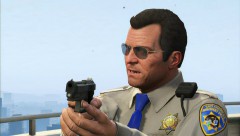 Like I answered on the Officer Trevor pic, you gotta complete the main story