OfficerBaboso
Members
-
Joined
-
Last visited
Everything posted by OfficerBaboso
-
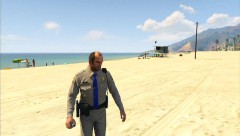
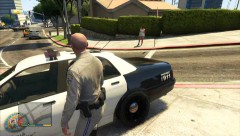
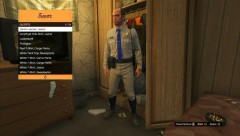
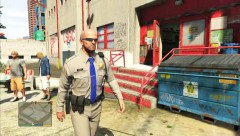 Uniform will be unlocked after the main story, haircut available at the expensive barber, sunglasses can be bought at ammunation
 -
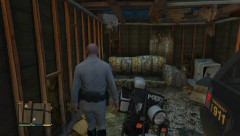
From the album: GTA V Police
-
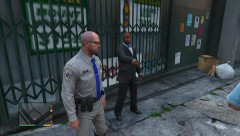
From the album: GTA V Police
-
-
-
-
Head to the prison, steal a car (it will get you 4 stars) and the SUVs will respond. Subdue the officers and take the vehicle to Trevor's trailer which is close to the prison
-
-
 '?do=embed' frameborder='0' data-embedContent>>
 -
From the album: GTA V Police
-
The Park Ranger SUV can sometims be found at the prison but stealing it there will get 4 stars but Trevor's trailer is close to it
-
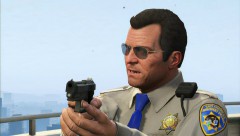 It's my desktop's background :D
 -
I also wondered why they didn't let us keep the Fire Fighter uniforms so Franklin would at least have one uniform
-
I created another Patrol Video:
-
From the album: GTA V Police
-
-
From the album: GTA V Police
-
From the album: GTA V Police
-
-
-
Let Michael enter a car, switch to another character and switch back to micheal. Exit the car and he should have taken the helmet off.
-
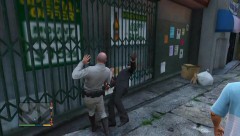
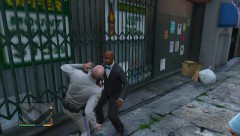
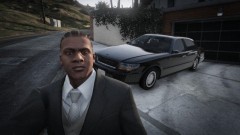 "Gangsta Shit, Nigga!"I thought it might be fun if we'd share videos or images we made of funny things or moments in the game. I'm going to start with Trevor doesn't like Cyclists:I thought it might be useful if we'd share tutorials we made. I'm going to start with how to get the police bike: and how to tackle: