

deleteduser
Members
-
Joined
-
Last visited
Everything posted by deleteduser
-
-
-
I'm experiencing the same problem.
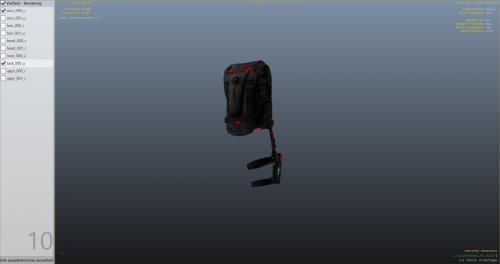 I edited it myself and I think grey is pretty decent. Check it out yourself, now you actually see the details and it's not red :)Forgot to remove the audio.dll file. Also thought the ini was supposed to be in /plugins/lspdfr/plugins... my bad:) misunderstood the manual. Will try now.This is what I get: http://gyazo.com/c0b06e171304d03b9637899615e1f77e Nothing else, then I receive multiple pursuits and that's it.I have literally been playing for thirty minutes now, and it does say it's initialized however that is it. Nothing else than that. LSPDFR runs correctly without any issues as I have experienced and when I go through the console log there's nothing about the Callout script except at the start where it tells me it's successfully initialized.I recently installed this, however I do not receive any of the new calls that are mentioned. I still only get those pursuit backup requests, what's wrong? I have read through the F4 console and it says the LSPD Callouts plugin is initialized but it doesn't look like it work. I have placed the files where they're supposed to be. Is there any kind of button or something that I have to manually change?