Alex_Ashfold
-
Joined
-
Last visited
Everything posted by Alex_Ashfold
-
-
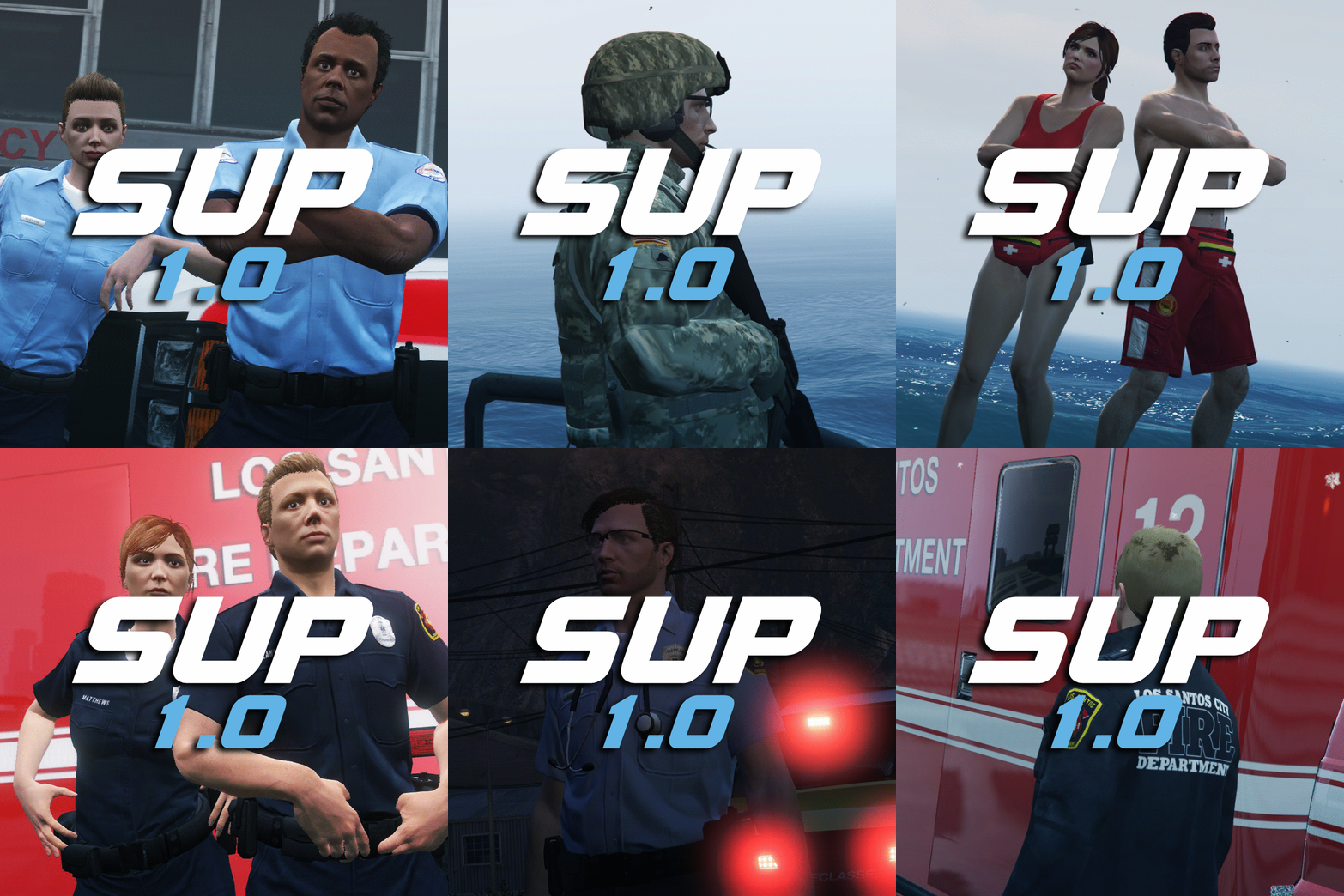
From the album: Emergency Uniforms Pack WIPs
Have a first look at the content that service uniforms pack (SUP) as to offer here: http://imgur.com/a/TXElo© EUP Team
-

From the album: Emergency Uniforms Pack WIPs
© EUP Team
-
From the album: Emergency Uniforms Pack WIPs
© EUP Team
-
From the album: Emergency Uniforms Pack WIPs
© EUP Team
-

From the album: Emergency Uniforms Pack WIPs
© EUP Team
-
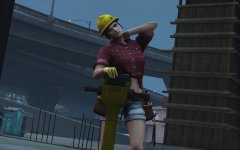 ...
... -
From the album: Emergency Uniforms Pack WIPs
© EUP Team
-
Very glad to hear, enjoy!
-
Read the FAQ before posting, thanks
-
Try with thisWhere did you put mods in your original folder ? Remove the mods from your originals.... SO glad to here! Thanks for the updates!
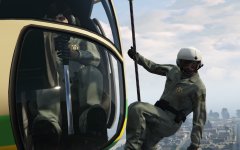
From the album: Emergency Uniforms Pack WIPs
© EUP Team
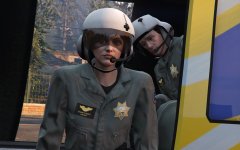
From the album: Emergency Uniforms Pack WIPs
© EUP Team
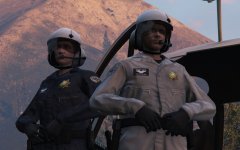
From the album: Emergency Uniforms Pack WIPs
© EUP Team
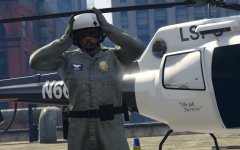
From the album: Emergency Uniforms Pack WIPs
© EUP Team
Check in the original folder, not the mods folder
From the album: Emergency Uniforms Pack WIPs
© EUP Team
the patch number is really revelant, you have problem either in your originals files or your mods folder in update/x64/dlcpacks you need all DLCs in there and your dlclist.xml should have all lines to load every single DLCsBoth of you check your integrety cache with steam. With no pretentions as I know well this issue, it's not a mod issue, it's an issue with your game install tha happens after several patch upgrade for rockstar, you are missing dlcs in your game, which I don't know it's different for everyone, start with verifying your game files.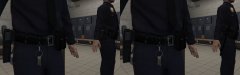
From the album: Emergency Uniforms Pack WIPs
**IT'S THE SAME STUFF FOR FEMALES, SO DON'T BOTHER THANK** **Disclaimer the size of the ASP baton for SAHP/SASP in this picture is not the actual size, there was an error during the photoshooting, refer to other pictures for the size**© EUP Team
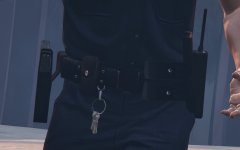
From the album: Emergency Uniforms Pack WIPs
© EUP Team
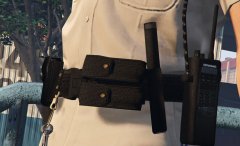
From the album: Emergency Uniforms Pack WIPs
© EUP Team