




Alex_Ashfold
Insiders
-
Joined
-
Last visited
Everything posted by Alex_Ashfold
-
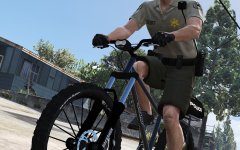 Just the usual issued gear.
 -
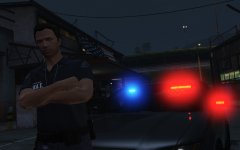 Unmarked interceptor
 -
It's an RPH issue you are having your best luck is on their website or make some troubleshooting , install the last version of RPH and RAgenativeUI
-
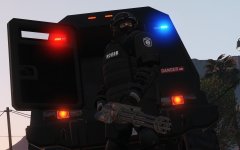
-
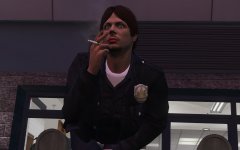
From the album: Emergency Uniforms Pack WIPs
© EUP Team
-
From the album: Emergency Uniforms Pack WIPs
© EUP Team
-
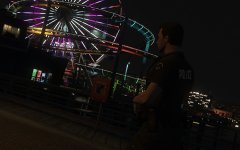
From the album: Emergency Uniforms Pack WIPs
© EUP Team
-
From the album: Emergency Uniforms Pack WIPs
© EUP Team
-
I had the same problem, new version of RPH fixed it for me, but until the new version came up, I just remove all plugins from startup and manually laoded them from the console. Just use this mod, it does exactly that
-
Glad to here, now make some cool screenshots and post them in the GTA V gallery :)
-
Can you go to : Grand Theft Auto V\mods\update\x64\dlcpacks and take screenshots and put it here ? So you all good now ? :)
-
Cand you try and move <Item>dlcpacks:\eup\</Item> at the bottom ? Not sure what FIB pack is
-
Grand Theft Auto V\mods\update\update.rpf\common\data Use open IV and drag on it your desktop
-
@billiarboy Your presetoutifts is fine how's your dlclist.xml ?
-
You just cleary haven't saw it the first in my reply to you, thought it would just make more clear.
-
can you share with us your presetoutfits.ini ?
-
Just checking with a game I don't that bug, I have the latest EUP files and latest EUP menu files, can you share with us your presetoutfits.ini ?
-
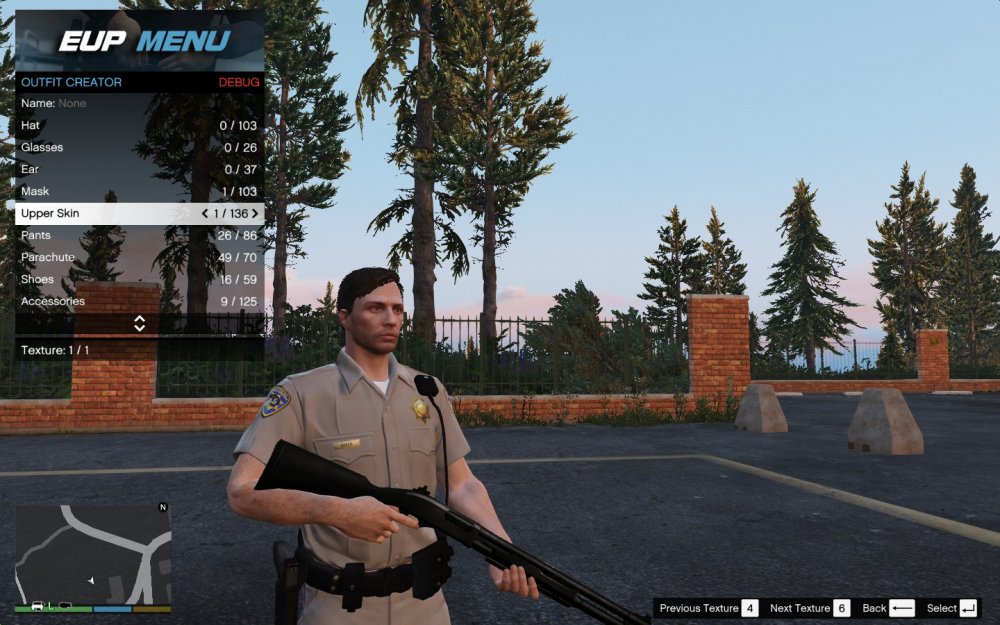
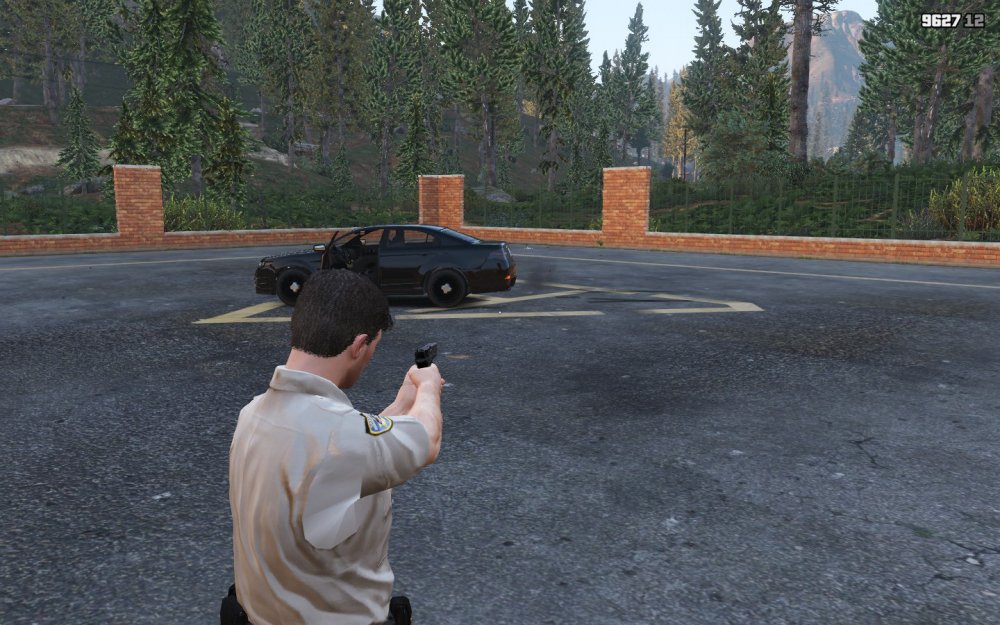
You are wearing the wrong upperskin (arms) with the choosen top, you should have upper Skin 1, was the outfit spwaned from your wardrobe ? just reinstall in your mod folders, I can't make anything from what you said.
-
I mean you are saying what's your problem, like I need more to help you, do you need obvious thing I can say is the same the plugin was teling you, EUP is not installed, reinstall. Once again, the partner mod is not compatible with EUP at the moment, you have to wait for the author to update his mod.
-
and why? You recently installed RDE and it removed the EUP dlc line add this line: <item>dlcpacks:\eup\</item> at the bottom of the list after RDEWOV or you could just reinstall EUP with the auto installer ;)
-
Laucnh openIV and go to : Grand Theft Auto V\mods\update\update.rpf\common\data and extract or take a screenshot of your dlclist.xml
-
1) Partner mode is not up to date with the last version of EUP 2) if you installed everything perfectly, it's possible that something else is causing conflict and/or crashing the game. 3) That's not how it works, modding is far more complicate and often don't act like we want especially when using other mods and automatic installers don't take in consideration your other mods.
-
Yeah my mod is fucked up and other thousands of users were just very lucky, you are right. I'll just take it down since I have no idea what I am doing, thanks for you feedback have good day.
-
If you come here with attitude and try to get mod authors to admit they fucked up your game instead of seeking guidance and admiting you probably have a mod conflict or made a msitake somewhere, expect attitude. We harvest what we sow
-
Ok I admit it, just buy a new computer



