




AgentCharles
Members
-
Joined
-
Last visited
Everything posted by AgentCharles
-
Thanks!
-
Have you tried the manual install, And to go on duty its ALT + P
-
The diagnostics doesn't work with 1.0, I also get the 'out of memory' error I think there is a fix for that or you can just ignore it like me.
-
There always retarded when SPD shows up, it seems like
-
Skip to 1:19
-
-
More videos
-
Great Videos!
-
That's never happened to me before
-
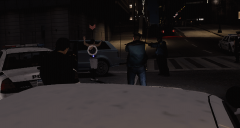
From the album: LCPDFR 1.0 Action!
-
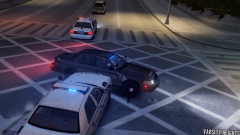 Thanks!
 -
Nice! Love the realism!
-
From the album: LCPDFR 1.0 Action!
-
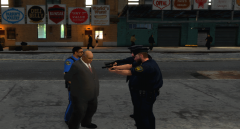
From the album: LCPDFR 1.0 Action!
-
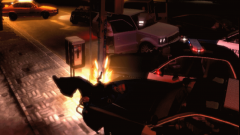
From the album: LCPDFR 1.0 Action!
-
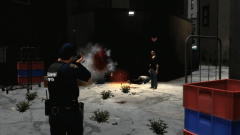
From the album: LCPDFR 1.0 Action!
-
Nice job!
-
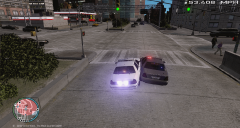
From the album: LCPDFR 1.0 Action!
-
That was great!
-
I'ts sunny, rainy, and a tad windy over here
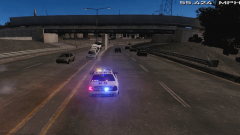
From the album: LCPDFR 1.0 Action!
RCMP officers were in pursuit of a suspect that stole a police vehicle. An old lady called 911 after seeing a white man breaking into a parked patrol car and drove off, The suspect then hit the freeway reaching dangerous speeds of over 80 mph. Officers were able to take him into custody after he drove straight into a wall. He then told officers that he wanted to play with the lights and sirens, The officer of that patrol vehicle said, 'I need a vacation.'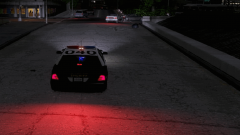
From the album: LCPDFR 1.0 Action!
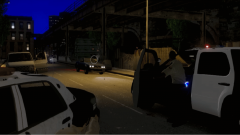
From the album: LCPDFR 1.0 Action!
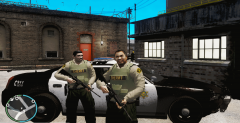
From the album: LCPDFR 1.0 Action!

