



AgentCharles
Members
-
Joined
-
Last visited
Everything posted by AgentCharles
-
Man, that sucks I couldn't handle that since I get inpatient with technology Lol!
-
Have you looked at Game4video's enb or Saviors enb or look up GTA IV ENB?
-
I've never seen textures pop and stuff on GTA V, probably because I'm not paying attention
-
I like the console better, don't have to worry about lag or crashing or texures loss or crashing and crashing
-
Today's videos!
-
I don' think you can restrict certain peds to certain vehicles, I know you can change which police peds spawn
-
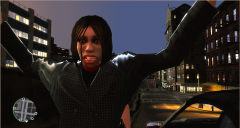
This texture was based on a fictional Seattle PD design I happen to find! Vehicles used were the beautiful Grayson and Dixie which can be found here -
-
 Thanks
 -
-
From the album: LCPDFR 1.0 Action!
-
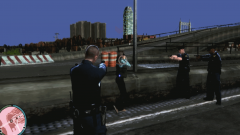
From the album: LCPDFR 1.0 Action!
-
I wouldn't waste a bullet for a dog that size
-
I love the light setup
-
One was made by kinksta, here - '?do=embed' frameborder='0' data-embedContent>> And the other was made by NB in a cvpi pack
-
I use any car really, then find a template if not included I haven't done GTA V cars yet!
-
-
Here some more with some chases!
-
Nice Love it
-
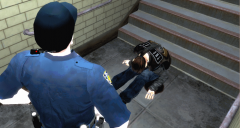
From the album: LCPDFR 1.0 Action!
-
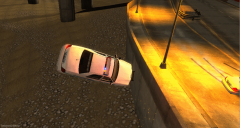
From the album: LCPDFR 1.0 Action!
-
I love the lighting this would be something that would stay in game!
-
I like that!
-
It didn't look like they shot it, to me it looks like it doing some dog dance
-
I didn't see them kill a dog
-
LCPDFR 1.0, Along with ELS and sexy cars, and a sexy siren to go with my sexy car!

