


HankVoightCPD
Members
-
Joined
-
Last visited
Everything posted by HankVoightCPD
-
1. download model open the rar file and locate either extras or paintsign(1-3etc) 2. Open thoses files and once you are complete editing the paintsign with paint or any paint app 3.open Spark IV (or Open IV) locate your car and go to its wtd file oplen make sure you are in editor mode 4. locate paintsign and replace it with your new paintsign do it to all if you want them all to be like that if not just do one and you can change paint jobs with trainer Any question I can help PM me I have a new account I lost my old one but ill hepl with any questions any model request or want me to make packs for city om ill get back to you thanks
-
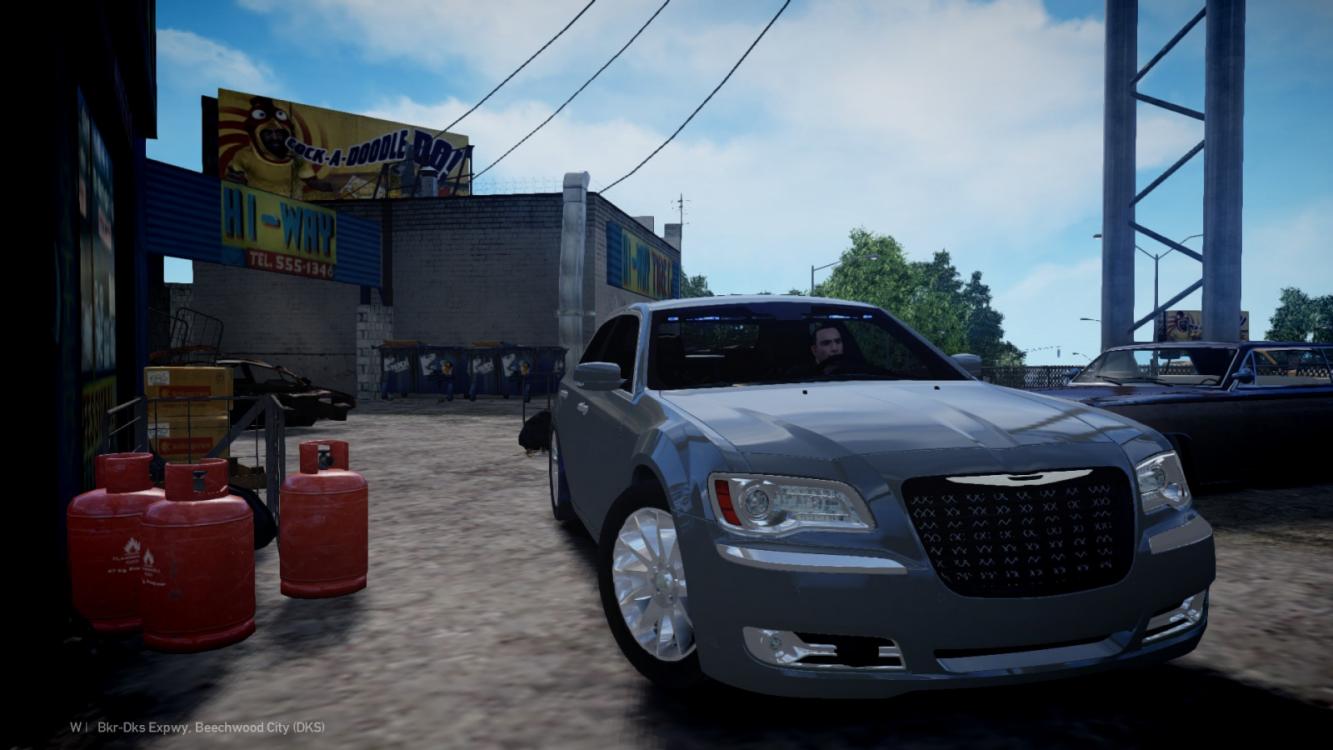
Any one have or know about a pd 2012 Chrysler 300
-
I did lil lamo I couldnt find any can anyone upload soem like for example a 2012 chysler 300 in tv show chicago pd
-
![[WIP] 2012 Chrysler 300 Chicago PD Edition](//s3-gallery.int-cdn.lcpdfrusercontent.com/gallery/album_2718/sml_gallery_138650_2718_126157.jpg) Will you release it It looks raw
Will you release it It looks raw -
what happen to vertex?? anyuone know
-
Any one have any CPD stuff models anything to make my game more Chicago themed and realistic thanks for the help if you an please link them in the comments thanks.

![[WIP] 2012 Chrysler 300 Chicago PD Edition](http://s3-gallery.int-cdn.lcpdfrusercontent.com/gallery/album_2718/sml_gallery_138650_2718_126157.jpg)