Skip to content
View in the app

A better way to browse. Learn more.

LCPDFR.com

A full-screen app on your home screen with push notifications, badges and more.

To install this app on iOS and iPadOS
  1. Tap the Share icon in Safari
  2. Scroll the menu and tap Add to Home Screen.
  3. Tap Add in the top-right corner.
To install this app on Android
  1. Tap the 3-dot menu (⋮) in the top-right corner of the browser.
  2. Tap Add to Home screen or Install app.
  3. Confirm by tapping Install.

Halo Gaming

Members
  • Joined

  • Last visited

Everything posted by Halo Gaming

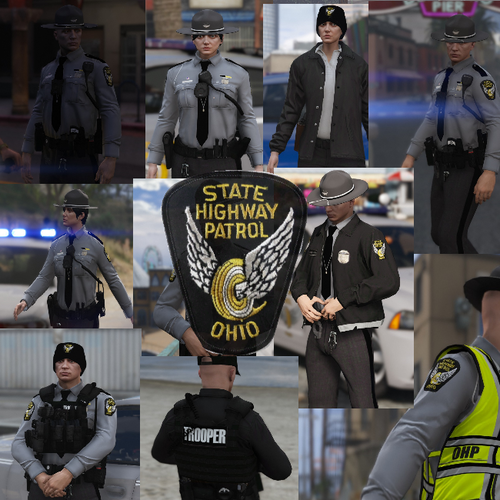
  1. what happened to the male peds?
  2. This is sweet I hope someone makes an Ohio Sheriff ped soon!
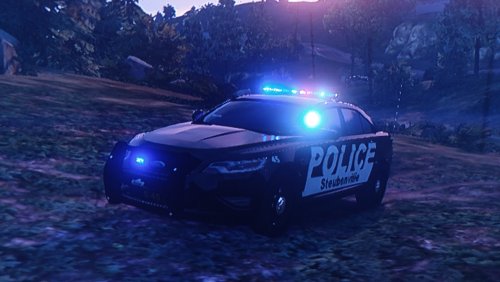
  3. Hey do you live in Steubenville ?
    I used to have this pack in my game it looked great back then.
  4. how about now ? RagePluginHook.log
  5. RagePluginHook.logAlbo I have this updated and all updated mods of yours traffic policer , assorted callouts etc. when it is in my game it doesn't work and makes my other callouts not work when I take it all out all of my stuff works fine
  6. Hello i was just doing my daily lspdfr and there was an update for rage so i downloaded it thinking it would fix some bugs. So then i launched game rage says to update my gta so i do so game launches lspdfr crashes it. So i took it into my hand downgraded rage and my game version now it. is it because lspdfr is not updated yet any ideas thanks


Account

Navigation

Search

Search

Configure browser push notifications

Chrome (Android)
  1. Tap the lock icon next to the address bar.
  2. Tap Permissions → Notifications.
  3. Adjust your preference.
Chrome (Desktop)
  1. Click the padlock icon in the address bar.
  2. Select Site settings.
  3. Find Notifications and adjust your preference.