




ChiefAl
Members
-
Joined
-
Last visited
Everything posted by ChiefAl
-
Hello. I'm ChiefAl, I haven't been on this forum for awhile, so this is a great way to solve my inactivity issue. Anyways, I was trying to find "IronicRainbow's" content and this showed up. http://prntscr.com/9dmni2 (had to upload the screenshots like 50 times, oh the humanity.) Was it due to a website error or the files were taken down? Another issue; When trying to upload the screenshot from my computer, this happened; http://prntscr.com/9dmma2
-
Sure. I don't have anybody to send it too anyways..
-
Premade, I have no experience with ZModeler. Also, thanks for replying. :) EDIT: I can change the skin if needed, but, I'd prefer not too.
-
Hi, I've been searching inside and out the internet for a good police mega pack. That fills all slots, I'm getting tired of my NYSP pack, and want to try something new. Can somebody help me out here? I'm trying to find, Ford Crown Victoria x1. Chevrolet Impala x1. Chevrolet Caprice x1. Ford Police Interceptor x1. Ford Police Interceptor Utility x1. Chevrolet Tahoe x1. **No 2015 models, pls.** Any Dodge Charger. Thank you!
-
I agree 100%! It's unfair for the kid living in their parents' basement to give us a virus for something to good to be true. I think the LCPDFR staff should implement this feature very soon.
-
I removed the pack anyways. I just use thehurk's cars now.
-
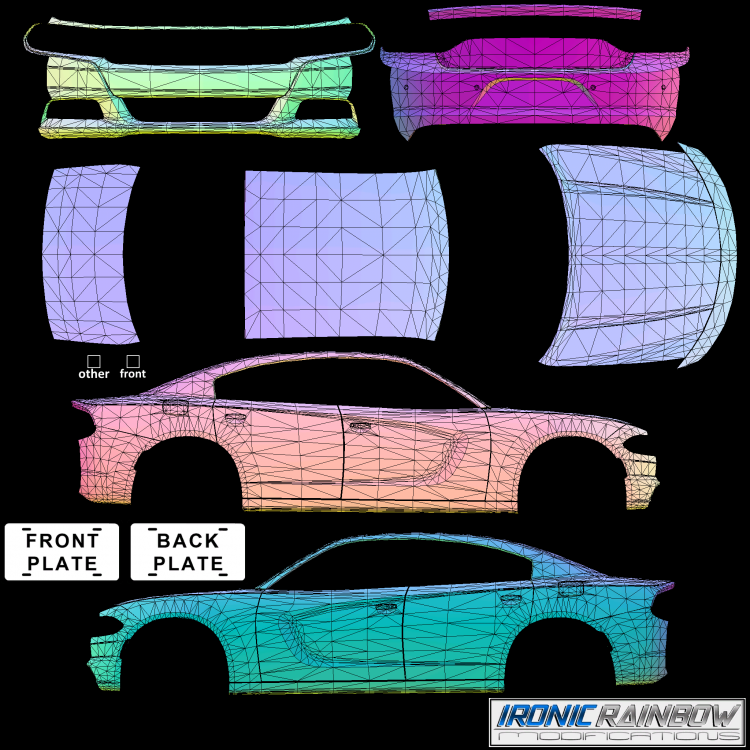
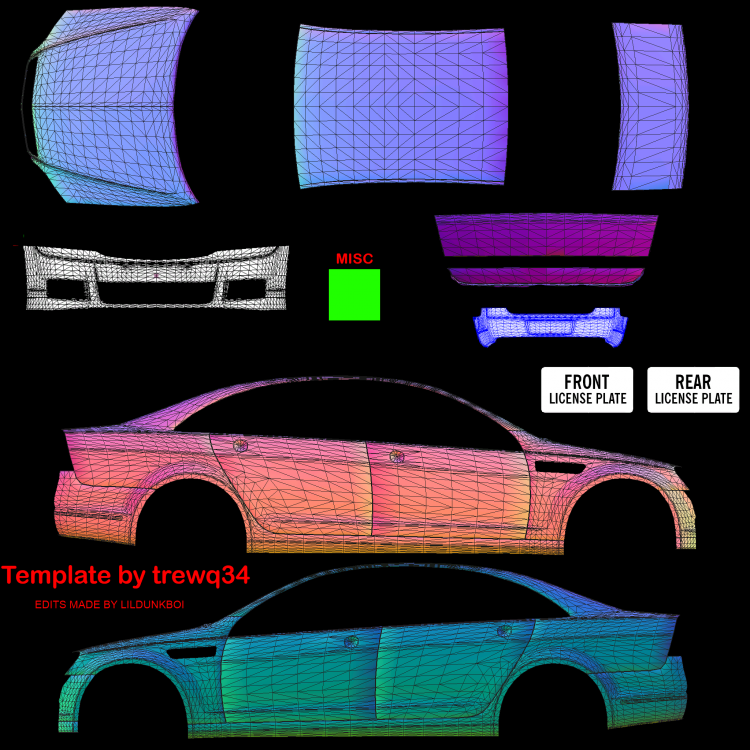
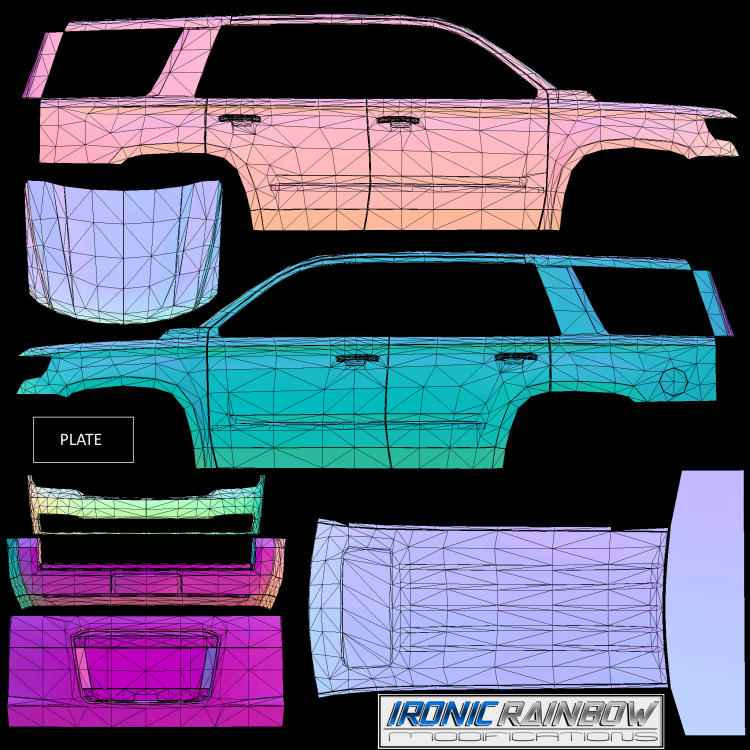
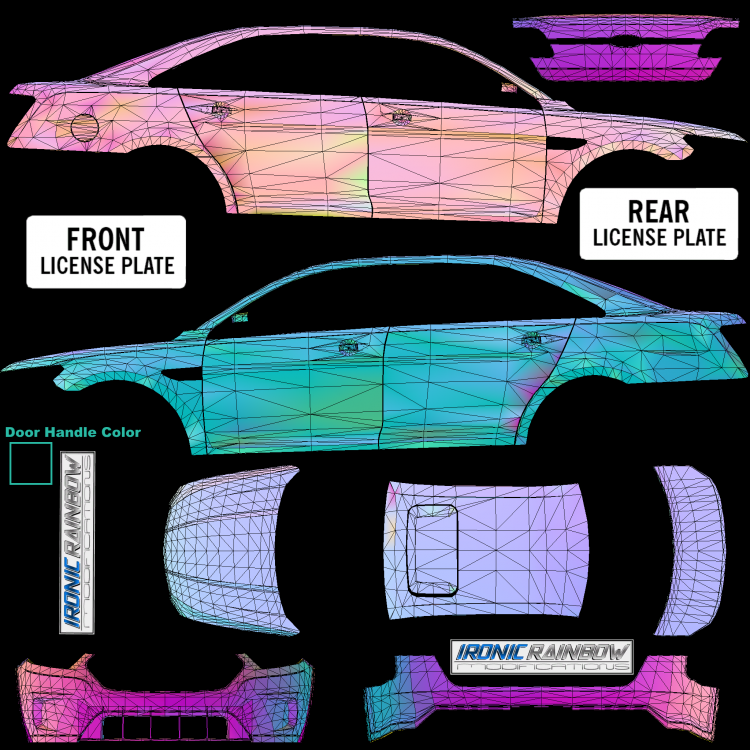
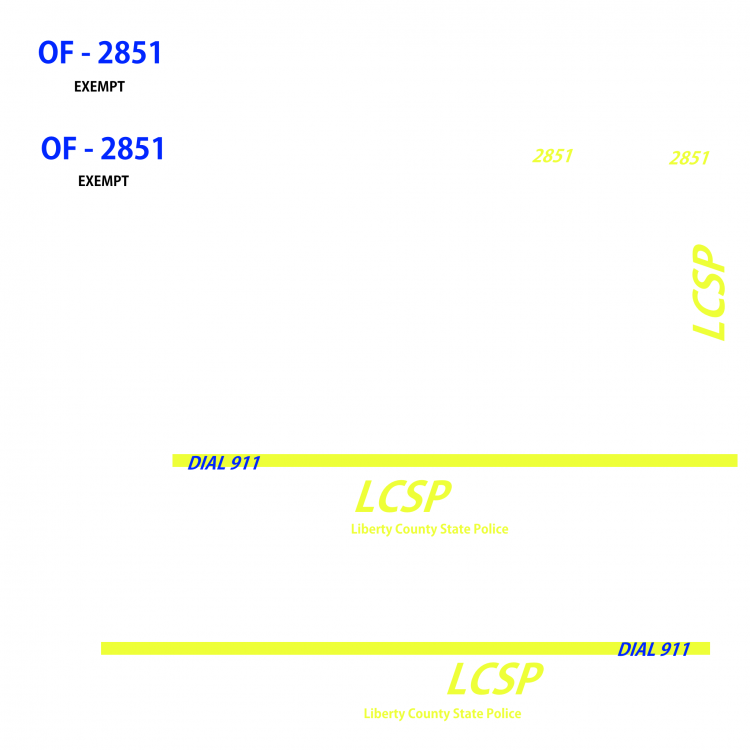
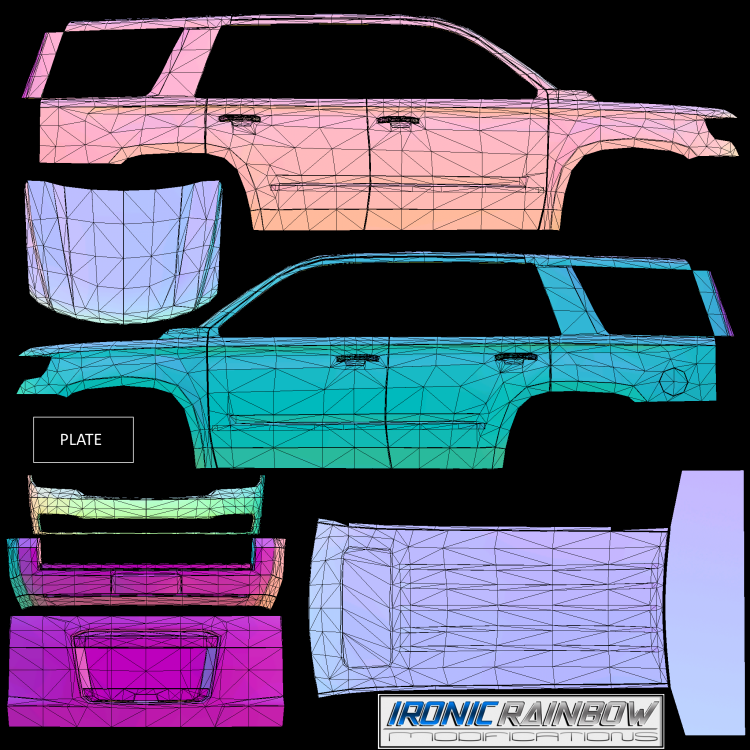
Hi there. I'm looking to see if anyone is willing to make me a detailed skin of the files provided. This is because I have a blank car pack, and I cannot make skins whatsoever. I honestly don't care how it looks like as long as it looks nice and detailed. I have provided the files for the skinners. Thank you. My original attempt on the tahoe is to prove how bad I am.
-
So, I have LCPDFR 1.1 and I'm trying to link my account using the diagnostic tool, when I click the "Link" button, it gives me a 500 Internal Server error. I checked the G17 Server Website, everything is fine. I try again, same thing. I tried this one month ago with no luck. I've always wanted to have my own custom officer name, but no. There just HAS to be an error. Someone please help. More information like log files etc. can be given if needed.
-
1, any card can be overclocked, I think. 2, I use MSI Afterburner on my GTX 745. 3, Don't push the limits, never exceed 80 degrees celsius. A perfect way to overclock, is to go little by little, use a benchmarking application and see your fps, along the way, push the sliders a little forwards. http://gaming.msi.com/features/afterburner MAKE SURE IF YOU'RE HAPPY WITH YOUR SETTINGS, CLICK THE CHECKMARK! Hope I helped!
-
Alienware X51 R2 Intel i3 - 3.4 GHz Nvidia GeForce GTX 745 6 GB Ram Windows 8.1 With CryENB, on low. I get 30 frames, average. With a few occasional lag spikes.
-
My birthday was yesterday. Happy birthday anyways! -Future NYSP Officer Al.
-
I like and love one of my teachers. I LOVE the song "Earned it" by The Weeknd. help me senpai pls
-
I feel like there's already a thread like this, but, I am new. c; What vehicles do you guys like? I like pictures of your favorite cars and departments. :) Plus, it's my birthday, nothing is better than seeing your favorite cars! I love the 2010 2011 Chevrolet Caprice PPV. Look at my profile pic, duh. or this photo. :)
-
The funniest thing is that my birthday is April 14th. So, when Rockstar delayed it to then, it made my birthday even better. :D




