




ChiefAl
Members
-
Joined
-
Last visited
Everything posted by ChiefAl
-
-
Where all of my work in progress vehicles are stored. Some may get released, some may not..
-
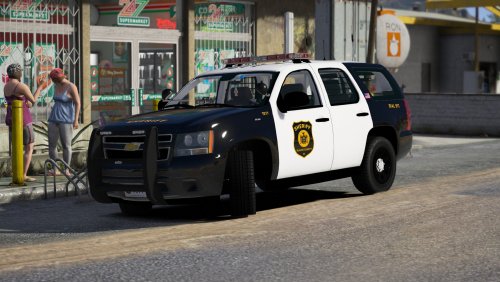 New York based? Forward reds? Oh yes. This pack is good overall, but my biggest gripe are those windshield mounted LEDs.. Few departments use them, like the NYPD; but I don't know if they really fit with this pack. However, the models and skins are great!
- 18 comments
- 16 reviews
-
-

- 1
-
-
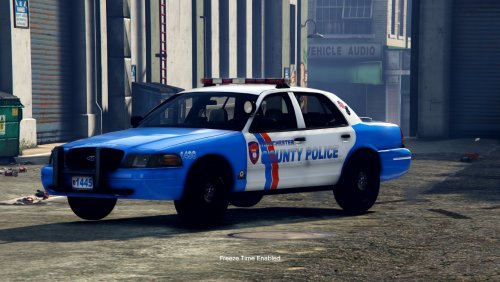 My home county? Instant 5-stars, lighting and livery is accurate! Make more pls
- 14 comments
- 4 reviews
-
-
- 1
-
-
i abuse depth of field
-
 20180628235834_1.jpg
-
 20180628235808_1.jpg
-
 20180628235759_1.jpg
-
 20180628235755_1.jpg
-
 20180624000035_1.jpg
-
 20180624000027_1.jpg
-
 20180624000019_1.jpg
-
 20180623235959_1.jpg
-
 20180623235951_1.jpg
-
 20180623235944_1.jpg
-
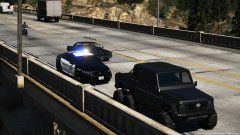 20180623235816_1.jpg
-
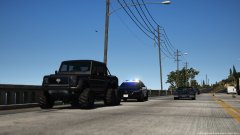 20180623235752_1.jpg
-
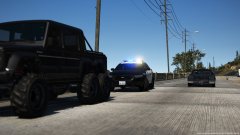 20180623235744_1.jpg
-
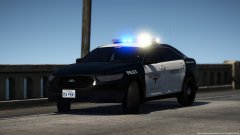 20180623235725_1.jpg
-
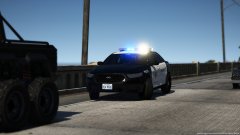 20180623235708_1.jpg
-
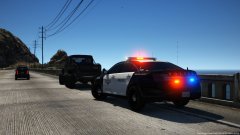 20180623235557_1.jpg
-
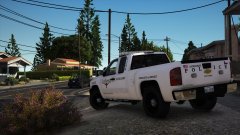 20180620200325_1.jpg
-
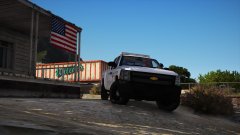 20180620194442_1.jpg
-
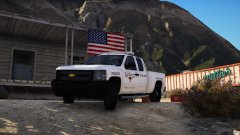 20180620194428_1.jpg
-
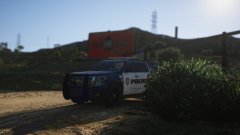 20180619174425_1.jpg
-
-
-
-
-
-
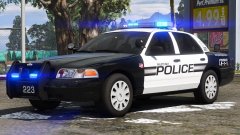 The spam is understandable, but there was LAPD in GTA IV. Why can't there be NYPD in GTA V? I mean, I live in NY myself and I would like to see NYPD; but there's no reason to be negative towards a certain department because the game is set in California.
 -
-
-
-
-
-
-
-
-
-
-
-
-
-
-
From the album: my screens b


