


OfficerKB
Members
-
Joined
-
Last visited
Everything posted by OfficerKB
-
 I found the problem. LSPDFR+ and other Plugins which use the RAGENativeUI are incompatible with the lastet RAGENativeUI from Github. You need to use the version @Albo1125 included in the installation files, not the newest one. Sounds paradox but works. :)
- 1,178 comments
- 137 reviews
-
-

- 1
-
-
Double Menu when pressing E and freezing Screen at Court. Something to be done about that?
-
-
Hello, how do you exit the court screen (F9) in LSPDFR+? Right Click is not working for me? @Albo1125
-
But it should work without changing it. :)
-
Hey guys, I got a problem. I installed LSPDFR+ by @Albo1125 and everything work appart from the traffic stop menu. When I press "E" the normal LSPDFR Traffic Stop Window and the one from LSPDFR+ opens. How can I disable the standard menu? Thanks! :)
-
How can I change, that when I open with "E" the traffic stop menu, the standard lspdfr menu opens? So both menus overlap. How can I disable the standard lspdfr menu? Thanks! @Albo1125
- 1,178 comments
- 137 reviews
-
-
- 1
-
-
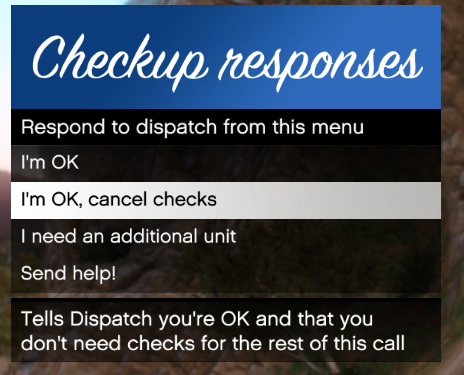 Seems like I got downloaded the old file. Thanks for your quick support. Great Plugin!
- 82 comments
- 22 reviews
-
There is no Keyconfig in the .ini File of the newest version. Maybe you forgot to upload the new ini-File? :D
- 82 comments
- 22 reviews
-
Hey guys, my problem seems pretty simple but I can't really find the source which is causing the problem. When I run GTA V and LSPDFR everything works except responding to callouts. When I press Y on my keyboard the minimap scales an I get a more detailed map in the corner but I can't accept the callout. I tried serveral things including disabling all pulgins on startup (deleting the plugin folder), in RHP only select LSPDFR but still the map is scaling when I press Y. I only have the simple trainer installed, but there is no setting for this in there. So do you have a clue where this false keybinding may come from or which plugin is responsible for this?
