
TooTall67
Members
-
Joined
-
Last visited
Everything posted by TooTall67
-
-
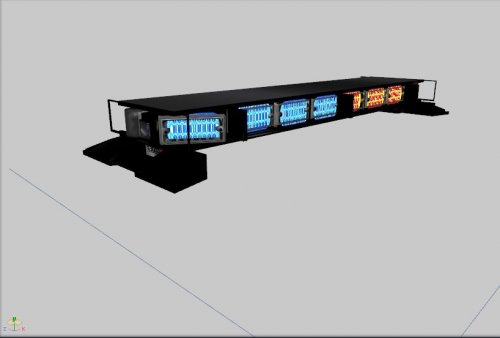 to be honest, it does look a little sloppy, blocky and rushed, but nice job otherwise!
 -
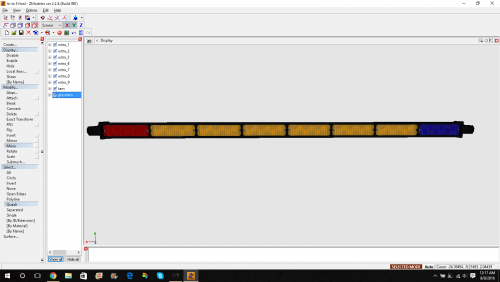 thanks for your help though!
 -
can you explain how to do that, lol. If u want, u can add me on skype at dkor-official-
-
sooooooo is it a .wft or .ytd??
-
-
 i totally agree
 -
-
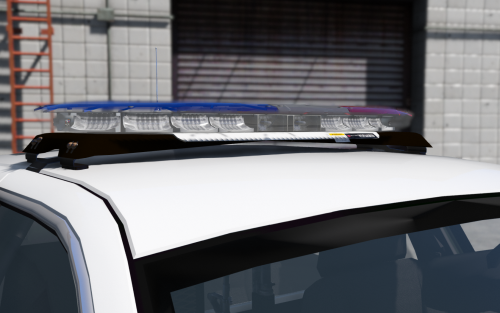 I've made some Red/Red and Blue/Blue textures foranyone who might need it. It uses the same layaout and everything! All texture template creds goes to OfficerFive0! I'm pretty sure you'd need to import each two of the texture you'd like. For example, you'd enter both the lighter and darker versions of Blue/Blue if that's the one you want.
 -
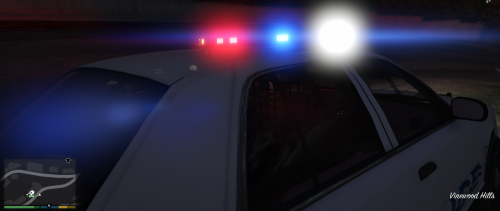 Do you think you can make a lightnar similar to this? Oh, and i just went ahead and saved everyone else's time and made some red/red and blue/blue textures for ya'll.
 -
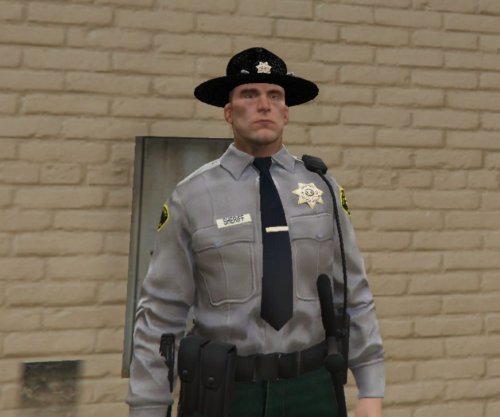 it's Hats not Hat's. When you put Hat's, it just makes you look sooooooooooo stupid. FYI
 -