
Sameer
Members
-
Joined
-
Last visited
Everything posted by Sameer
-
-
-
-
-
-
-
-
-
-
-
-
-
-
-
-
-
-
-
-
-
-
-
My Mods from FM.
-
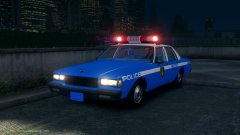 Oh.. New York, New York...
-
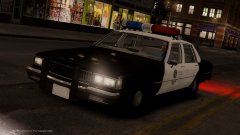 They see me rollin'....
-
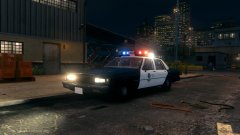 The Caprice.
-
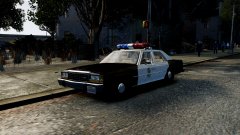 87 Ford LTD
-
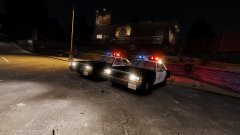 The 80s LAPD LTD.
-
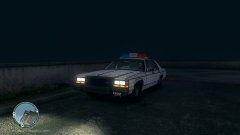 FS Twinsonic.
-
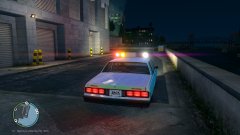 The FS Twinsonic
-
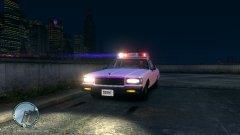 T1.jpeg
-
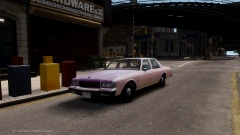 New 1990s Caprice
-
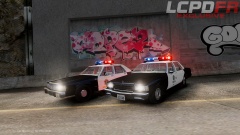 The Classics!
-
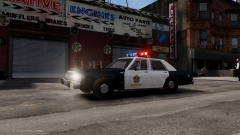 LSSD Classic
-
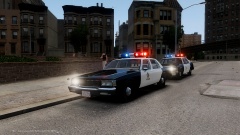 Welcome to the 80s!
-
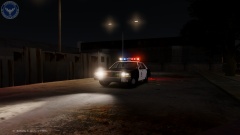 '80s LTD Crown Vic
-
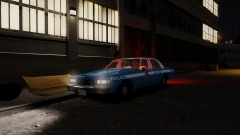 WIP. '89 Caprice.
-
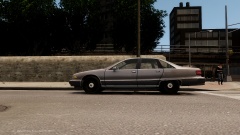 New steelies for the 92-94 Caprice.
-
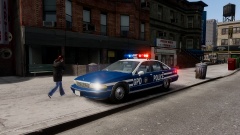 91 Caprice with FS Aerodynic.
-
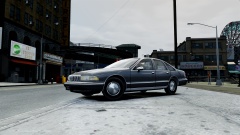 New realistic hubcaps for 1993 & 1992 Chevy Caprice.
-
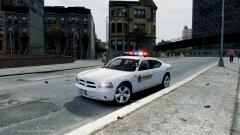 The LSSD Dodge.. WIP
-
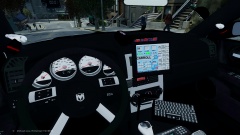 New DSF Dash for Lt.Caine's Charger.
-
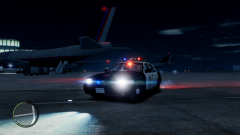 LSPD/LSSD Themed CVPI. Testing in progress.
-
-
-
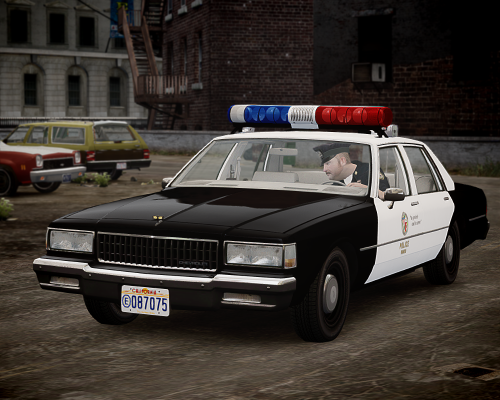 No,thank you for supporting the classics and inspiring me to do them more. Coming up next bud! Teaser images will hit the gallery soon. :) Sadly, No. I also consulted with other modders but we couldn't reach a solution :( But it can fixed with the "handling line" I suggest you use the "Default police2" handling line for the LTD so that the rear of the LTD won't looks so inclined.
- 8 comments
- 4 reviews
-
-

- 2
-