Skip to content
View in the app

A better way to browse. Learn more.

LCPDFR.com

A full-screen app on your home screen with push notifications, badges and more.

To install this app on iOS and iPadOS
  1. Tap the Share icon in Safari
  2. Scroll the menu and tap Add to Home Screen.
  3. Tap Add in the top-right corner.
To install this app on Android
  1. Tap the 3-dot menu (⋮) in the top-right corner of the browser.
  2. Tap Add to Home screen or Install app.
  3. Confirm by tapping Install.

MarkyG892

Members
  • Joined

  • Last visited

  1.    Sawdbuster reacted to a post in a topic: MarkyGFilms' LSPDFR YouTube Series Thread
  2. Sawdbuster started following MarkyG892
  3. MarkyG892 started following Sawdbuster
  4. FDIC1999 started following MarkyG892
  5. Looks great!!!!!
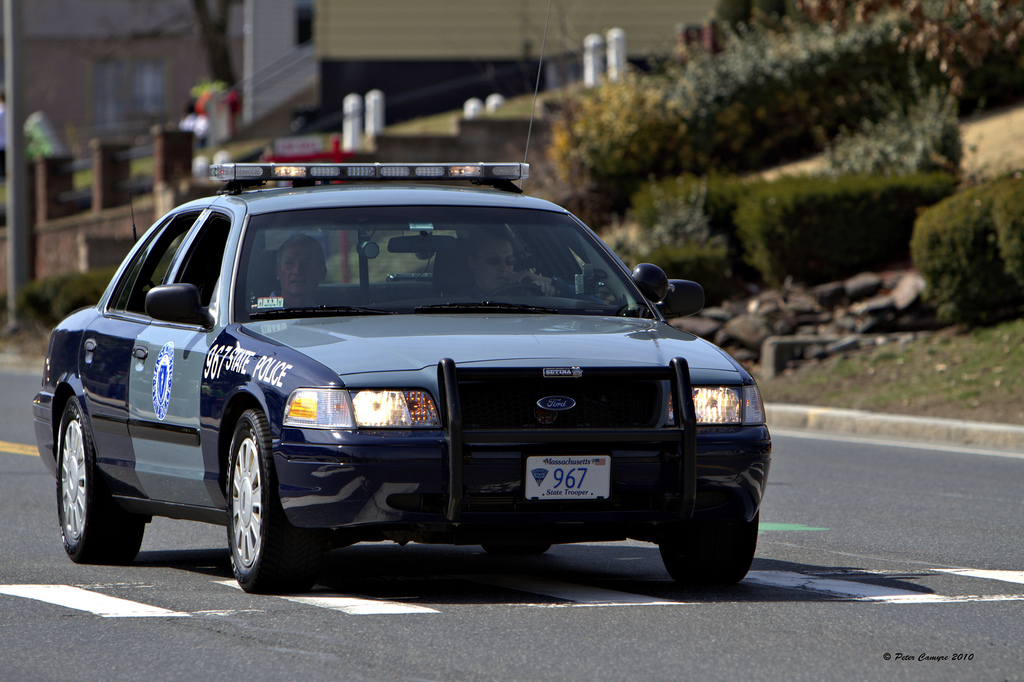
  6. I'm pretty sure MSP don't use new Chargers for any reason (at least I've never seen a new one). I think they stopped at the 2010 Charger.
  7. Thanks so much Monarchco! Episode 16
  8.    sjain reacted to a post in a topic: MarkyGFilms' LSPDFR YouTube Series Thread
  9. I'm afraid I don't know how to do lights! I only do skins :( This was the closest model I can find to represent a MSP CVPI.
  10. MarkyG892 started following JFavignano
  11. EszlariE started following MarkyG892
  12. Awesome! I don't see too many people from Massachusetts on LSPDFR! If you haven't, check out my Mass State Police CVPI texture! :) Anyways, pretty dope texture!! Looking forward for more.

Account

Navigation

Search

Search

Configure browser push notifications

Chrome (Android)
  1. Tap the lock icon next to the address bar.
  2. Tap Permissions → Notifications.
  3. Adjust your preference.
Chrome (Desktop)
  1. Click the padlock icon in the address bar.
  2. Select Site settings.
  3. Find Notifications and adjust your preference.