




Inrovert
Members
-
Joined
-
Last visited
Everything posted by Inrovert
-
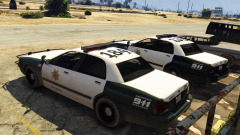 These are really nice
 -
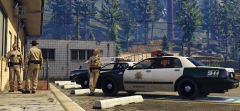 Look fimiliar?
 -
These cars are awesome
-
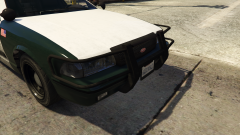 Ooooooo I love it!
 -
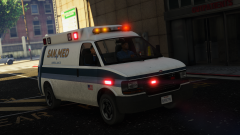 Absolutly Fantastic Ambulance! Are there more liveries for it?
 -
Too quiet
-
OMG FINALLY
-
Just save your installer and update.rpf
-
I'M SOOOO READY
-
-
Looks like no hat eating
-
Feels good to know now
-
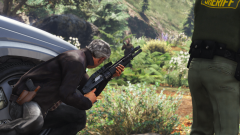 Thank you very much
 -
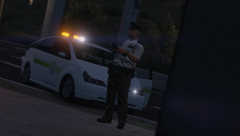 These models you post are the best!
 -
Can you tell me what shotgun your are using please
-
Can we have an RDE ELS Teaser? Also thank you for making RDE it is my favorite mod for GTA V.
-
-
 I mean I have gotten it to work before but the only reason why my games died is from something else I added
- 1,524 comments
- 85 reviews
-
I'm sorry to say but you might have to wait for RDE to be updated to it's 3.1 version before you can play LSPDFR with RDE.
- 1,524 comments
- 85 reviews


