OfficerFive0
Members
-
Joined
-
Last visited
Everything posted by OfficerFive0
-
should be
-
http://www.lcpdfr.com/files/file/116-dev-chevorlet-impala-2006-11-nypd-unlocked/
-
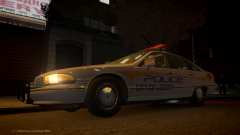 is this Lundy approved?
 -
-
pictures from the mods im creating
-
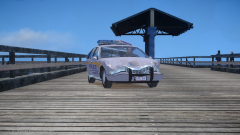 whoops!
-
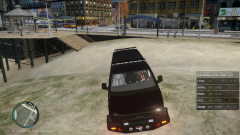 WIP Swat Chevy Express
-
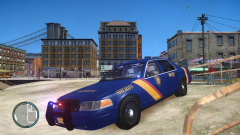 WIP Prisoner transport car
-
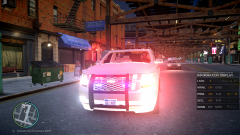 GTAIV_2015-05-27_20-47-08-48.png
-
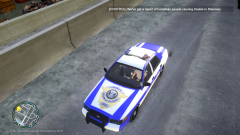 GTAIV_2015-05-27_17-27-13-99.png
-
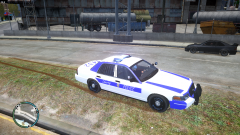 GTAIV_2015-05-25_22-06-18-82.png
-
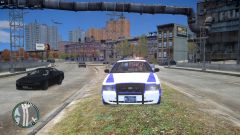 GTAIV_2015-05-25_22-06-14-42.png
-
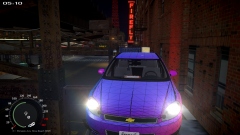 WIP IMPALA
-
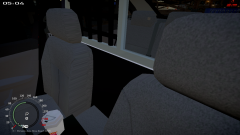 WIP IMPALA
-
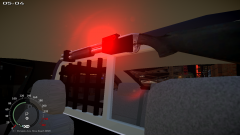 WIP IMPALA
-
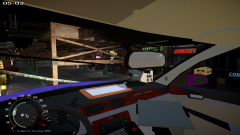 WIP IMPALA
-
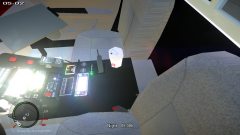 WIP IMPALA
-
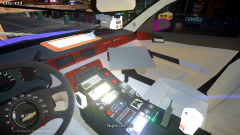 WIP IMPALA
-
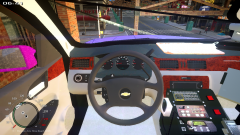 WIP IMPALA
-
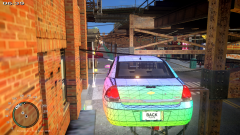 WIP IMPALA
-
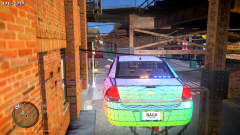 WIP IMPALA
-
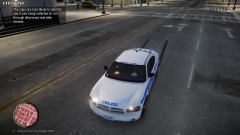 GTAIV_2015-04-17_03-37-41-62.png
-
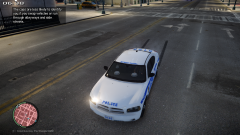 GTAIV_2015-04-17_03-37-39-34.png
-
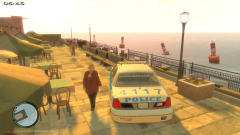 GTAIV_2015-04-14_20-00-30-66.png
-
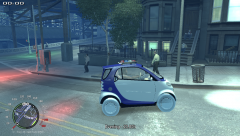 police smart car yes or no?
-
-
-
this should have pretty much everything you need https://www.flickr.com/groups/1035028@N21/
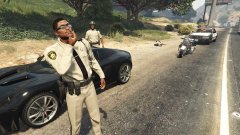 "Thinking about retexturing the corrections officer into a gang unit officer. And I might make some winter textures for those who might want to play in the snow. Also mix and match ped head textures to get different facial hair and etc.(Might release seperately)" i think that would be a great idea as noone really patrols as a prison guardwhy dont you just change the skin ?
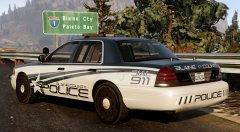 thank you!
damn what font is that?
thank you!
damn what font is that?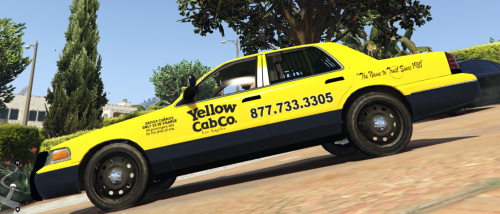 in nyc private taxi company usually use retired rmps which a lot of times they dont remove the spotlights. and occasionally use push bumpers. and the classic yellow cabs a lot of times use push bumpers both in front and back
 yes
yes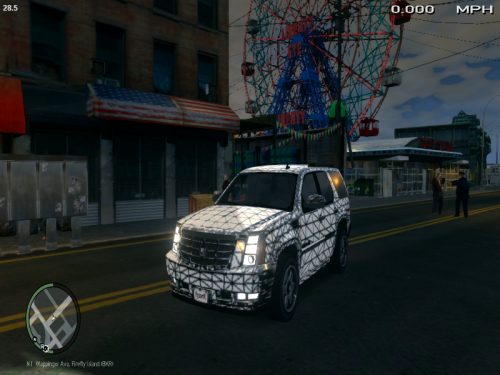 sorry that was a bit vague. i mean the boot, bonnet and doors
and what about the parts that open?
if u want to use the fedsig radio the nypd uses pm me2/10 cuz no bacon
sorry that was a bit vague. i mean the boot, bonnet and doors
and what about the parts that open?
if u want to use the fedsig radio the nypd uses pm me2/10 cuz no bacon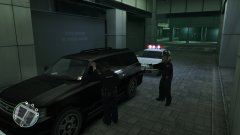 ughi dont see why you didn't go one step ahead and use lundys bike chips bikeno its still boincini also added L1's as he author never did that and may have screwed something up by accidentits good except it is very bouncy