


Cadaste
Members
-
Joined
-
Last visited
Everything posted by Cadaste
-
Try these values. It will allow the cars to catch fire and take a longer time to blow up, I believe. Also, they are the most realistic i've found (Dc) CollisionDamageMultipler 2.0 (Dw) WeaponDamageMultipler 0.5 (Dd) DeformationDamageMultipler 2.5 (De) EngineDamageMultipler 2.0
-
Change the handling line. Change the numbers for (Dc) CollisionDamageMultipler to 0. This will disable the damage caused by collisions, don't worry the car will still deformate. And change (Dw) WeaponDamageMultipler to 0 as well, this way you won't be able to blow up cars with weapons.
-
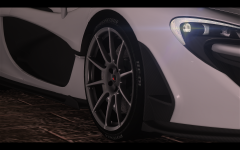 WOW that ENB is awesome!
 -
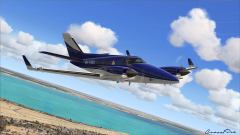 Wow this is a nice picture
 -
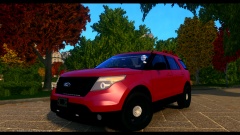 Haha I have alot of work you can't see, but I was just giving some advice.
 -
Looks nice but you shouldn't map the bumpers and grill to a solid black texture. You can't see some of the detail then.
-
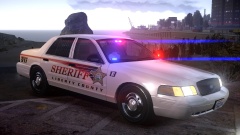 4096x4096 Get it? New Year's RESOLUTION?!?!?!!11!/? I will show myself out
 -
-
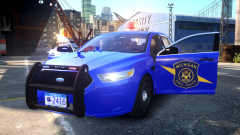
From the album: My cars
The screenshot is courtesy of ironicrainbow, thanks! Video is also from ironicrainbow https://www.youtube.com/watch?v=EYgaaYc3dzY&list=UUuOPVqDz3McGuZgIWkg2NIA -
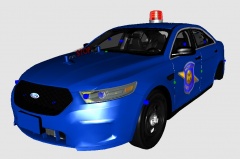 thanks a lot!
 -
From the album: My cars
The car is by Ironicrainbow The LED beacon is by Lccop The hood ornament is by mustu, and I mapped it -
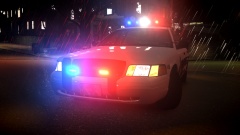 "Whelen MX7000" -Mcawesome
 -
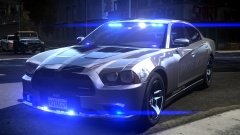 Spitfires are IONs, and I don't think I have you on Skype. :P
 -
ION's everywhere!
-
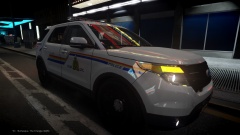 Why do you have Tahoe wheels on an FPIU...?
 -
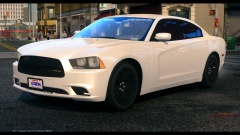 Cool car but your youtube video blew out my freaking eardrums
 -
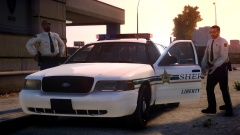 That crown victoria looks nice
 -
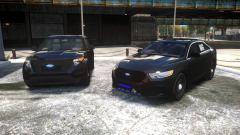 Wow these look really nice
 -
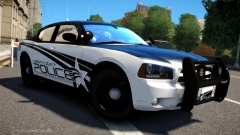 I like the skin, I dont see county police very often
 -
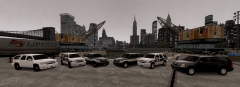 I like the changeable wheel color.
 -


