



Andrew Lincoln
-
Joined
-
Last visited
Everything posted by Andrew Lincoln
-
From the album: Old, useless rubbish.
-
From the album: Old, useless rubbish.
-
From the album: Old, useless rubbish.
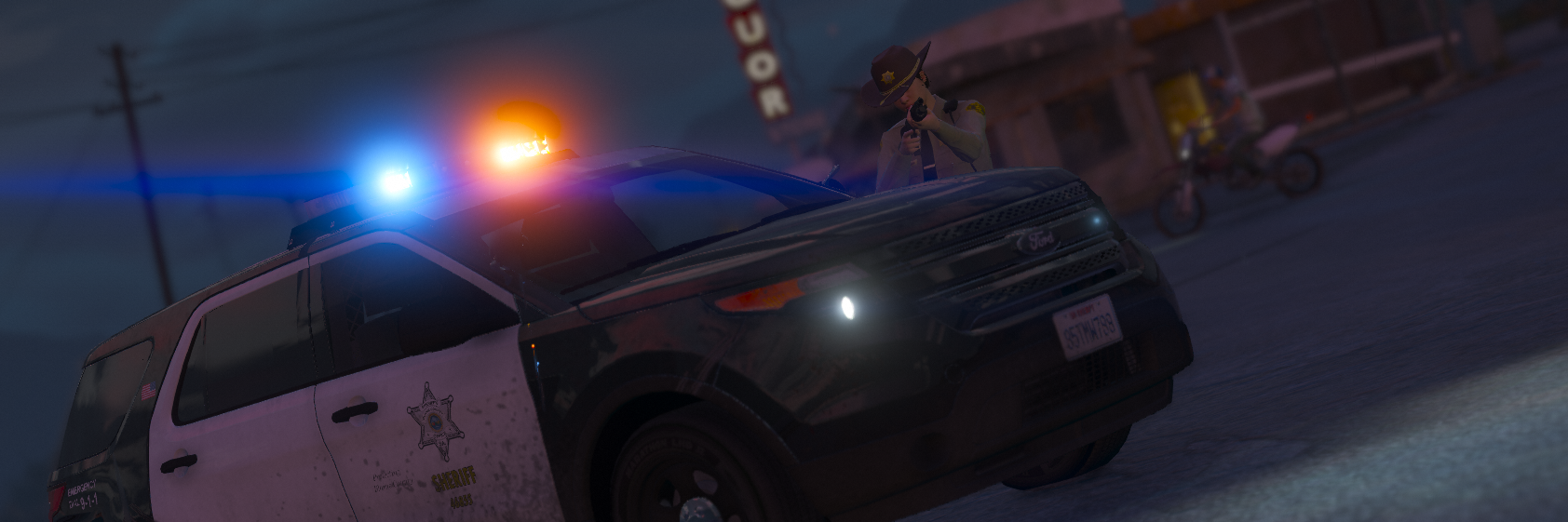
Special thanks to PartyPandazz for making the ped textures. -
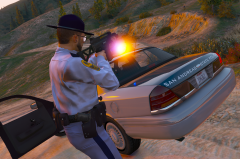
From the album: Old, useless rubbish.
Special thanks to PartyPandazz for making the ped textures. -
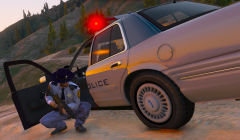
From the album: Old, useless rubbish.
Special thanks to PartyPandazz for making the ped textures. -
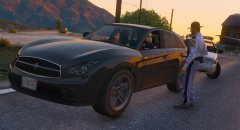
From the album: Old, useless rubbish.
Special thanks to PartyPandazz for making the ped textures. -
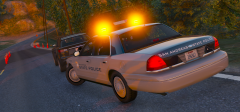
From the album: Old, useless rubbish.
Special thanks to PartyPandazz for making the ped textures. -
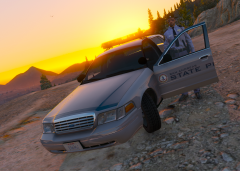
From the album: Old, useless rubbish.
Special thanks to PartyPandazz for making the ped textures. -
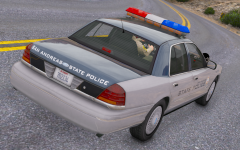
From the album: Old, useless rubbish.
-
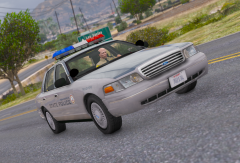
From the album: Old, useless rubbish.
-
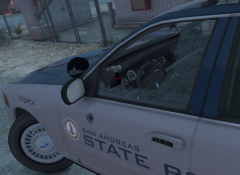
From the album: Old, useless rubbish.
-
From the album: Old, useless rubbish.
-
From the album: Old, useless rubbish.
-
From the album: Old, useless rubbish.
-
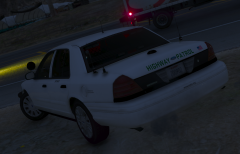
 Not sure if it has been said, but the indicators (turn signals) don't work properly. It's not a big deal, I'd rather the other stuff be sorted first but it's just a heads up.
- 80 comments
- 19 reviews
-
LAPD Lenco Bearcat (Rescue 4) is now UPLOADED!
-
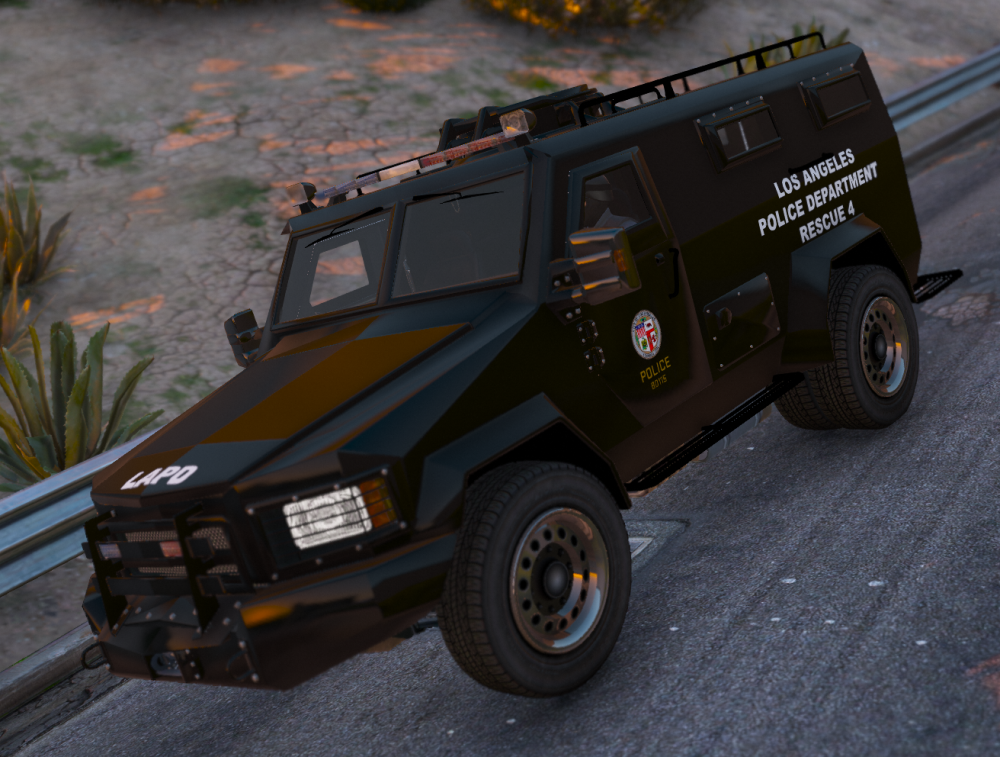
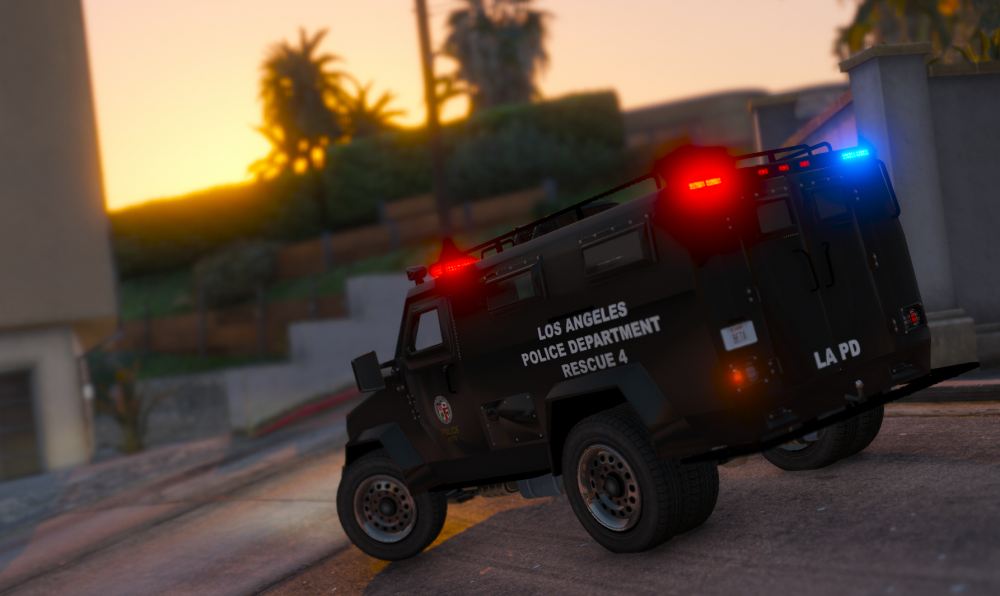
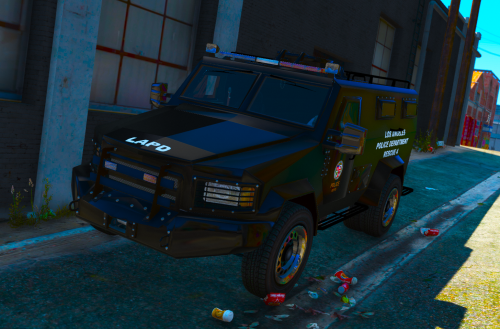 Los Angeles Police Department Lenco Bearcat Texture (Rescue 4) This is a texture fo Cosmo's Lenco Bearcat. Los Angeles Police Department has multiple Lenco vehicles, including Bears and Bearcats. The texture is a replica of Rescue 4, since it was the only vehicle I could find in-depth images of. Overview Date Uploaded:20/02/2016 Version: One Updated: N/A Author: Mercenary Vehicle link: http://www.lcpdfr.com/files/file/10301-lenco-bearcat-cosmos-variation/ Installation 1. Use OpenIV to navigate to the location you installed the vehicle. 2. Enable edit-mode. 3. Drag and drop the riot.ytd file into the location installed. 4. The texture is now installed. You can view the texture through the riot.yft Disclaimer Do not reupload without author's permission. You may edit the texture but cannot redistribute to anyone. Uploaded to LCPDFR.com and GTA-5-MODS.com
- 1 comment
- 2 reviews
-
-

- 1
-
-
The pictures are working, just no notification of when it was posted. The Rescue 3 looks about the same year as Rescue 4, just has the platform extention on. Since LAPD only seem to have one Bearcat without any modifications, I can just keep the one texture. Would you like to have an early look? It's likely that the texture will be uploaded tommorow or Sunday anyway.
-
I have a found a clear image of Rescue 2, but that is the version with the extending platform. (Didn't see the pictures).
-
That would be a problem then. I think that is a Lenco Bear (correct me if I'm wrong)?
-
Thanks. It does seem to range from 1-4, but I have only got the information from Rescue 4. I have seen Rescue 2 and 3 in images as well, but haven't seen Rescue 1. Despite this, I might just have to make the unit number up.
-
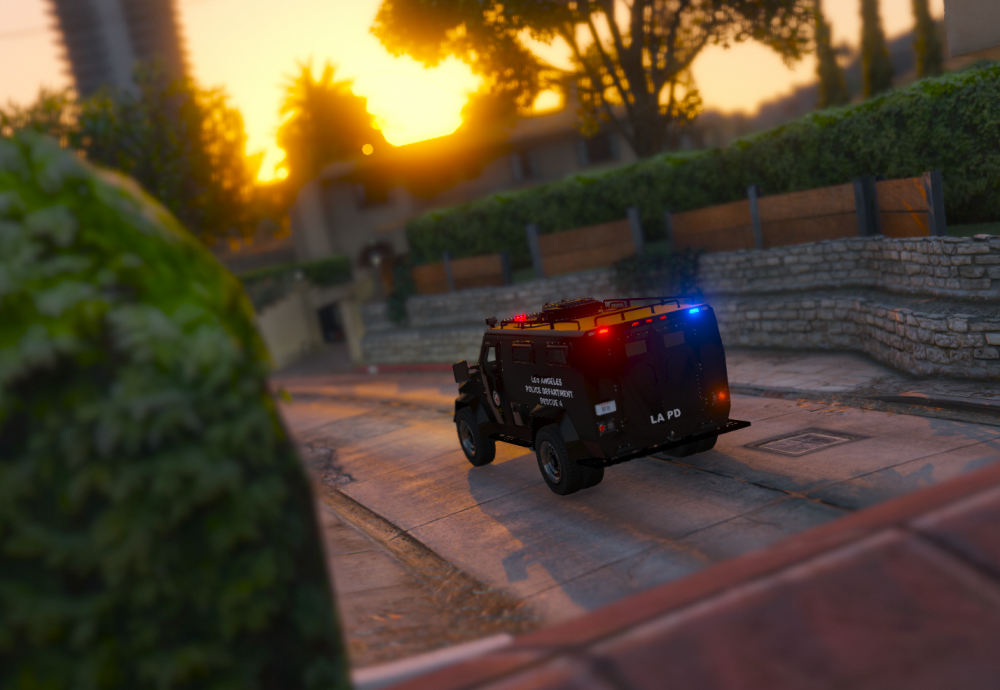
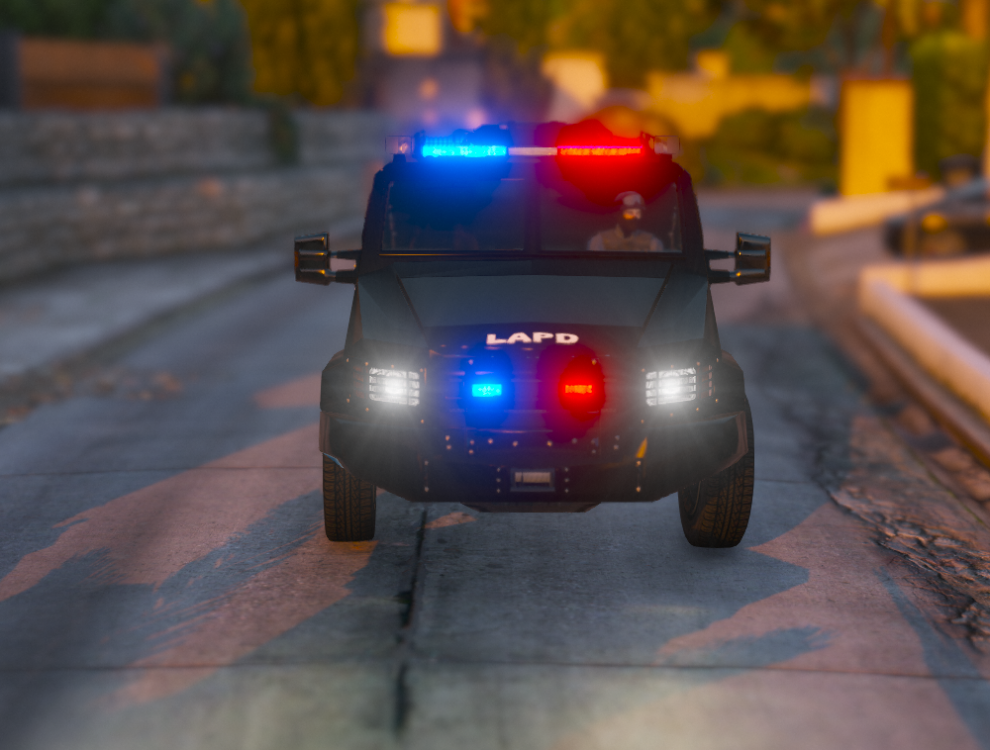
In this topic you will be able to see all my work's progress. I am currently working on a texture pack for Cosmo's Lenco Bearcat. This will include LAPD, LASD and any other department in and around the area of Los Angeles. Please also be aware, I live in the UK, so any images of vehicles would be appreciated. Los Angeles Law Enforcement Lenco Bearcat Textures: I do need some assistance on the decals. With the pictures I have found from LAPD Bearcats, the rear of the vehicle seems to have 'LAPD' on the doors and thats it. However, I am not sure if that is just it. Furthermore, I am trying to make the textures as realistic as possible. I would like to know the unit numbers for the Bearcats if possible (the pictures below show Rescue 4, which I have found the numbers for). Lastly, the fonts need to be realistic. I am currently using Arial Black for all the white text and Stratum 2 for the gold text. Is this close enough? README: This has been changed to Stratum2 Bold. Any help will be appreciated. Thanks.
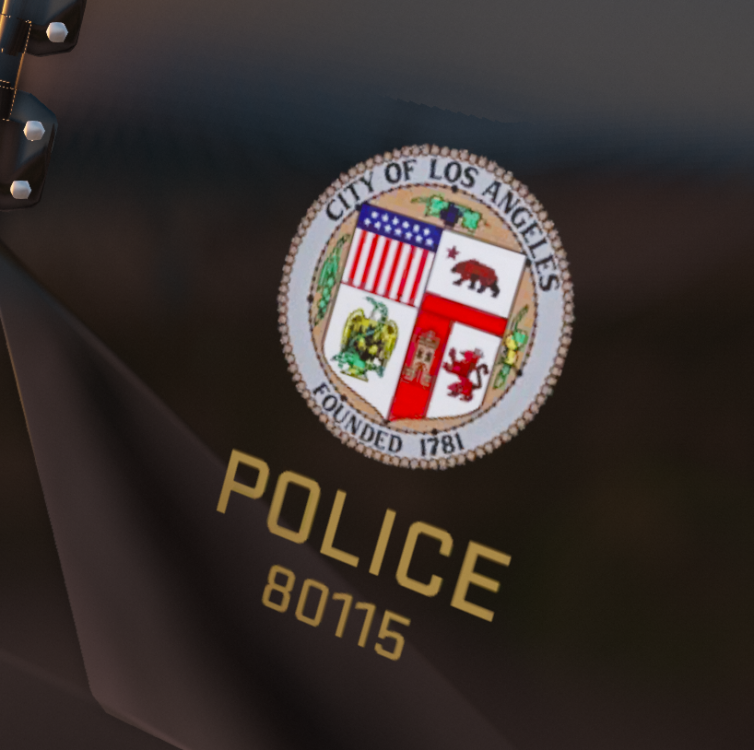
-
 Yes it is.
 -
From the album: Old, useless rubbish.
Blaine County Sheriff's Office spin-off from San Francisco Police Department. -
From the album: Old, useless rubbish.
Blaine County Sheriff's Office spin-off from San Francisco Police Department.



